
tcpMDT
Assigning work units to CAD entities - MDT26
21.4 Assigning Work Units to CAD Entities
First of all, we are going to assign a work unit to a polyline in the drawing by executing the option Quantity Takeoff > Work units > Assignment of work units to entities command, after which we select the red polyline in the WALKSIDE layer. The dialogue box for assigning works units will then appear. In this case we are going to assign the works unit with code 704.0010, which will represent an existing fence or enclosure.
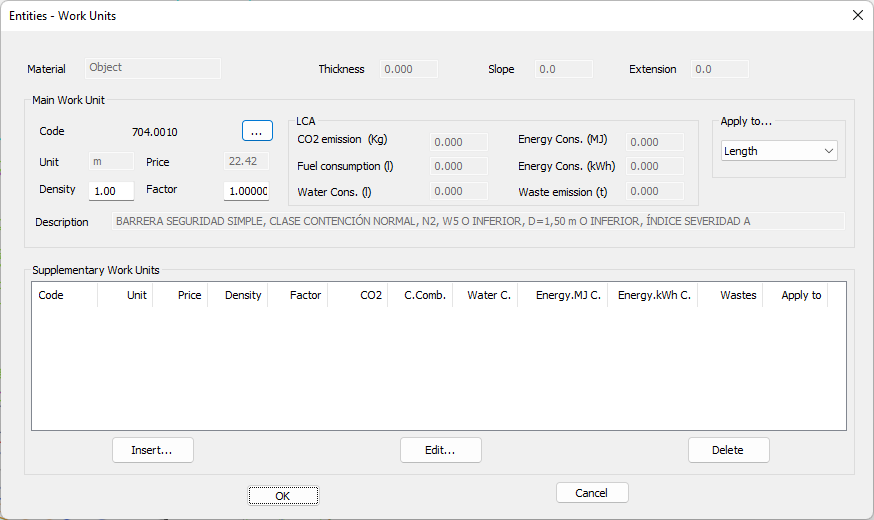
We will see, when selecting a polyline, that the measurement is applied directly to its Length.
The next step, by executing the same command, is to assign a works unit to the block in the right area of the drawing in red and located in the TOWERS layer. In this case, we are going to assign works unit 920.002, which corresponds to the foundations required for the execution of the work.
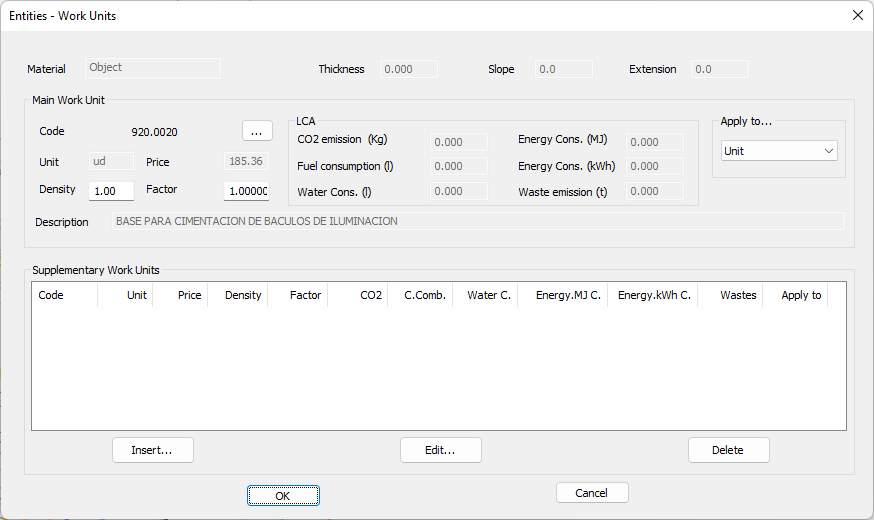
In this assignment we check that having detected the block, the program automatically indicates that the measurement will be applied to the Unit.