
Support
License Request for tcpGPS Android (Demo, Activation and Purchase)
Requirements
Hardware: Device with Android 7+
Software: TcpGPS v2.5.0+ for Android
Objective
Request of demo and full license for TcpGPS Android.
Details
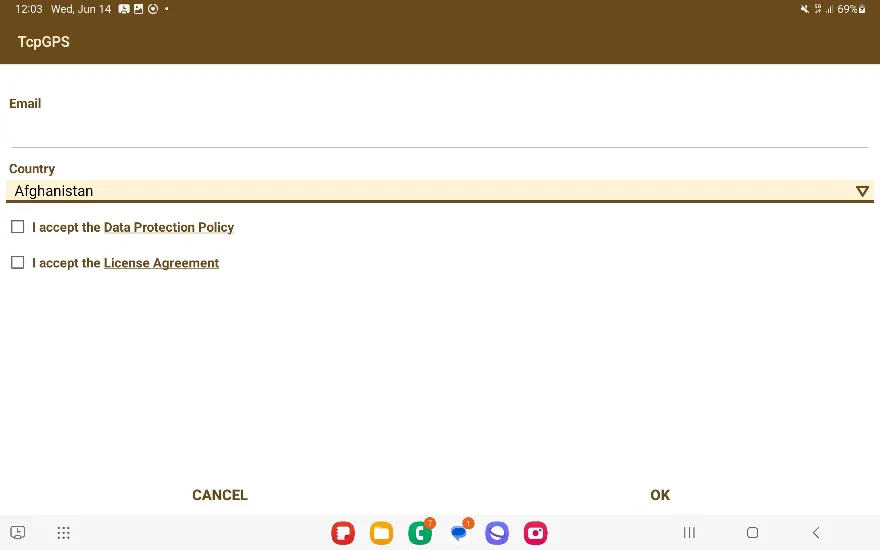
To begin, you must enter your e-mail and country of residence, and accept the Data Protection Policy and the License Agreement. Then press OK.
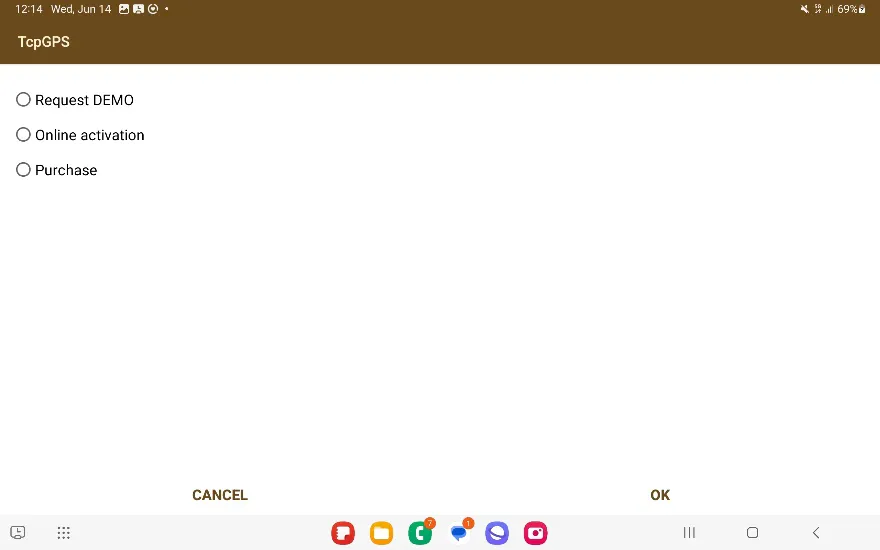
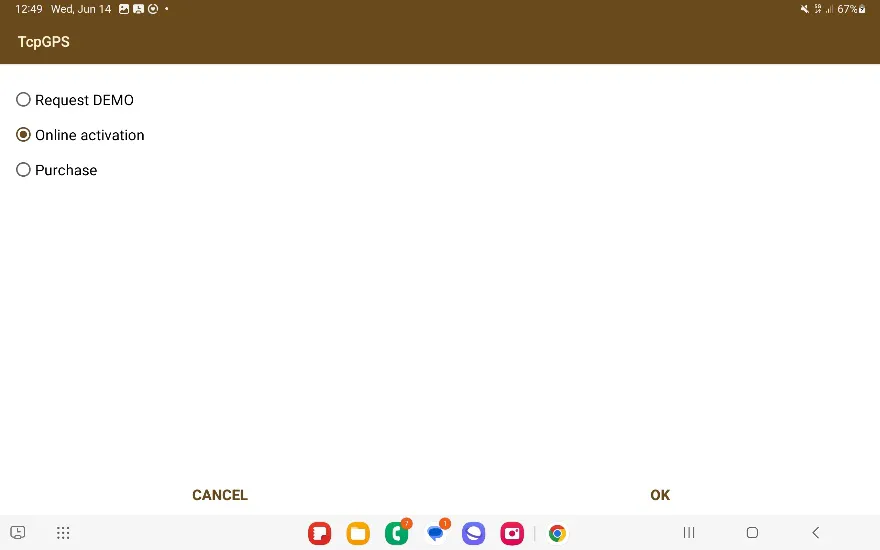
You will be presented with three radio buttons: Request DEMO, Online Activation and Purchase.
Demo
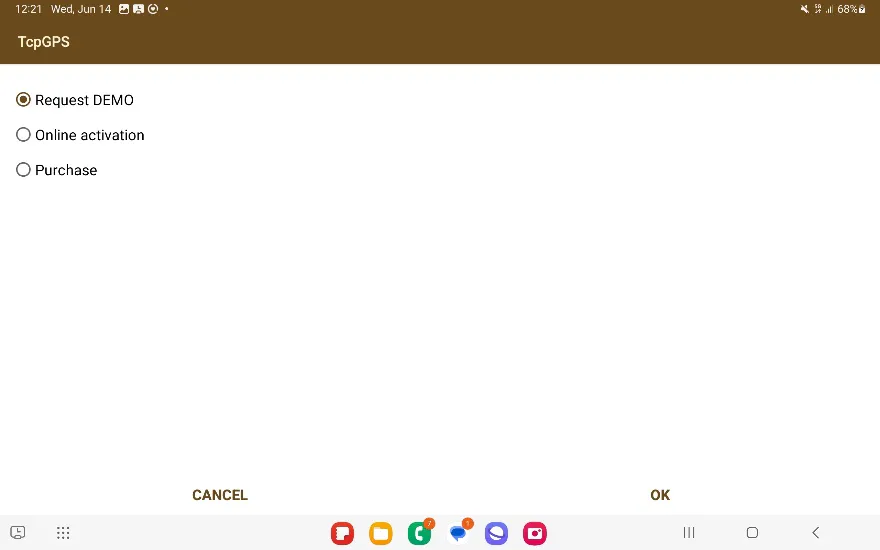
First select the Demo option and then press OK as shown in the image.
You will be shown the Demo Activation screen.
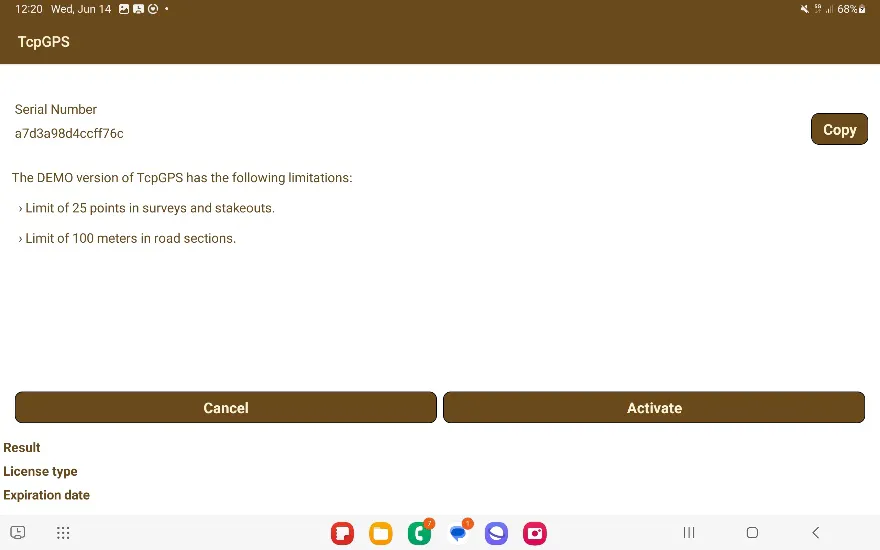
Press Activate and the application will contact the License Server to activate the Demo License.
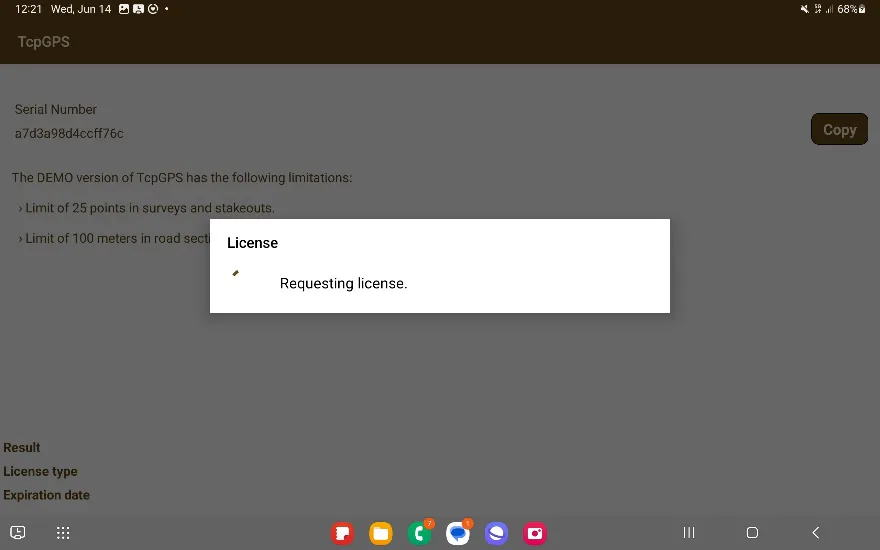
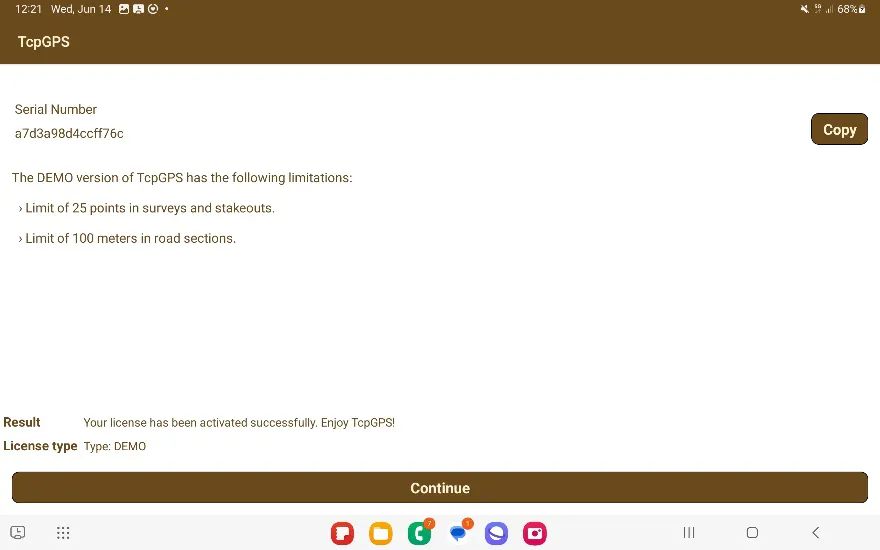
Once it is completed, you will obtain your Demo License, which you can use to take up to 25 points in TcpGPS and 100 road meters.
Additionally, if you have a Demo License and open the application again, you will be shown a notification screen that will allow you to either activate a license or purchase one.
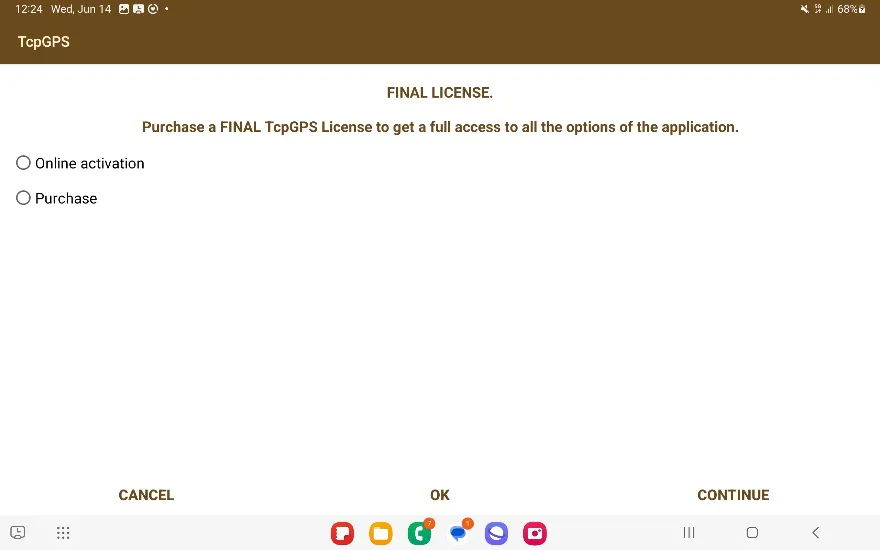
If you choose Online Activation and press OK, it will be the same as the Activation section below, and if you choose the Purchase option and press OK, it will be the same as the Purchase section below. Press Continue if you want to continue with the Demo.
Purchase
Select the Purchase option and press OK.
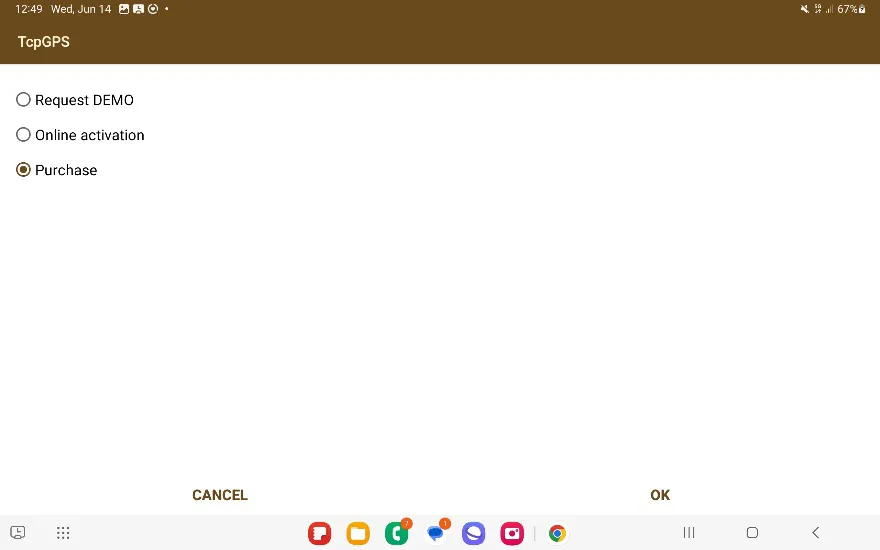
You will be taken to the quotation request page on the Aplitop website in order to purchase the license.
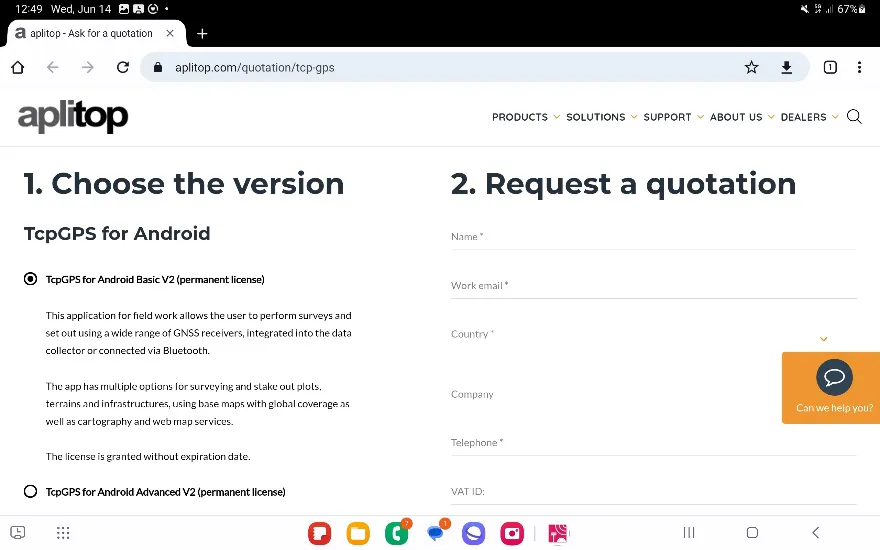
Activation
If you already have an activation code, select the Online Activation option and press OK.
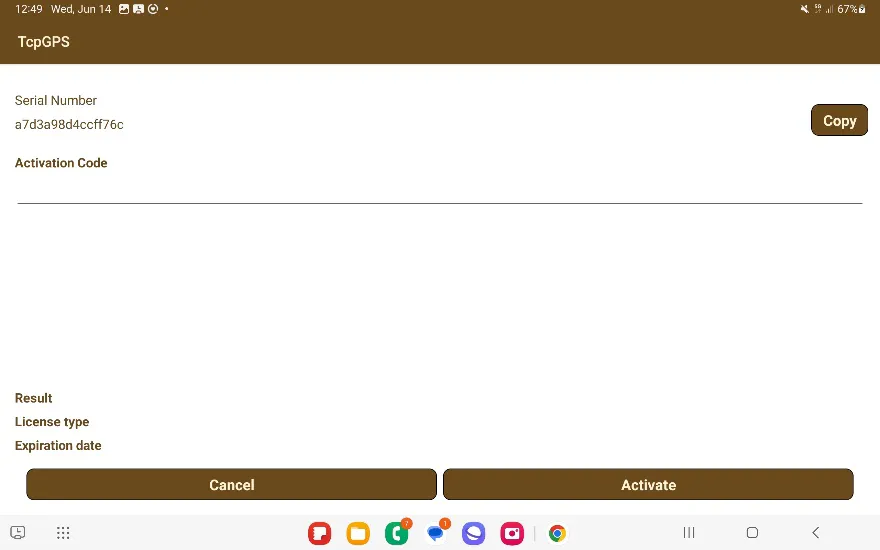
Enter the 12-character alphanumeric code and press Activate.
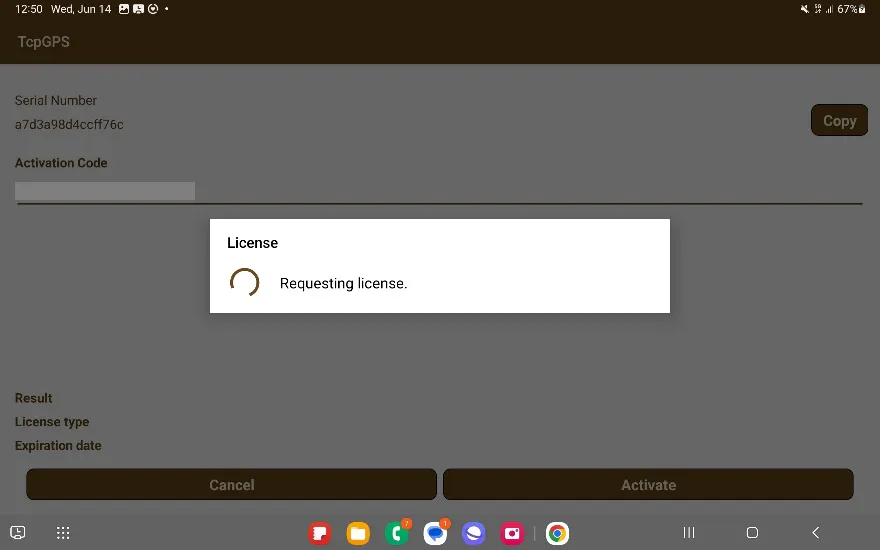
The app will connect to the License Server to load the license onto your device. If there are any issues, you will be notified.
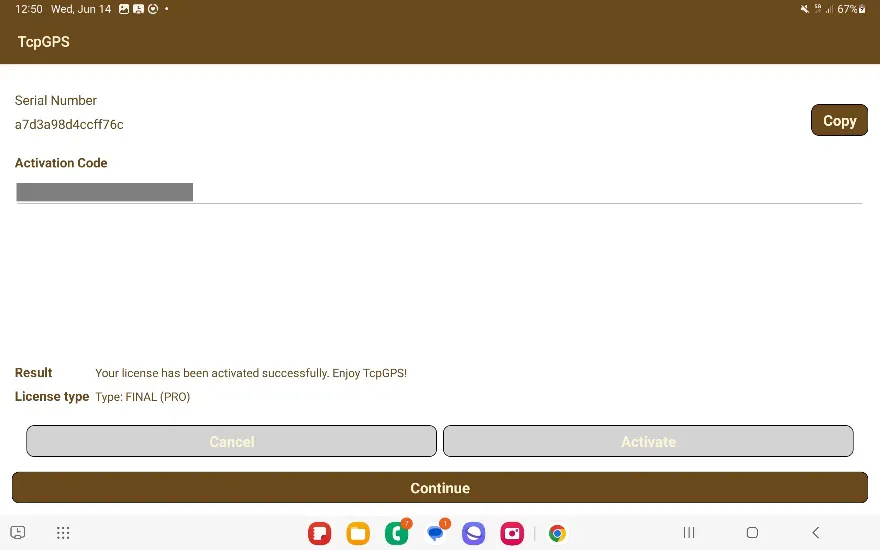
If there are no issues, you will be informed that the license has been activated: "Your license has been activated successfully. Enjoy TcpGPS!". You only need to press the large Continue button to proceed to use the application.
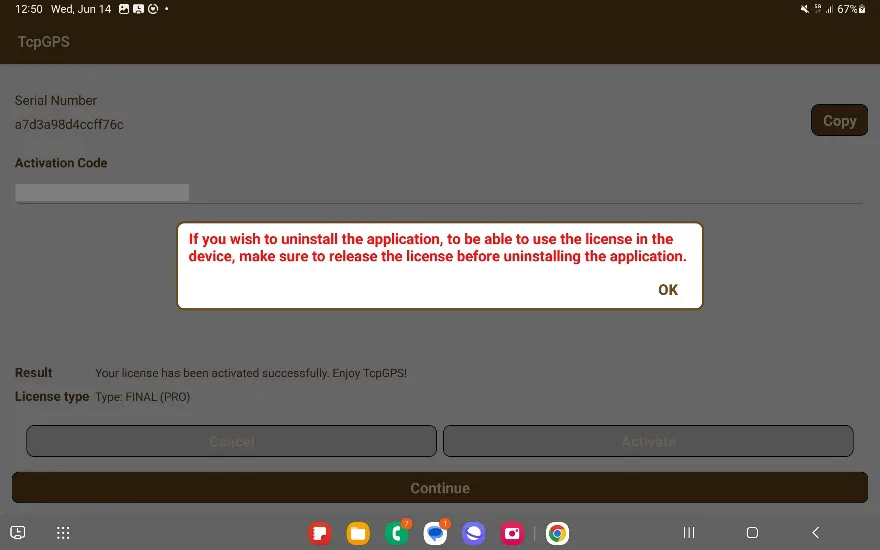
Regardless of the type of license activated, you will be notified that you must release the license before uninstalling. Follow this warning if you are going to change devices or uninstall the application.
If the license shows an error when trying to activate it after connecting to the License Server, please send an email to [email protected] detailing the error code and text, your license code, and a screenshot of the error shown on screen, so our support experts can investigate and try to solve the issue.