tcpMDT Photovoltaic
Optimize trackers - PV25
6.4 Optimize Trackers
Once the segments associated with each tracker have been generated, it is possible that some of them do not comply with the clearance constraints, if this situation exists in any of them, with this command we have the possibility to automatically optimize the position of the tracker\'s grade so that it complies with the constraints.
Therefore, when executing it, we have the possibility of applying it individually to any tracker, to all those existing in an area or to the entire project. The optimization will only be carried out on those trackers that do not meet the aforementioned condition.
In certain situations, usually due to the layout of the terrain, even optimizing the tracker, the restrictions are still not met, it is then when the user must intervene for the correction of slopes or elevations of the tracker, using tools that are detailed in later sections.
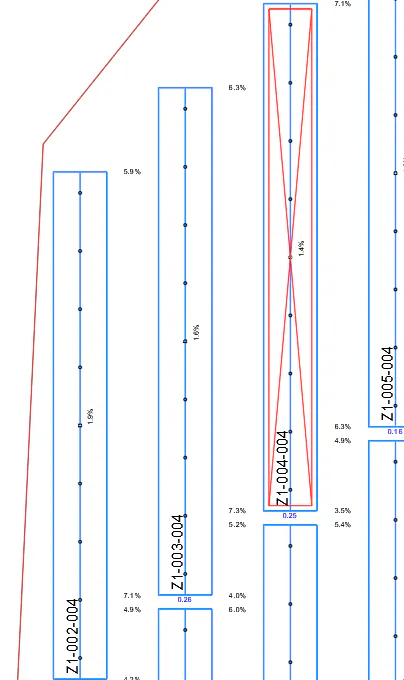
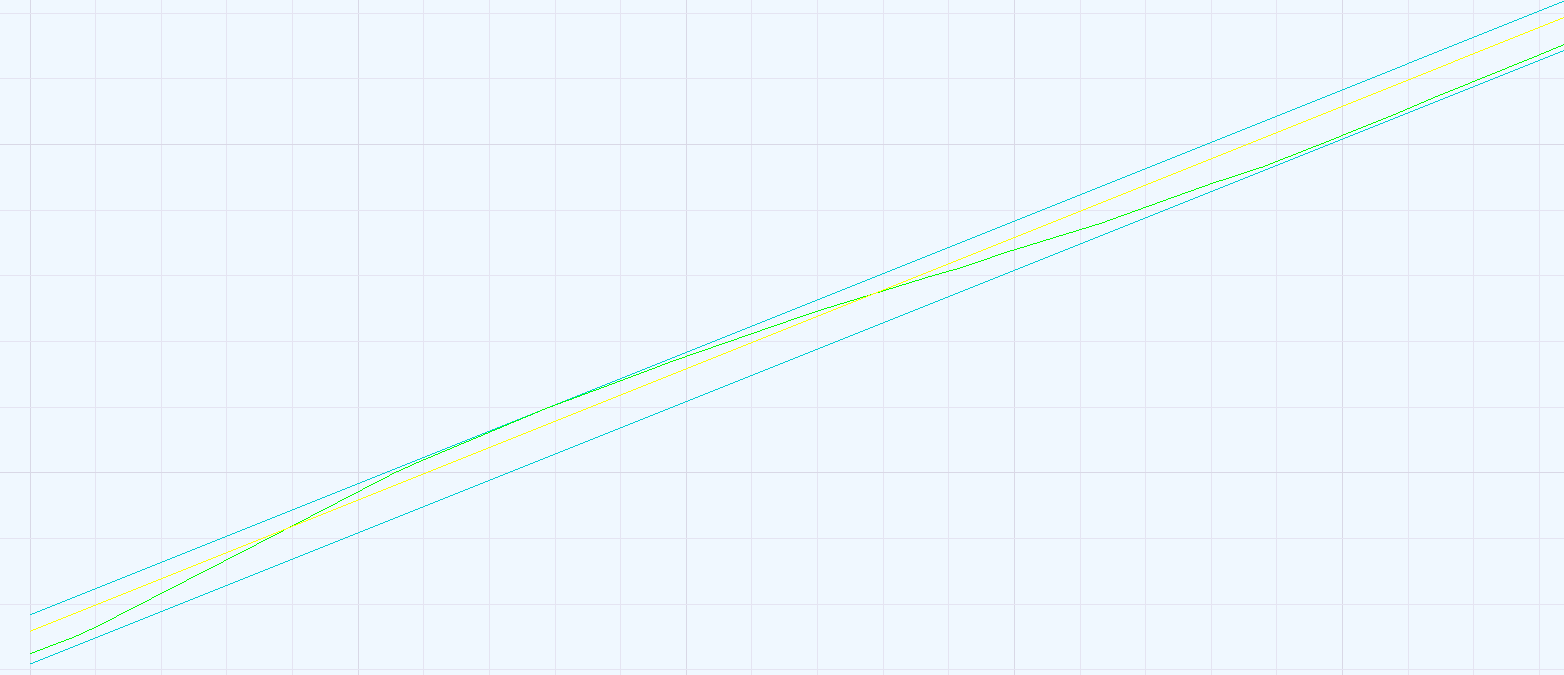
This image shows how the Z1-004-004 tracker has been marked as wrong by Clearance constraints. In the profile view of it, we see where the problem lies.
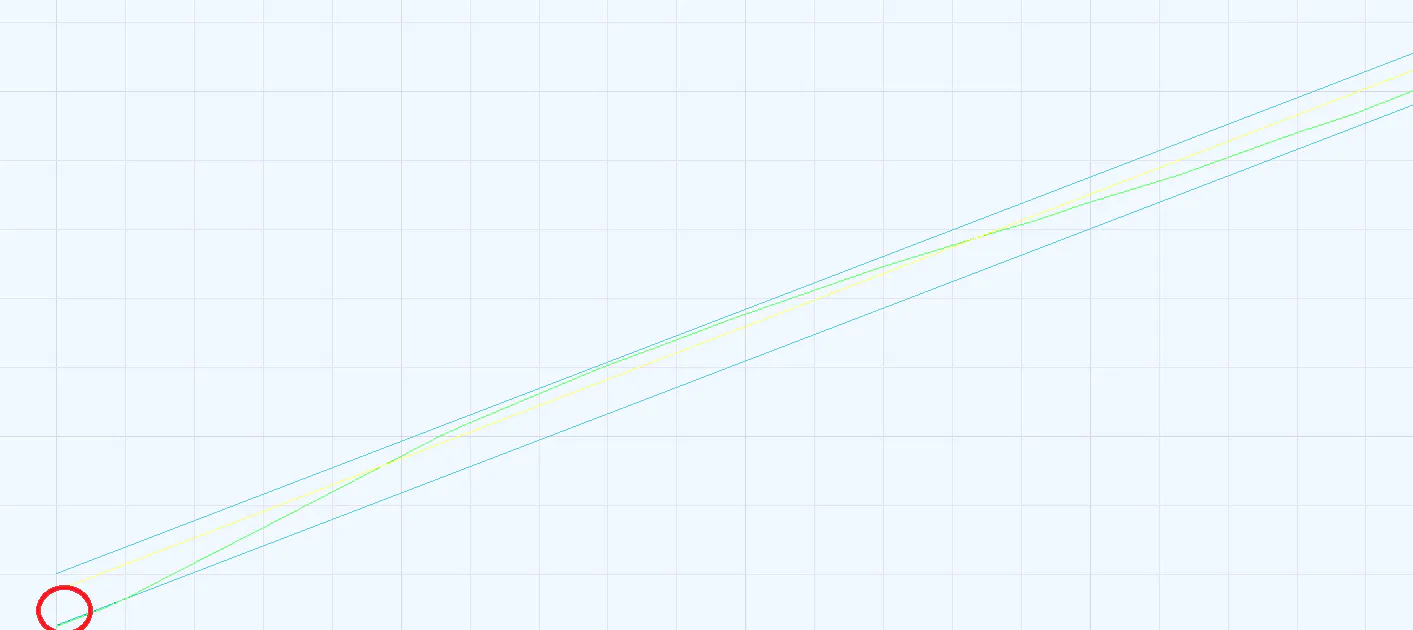
After performing an optimization of this tracker, we can see in the following capture how the natural terrain is within the clearance values, thus complying with the established restrictions.
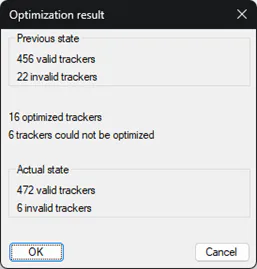
In the event that an optimization has been carried out by area or to all the trackers of the project, a report will be displayed with the end result.