
tcpMDT Photovoltaic
Terrain following trackers adjust joints - PV25
6.18 TERRAIN FOLLOWING TRACKERS. ADJUST JOINTS
This option will allow us to adjust the drift angles of the trackers automatically. Initially, it will ask us if we want to apply the maximum drift angle associated with each tracker (previously defined in the corresponding Tracker Type).
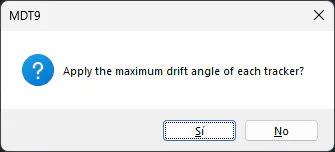
In the case of a negative answer, the software will request the maximum angle of drift to be applied "New deflection angle".
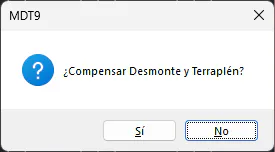
Once the new maximum drift angle has been established, the program will then request if we want that, after applying the angle to all vertices of the tracker, if we want to apply an earth offset to the selected tracker.
Finally, we will be asked which tracker we want to apply this tool to. As in previous options, it is possible to select the tracker individually, those found in a specific Zone, or all trackers in the drawing.
The software will change all joints with an angle above the specified value to the entered angle, and will apply the earth compensation if the answer was affirmative.