tcpMDT
[PRO] draw profile of pipe - MDT25
14.16 [PRO] Draw Profile of Pipe

This command enables us to draw the profile of a pipe. Once the pipe has been selected, the following window will appear in which to manage the settings of the drawing. The management of this dialogue box is similar to that explained in the "Profiles > Draw Compound Profile" section.
A range configured specifically for drawing the pipe with the most appropriate elements is automatically associated by default. However, users can configure it accordance with their needs.
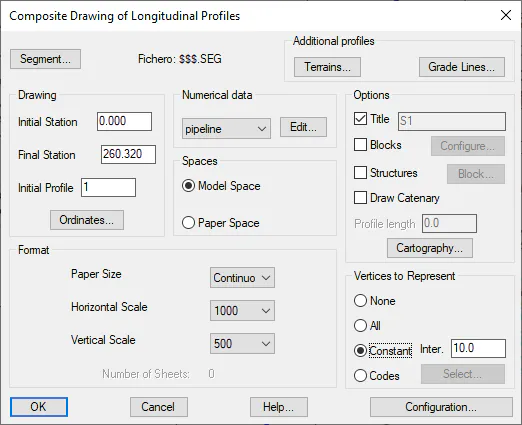
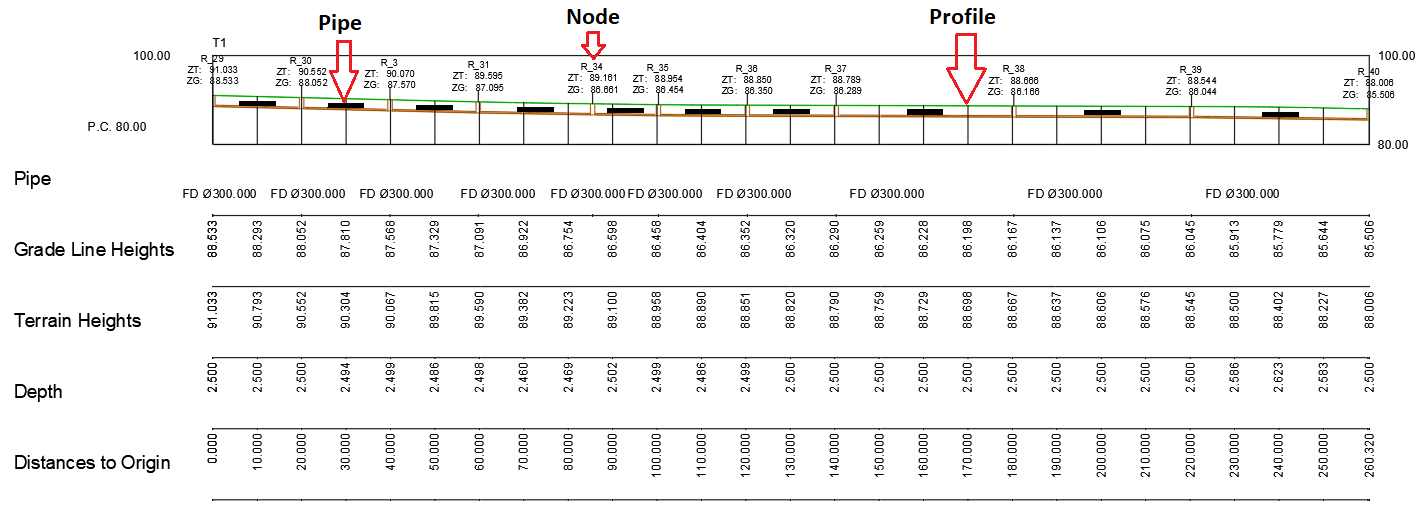
Once the window has been checked, we specify the point at which the profile drawing is to be made. We will then see how both the longitudinal profile and the piping with its corresponding nodes are drawn.