tcpMDT
Support - MDT25
21.19 Support
User Registration
This command will facilitate the registration of software. When executing this command, it will immediately show you the user registration area within our Web page.
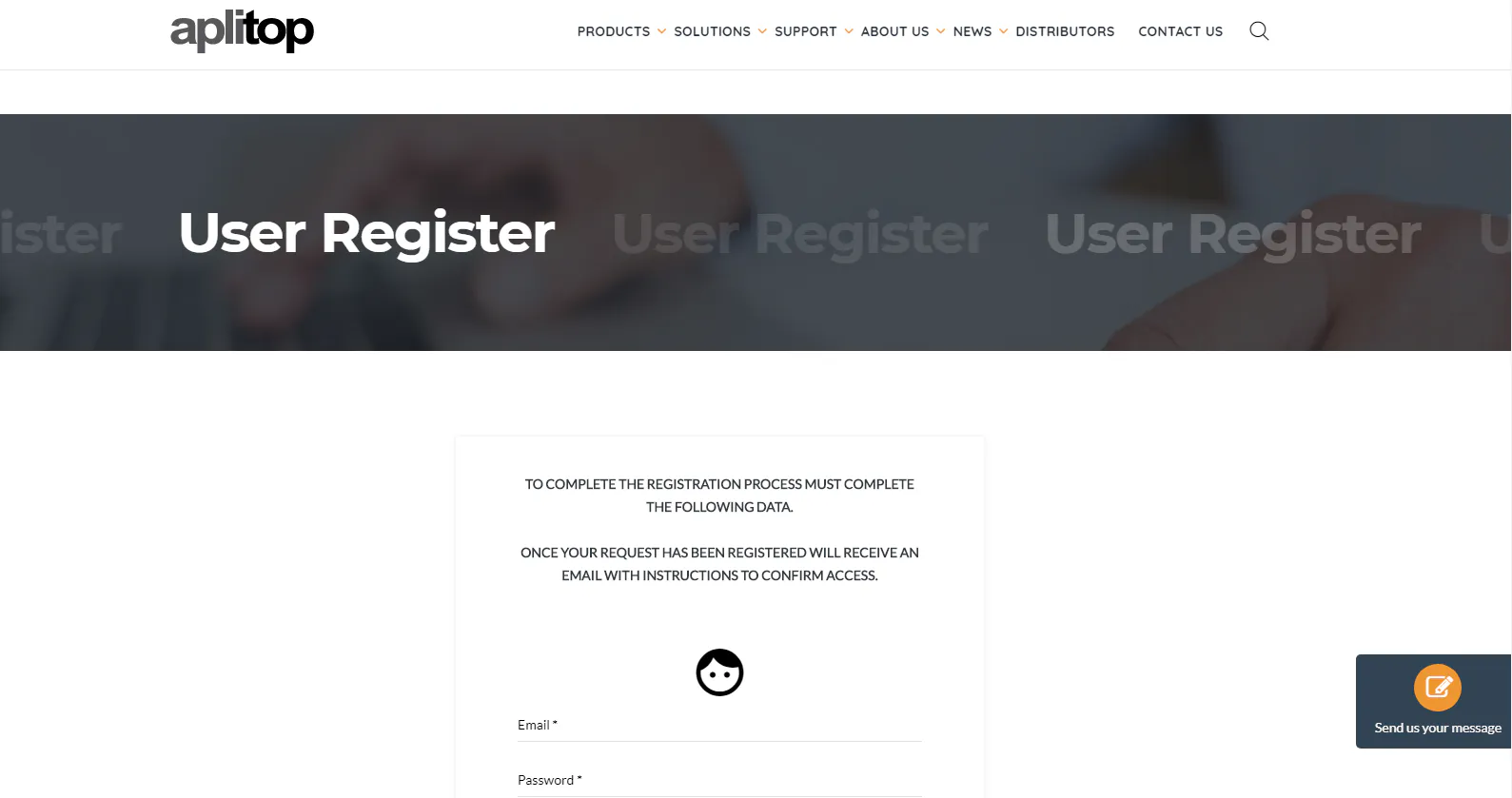
It is advisable to register the program, as it allows users to keep updated with the latest modifications, updates, new products and different resources available on our website (www.aplitop.com).
Available Updates
This command is used to access the latest updates available for the products contracted.
Access is only given to registered Aplitop product users. See the section User Registration.
Once registered, when this command is executed a Webpage will automatically open and the different serial numbers the user has registered will be displayed.

If we click on any of the serial numbers registered the following window will be displayed showing the different downloads available depending on the license selected.
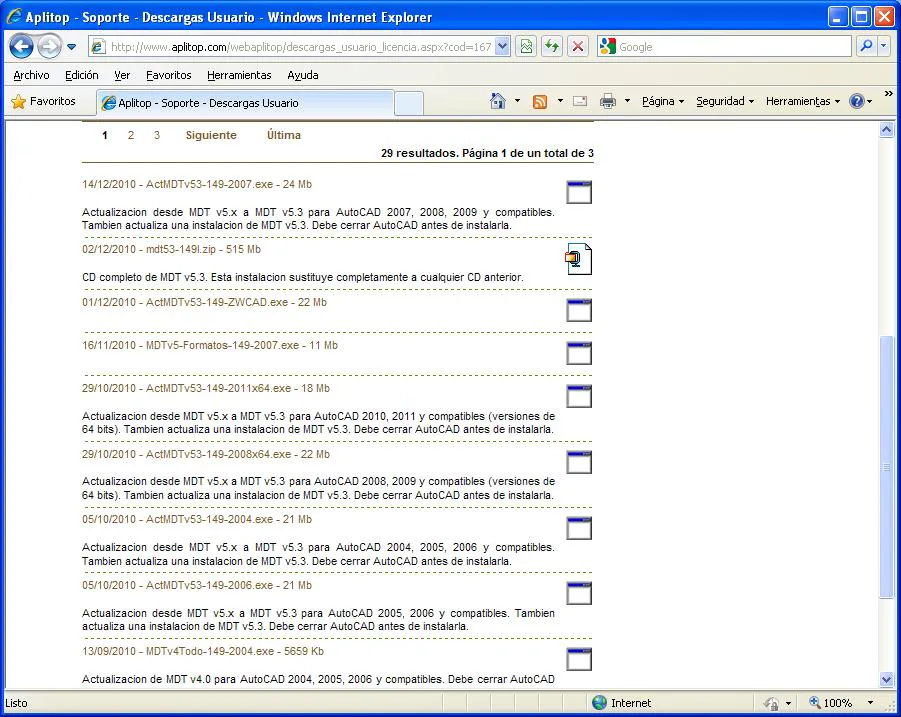
The existence of updates for each acquired product depends in part on the license having a current Maintenance Contract.
Online Help
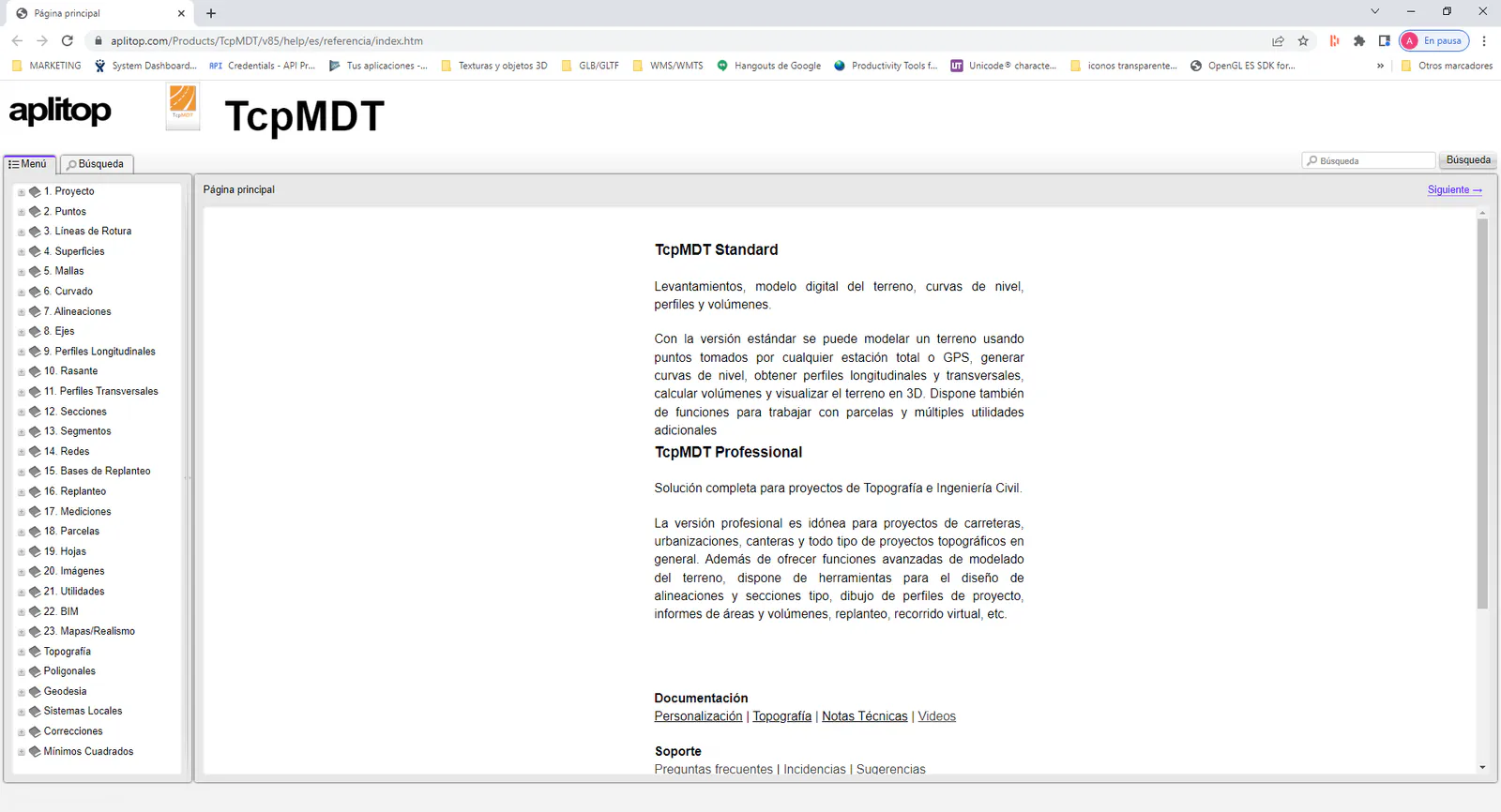
With this command we can access the manual of the application in web format.
Training Videos
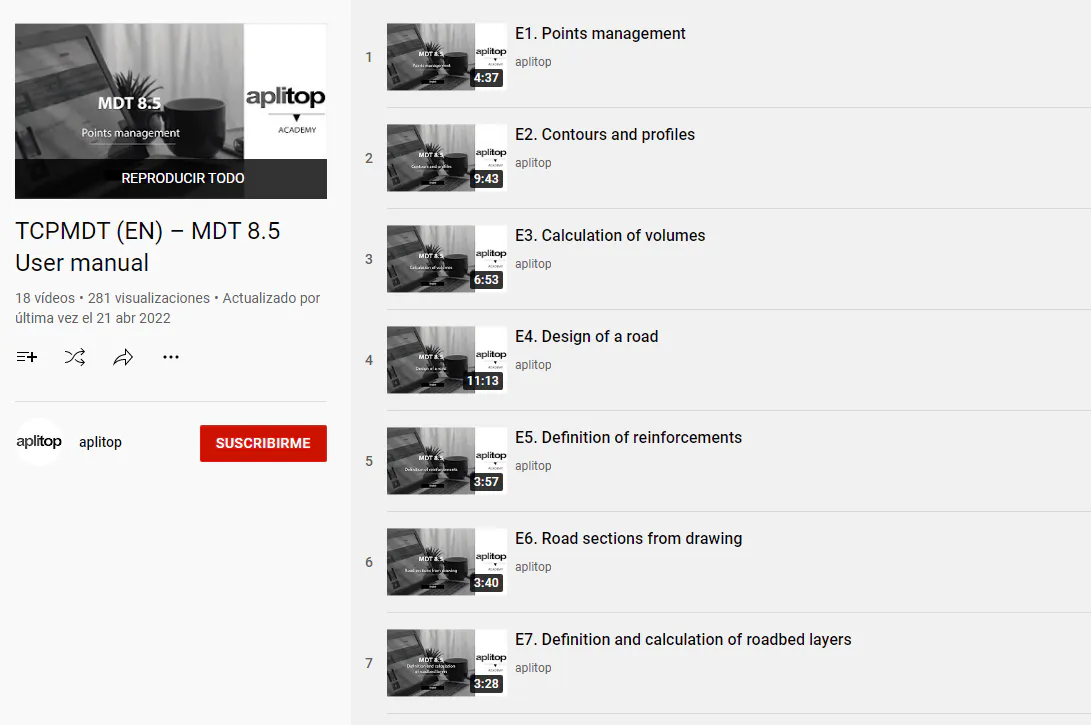
This command takes us to the Aplitop channel on YouTube, where we can see the playlist with the videos corresponding to the user manual of the application.
FAQ
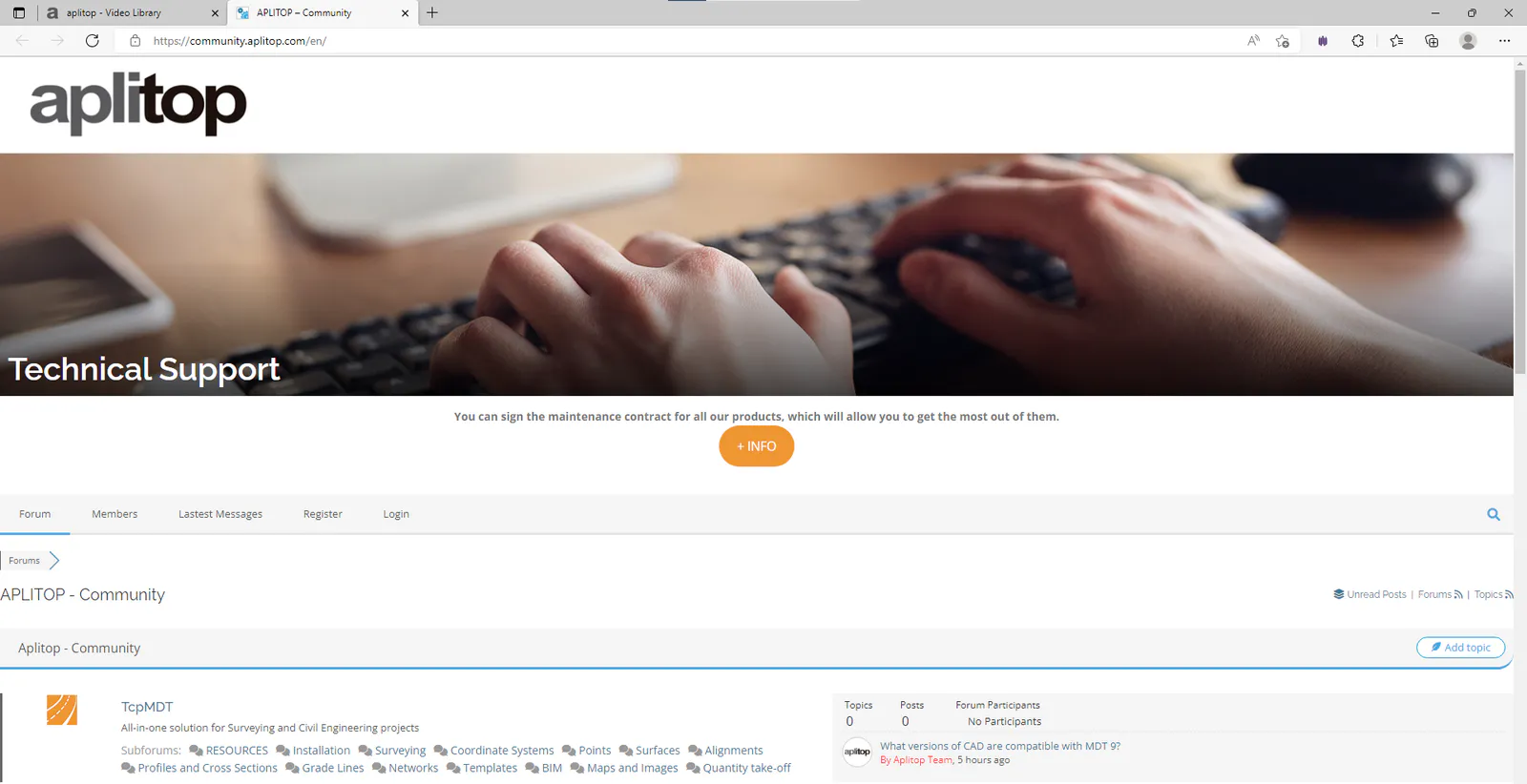
This command takes us to the website of the Aplitop Forum, where we can see the most frequently asked questions about the application and ask new questions that will be answered by the support team as soon as possible.
Send suggestion
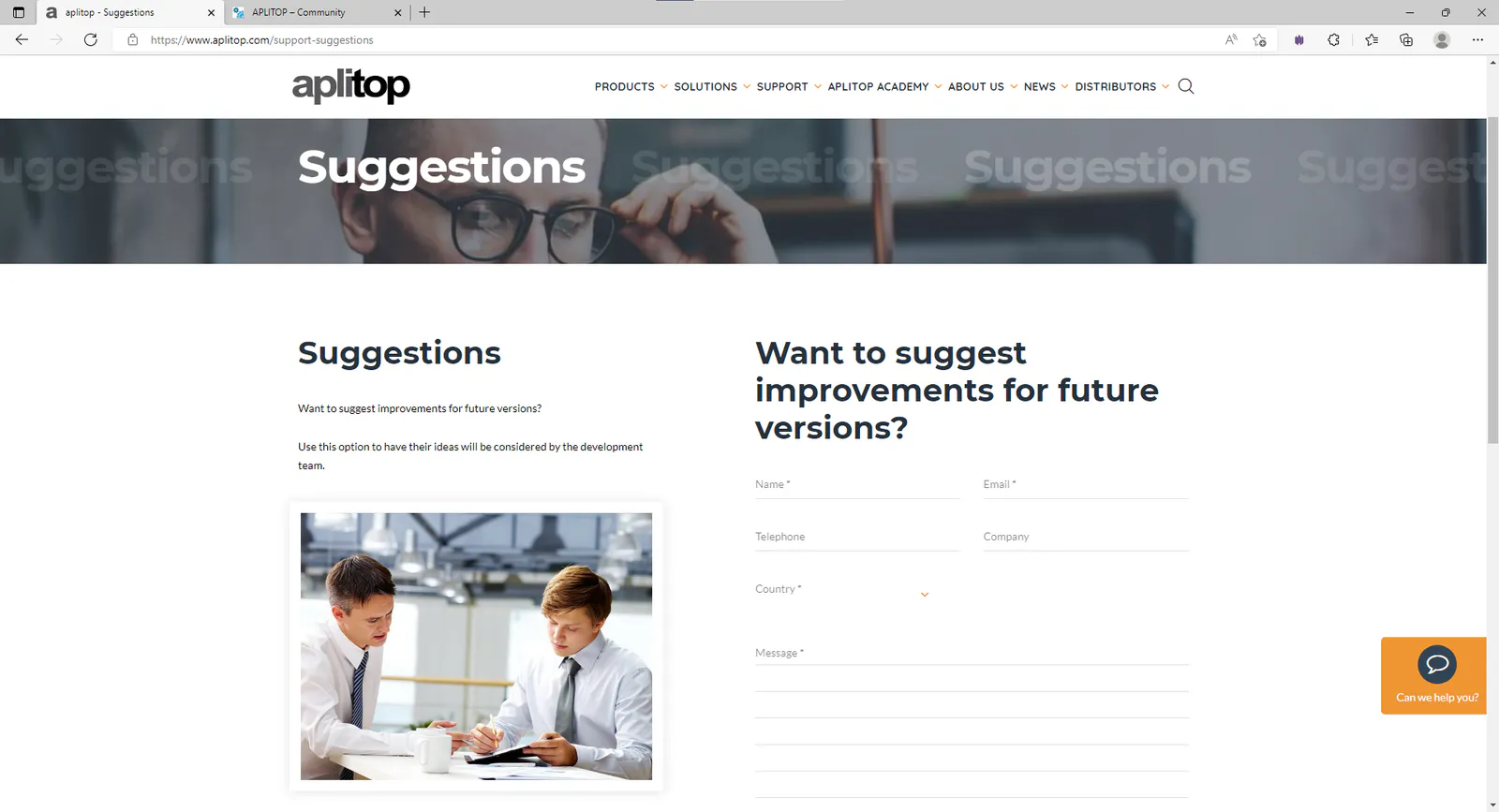
This command takes us to the Suggestions section of the Aplitop website, where you can contact Aplitop by filling out the corresponding form and your query will be answered as soon as possible.
Send email to Support
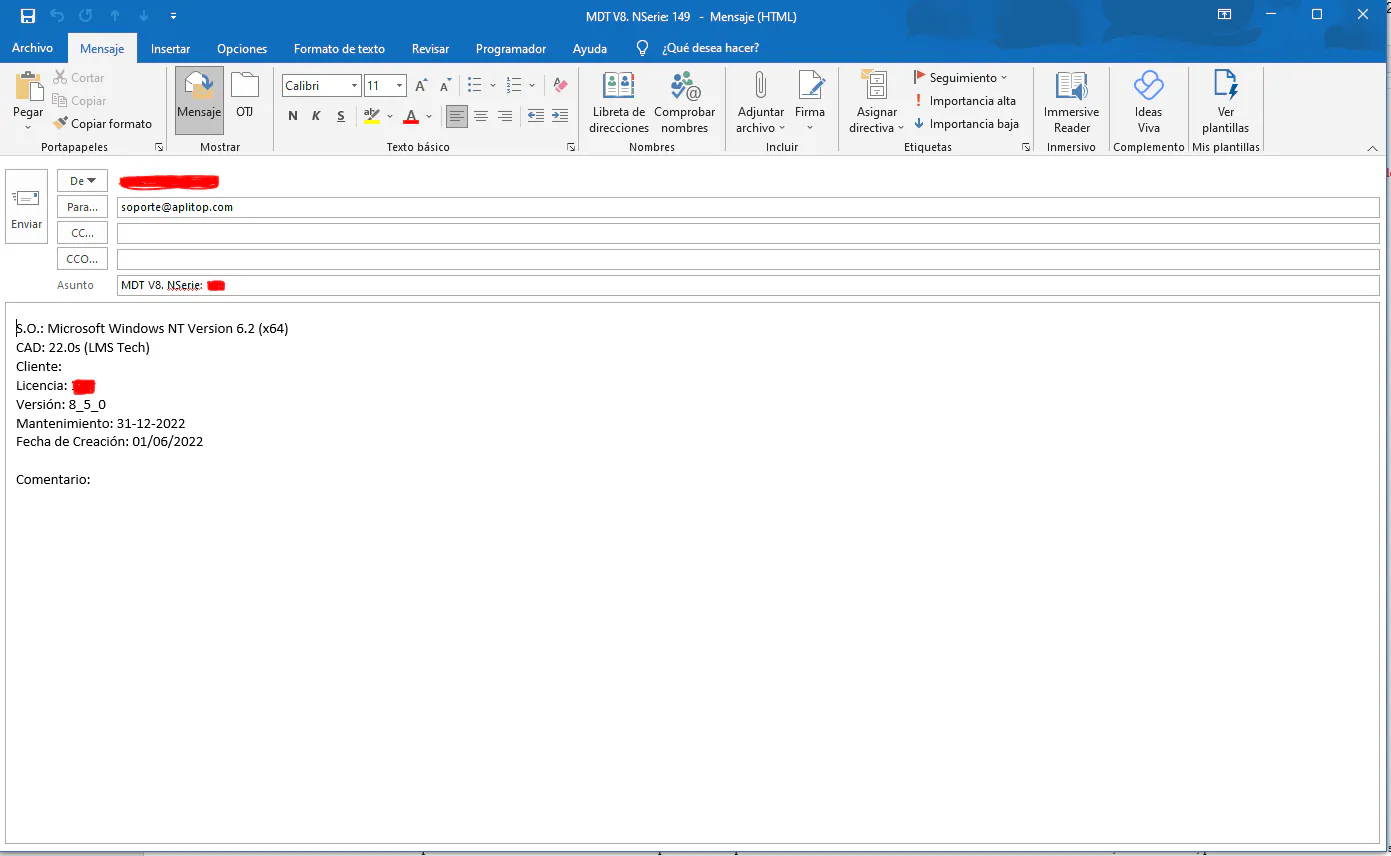
This command will open a window of your mail client with the recipient, subject and body of the completed message, where you can only describe the incident or attach screenshots with as much information as possible so that the support department can resolve the incident as soon as possible.
Report error
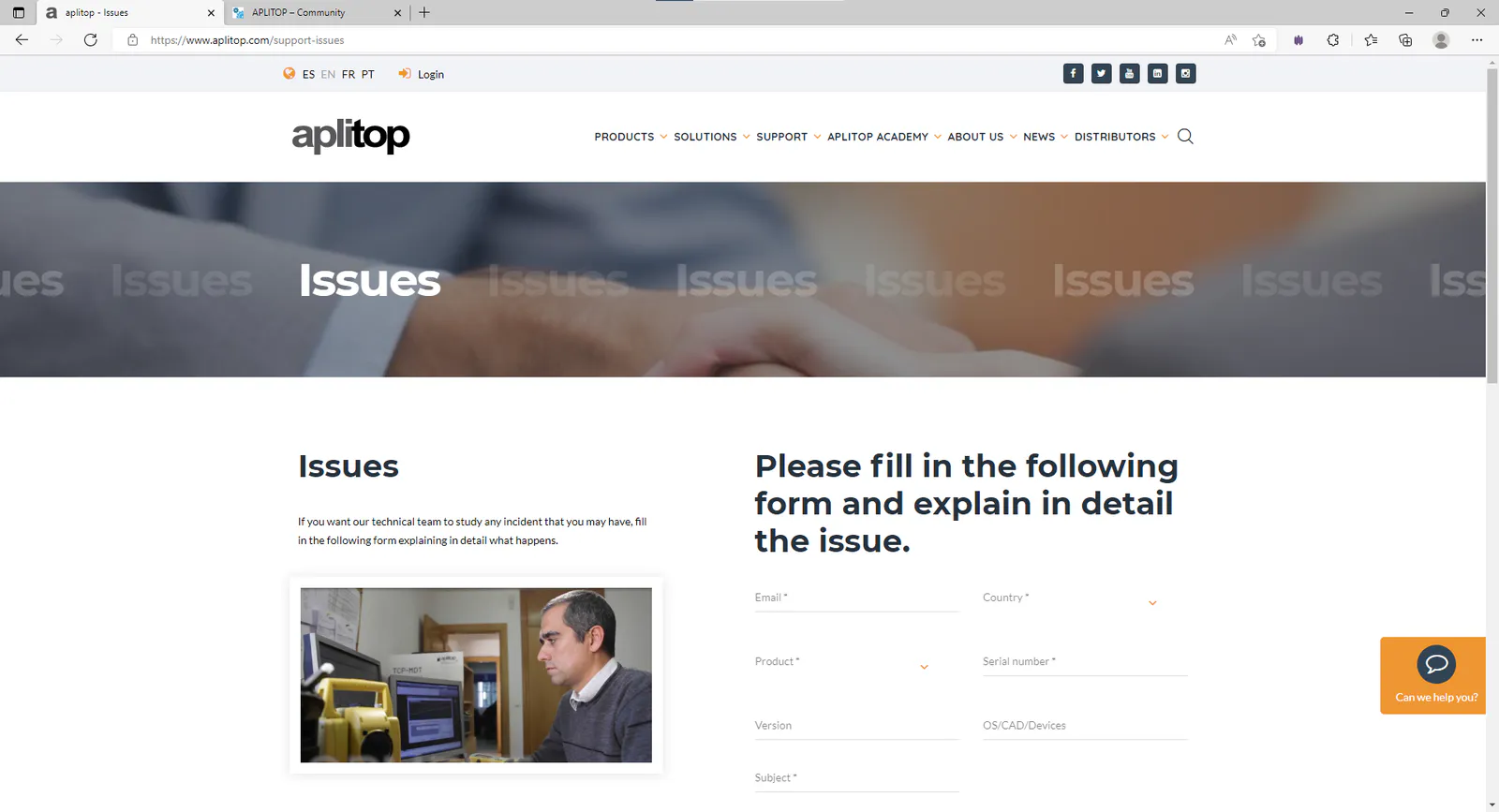
This command takes us to the Issues section of the Aplitop website, and like the previous section it serves to communicate incidents to the support team and is to contact the user as soon as possible.
Remote assistance
This command allows you to directly contact our technical support staff via chat. It is an advanced chat system which, if necessary, enables remote assistance on your computer.
When executing this command, it will automatically redirect you to the next page in which, after identification, you will receive assistance directly.
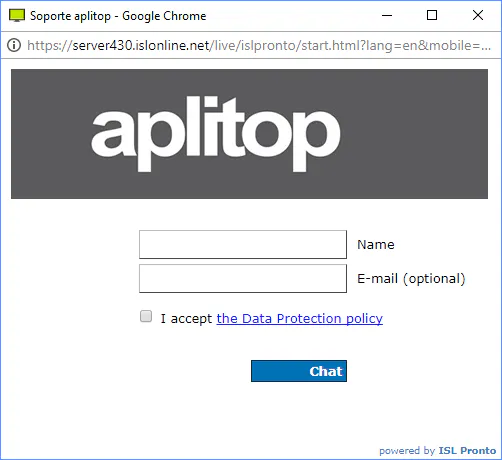
This option will only be available for users with a valid maintenance contract. If you do not have a maintenance contract, you can send your inquiry to [email protected].
Website
This command takes us to the main page of the Aplitop website.