tcpMDT
Importing points - MDT25
17.1 Importing Points
Then execute the command Points > Import (or on the options ribbon Points > Create > Import). Set the value of the drawing Scale at 500, press OK and select the file Project_ED50.pun in the project's directory.
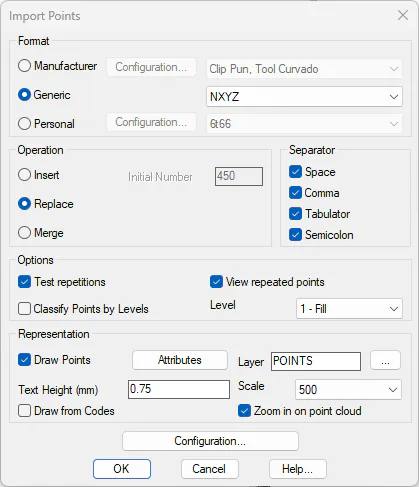
The following points drawing will be shown:

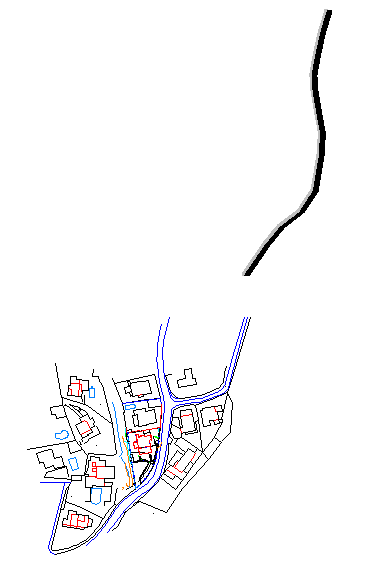
Apply zoom extension to show the points along with the mapping loaded. It can be observed that the points are displaced.