tcpMDT
[PRO] Platforms Measurements - MDT26
Platforms Measurements
 | Command to execute in the CAD |
|---|---|
Vertical menu | MDT26 > Measurements > Areas > Platform Measurements |
Ribbon menu | Volumes > Road > Platform Measurements |
Command line |
With this command you can generate a list of the ground or developed areas of the road platform, vector by vector.
Initially, it will ask for the segment, after selecting it, the following window will appear where you can configure the type of list.
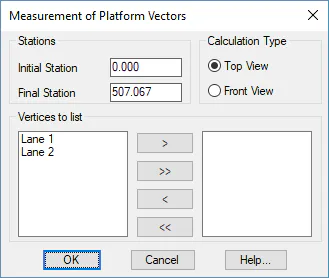
Interval Stations: Interval of stations between which the list will be generated.
Calculation Type: Option to obtain a list of the ground or developed surfaces.
Vertices to list: In the first list you can see all the platform vectors defined in your road, you must move the vectors you want to calculate to the second list.
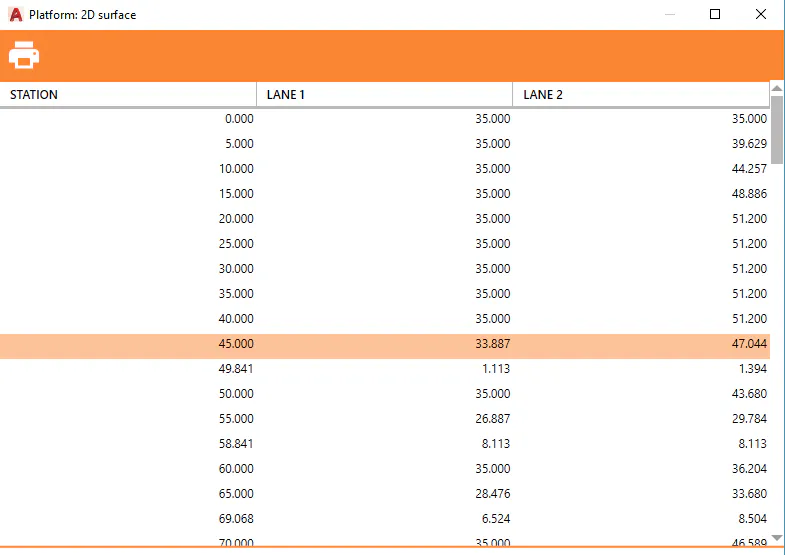
When accepting the dialogue box, the station to station calculation list will be automatically displayed, where the interval of stations is conditioned to the interval with which the profiles were generated.