
tcpTunnel
Results - TNL5
5.8 Results
These are files that store the information on the points set out. They are automatically created when the project is created and have the same name as the project with the extension *.RES.
The options available to manage this kind of files are the following:
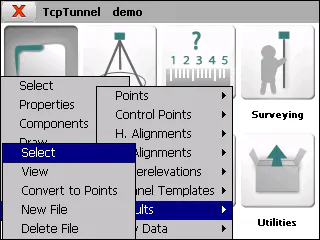
Select
Allows one to select a results file.
View
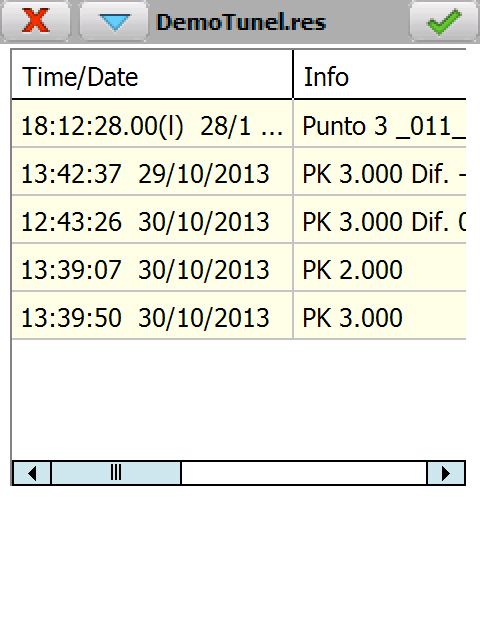
Allows one to view the information on the points set out.
-
Time/Date in which the point was set out.
-
Info: Data on the point set out depending on the setting out option selected.
-
X, Y, Z coordinates of the point set out.
-
Code assigned to the point set out.
-
X, Y, Z differences between the theoretical setting out point and the point set out.
Convert to Points
Allows one to export the coordinates of all the points set out to a points file.
The points are numbered starting with 1 for the first.
If the selected file exists, it will be overwritten.
The code will be formed by the code entered when setting out the point, followed by the data of the point set out in brackets.
New File
Creates an empty results file.
Delete File
Deletes a results file from the disk. If the file selected belongs to the active project, the link to the project is also deleted.