
tcpTunnel
Superelevations - TNL5
5.6 Superelevations
These files are compatible with TcpMDT (*.PER) files.
The options available to manage this kind of files are the following:
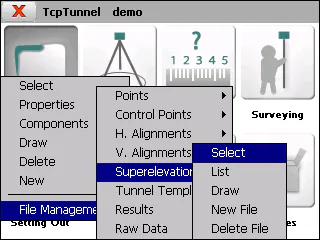
Select
Allows one to select a superelevation file.
List
Allows one to view and modify the current file's records.
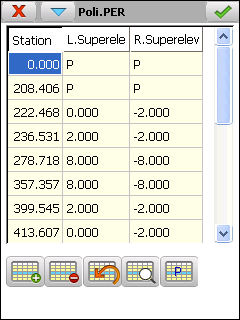 .
The records have the following fields:
Name Type Length No. of Decimals Remarks
Station Numeric 11 3 Kilometer point
 L.S.     Numeric        6                 3            Left-hand superelevation

 R.S.     Numeric        6                 3            Right-hand superelevation
If the value of the right-hand and left-hand side superelevations is "P", it indicates that there is pumping. In other words the value of both superelevations is --2.0%.
To establish the pumping value at a given station, press button 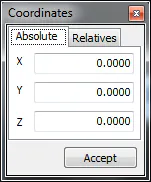
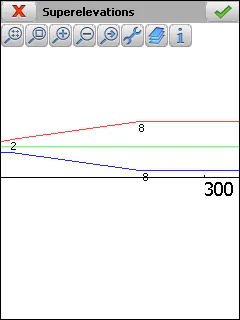
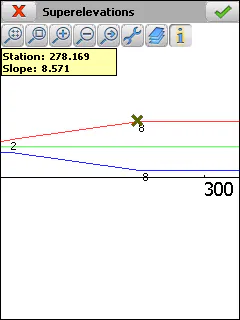
Draw
Shows the graphic of the current superelevation file.
New File
Creates an empty superelevation file.
Delete File
Deletes a superelevation file from the disk. If the file selected belongs to the active project, the link to the project is also deleted.