tcp PointCloud Editor
Basic symbology - PCE
2.3 Basic symbology
-
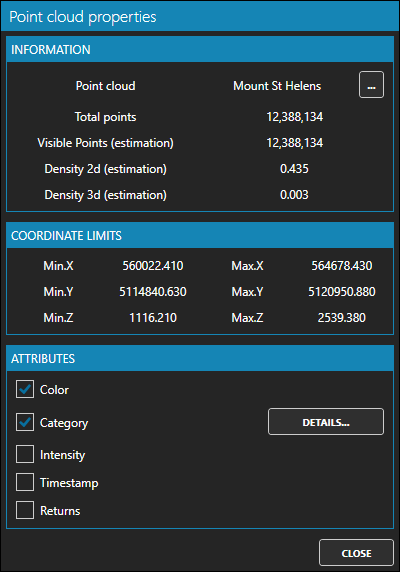
In the table of contents, select Mount St-Helens, right-click, and choose Properties. Check that the cloud only has color but lacks intensity and time stamp. Press CLOSE.
-
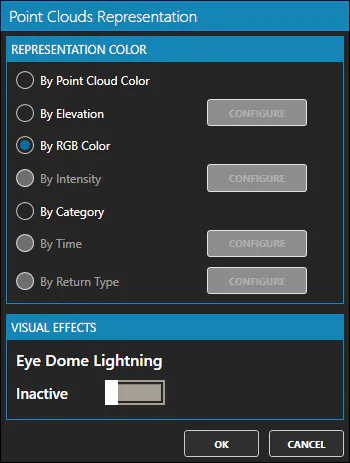
In the table of contents, again select Mount St-Helens, right-click, choose Representation and make sure that the selected option is By RGB Color.
-
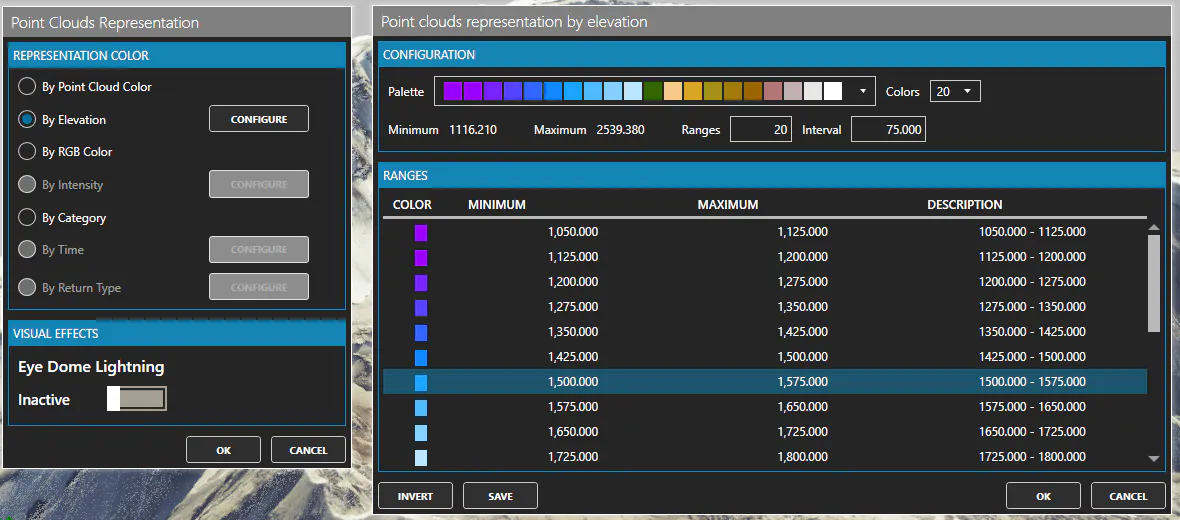
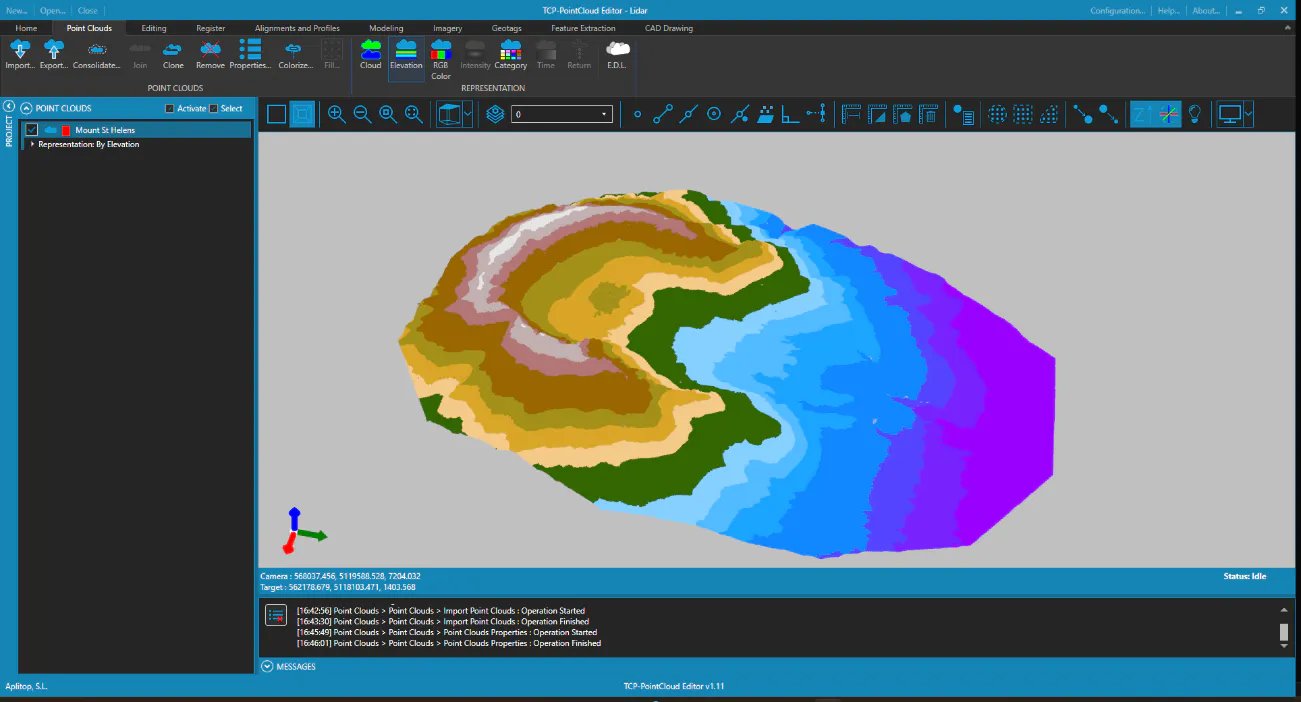
Select By Elevation mode and click the CONFIGURE button. Choose one of the suggested palettes or the default proposal and click OK and then OK.