tcp PointCloud Editor
Display controls - PCE
2.2 Display controls
-
Test the following basic controls:
-
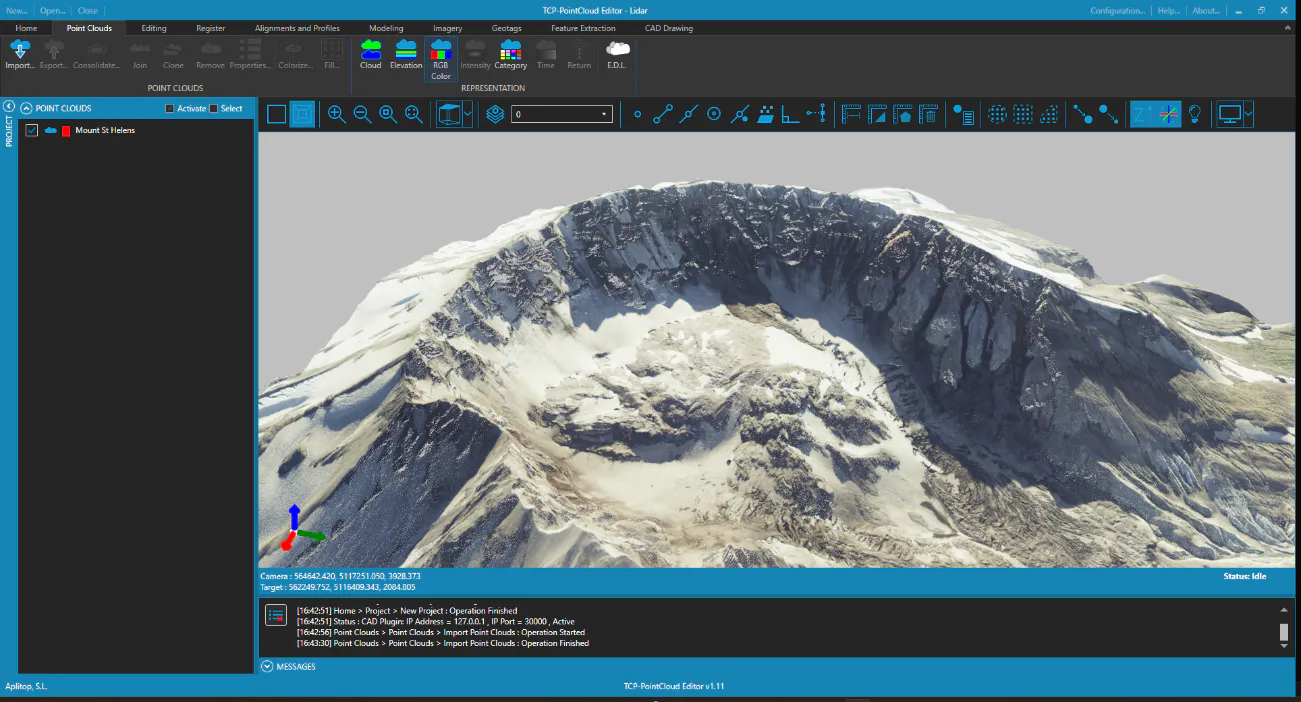
Left button pressed and movement of the mouse: Rotate view (around pivot point)
-
Double left click on a point cloud point: Center the view on the point (pivot point)
-
Middle button pressed and movement of the mouse: Move view
-
Right-click and movement of the mouse (up and down): Continuous zoom (zoom in/out of camera position relative to pivot point)
-
Right click: Displays context menu
-
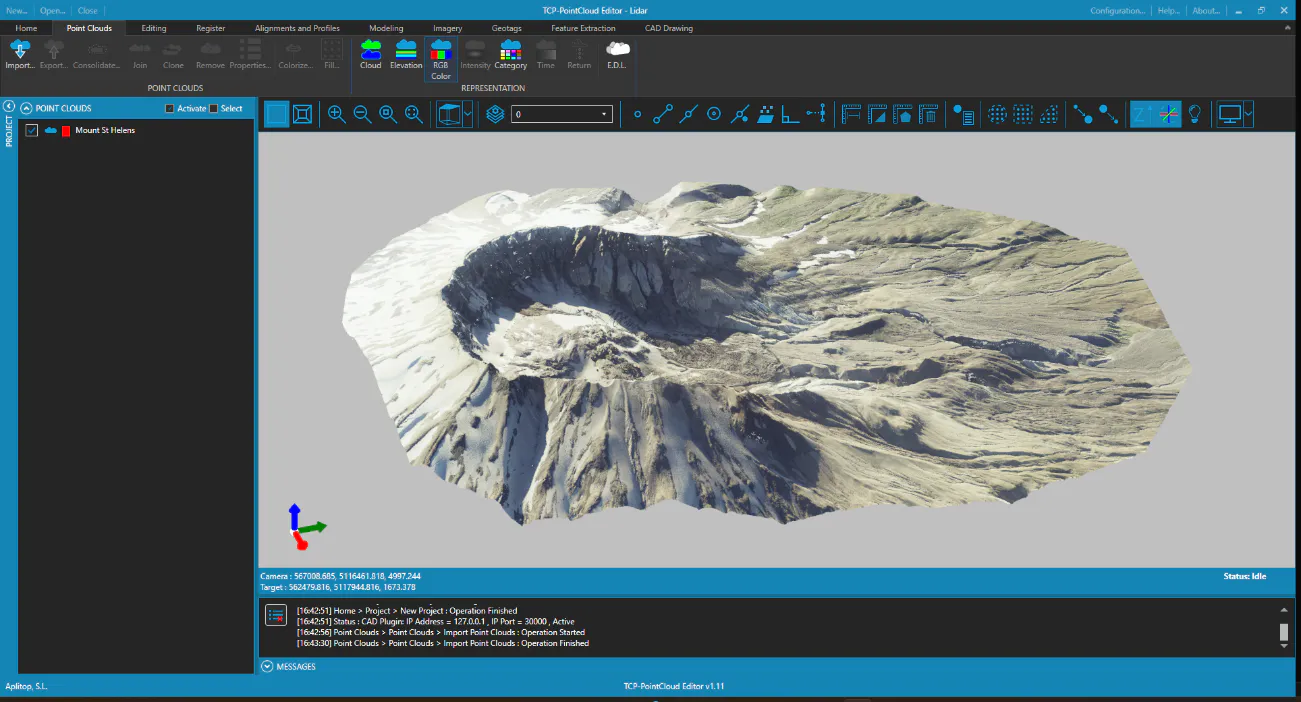
Experience the following display controls:
-
Zoom in
-
Zoom out
-
Zoom window
-
Zoom extension
-
Level (keep Z-axis vertical)


-
Test the orthographic and perspective modes:

-
Try the ortohgraphic views:

-
In Perspective view, enlarge an area and press the Increase point size button several times to increase the size of the points, so that the relief sensation improves. Click Decrease point size to restore to the original size.