tcp PointCloud Editor
Orthoimages - PCE
2.9 Orthoimages
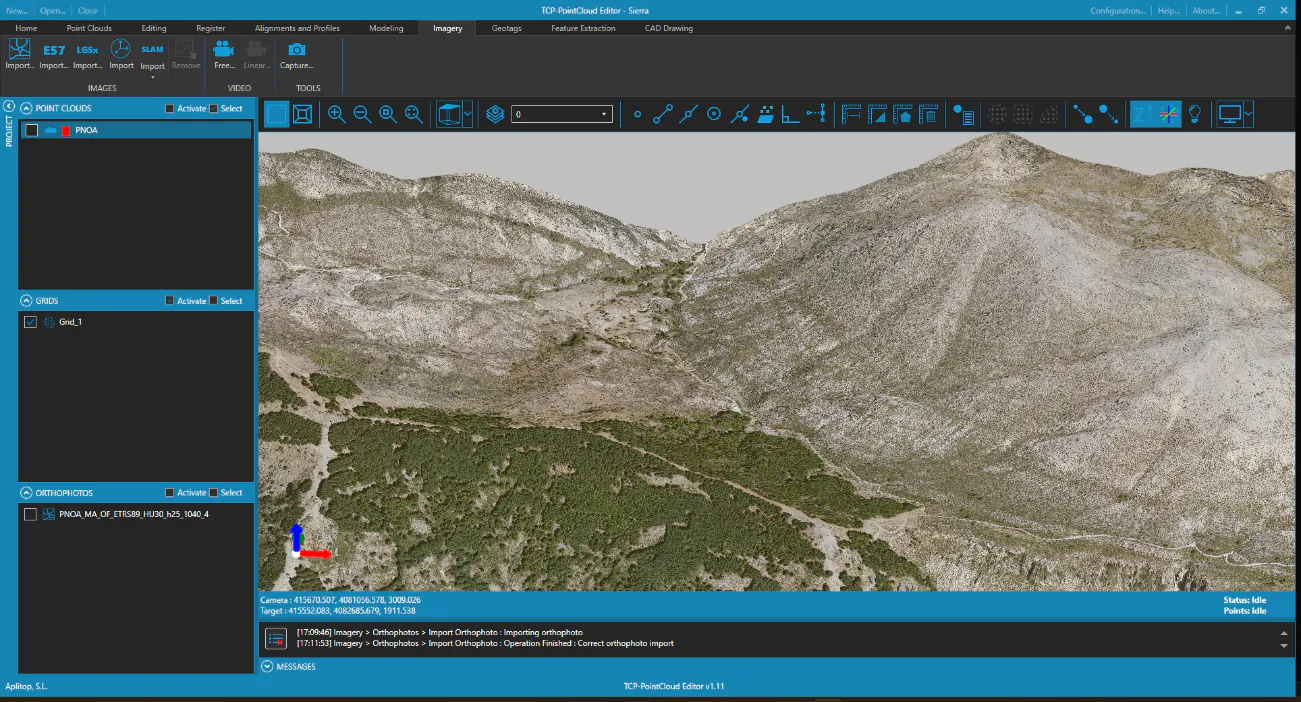
- Hide the mesh and set Top view.
-
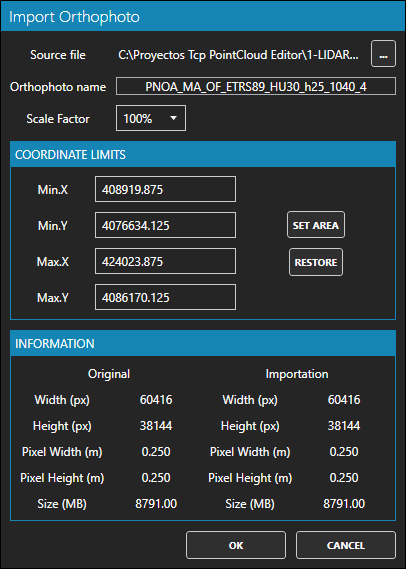
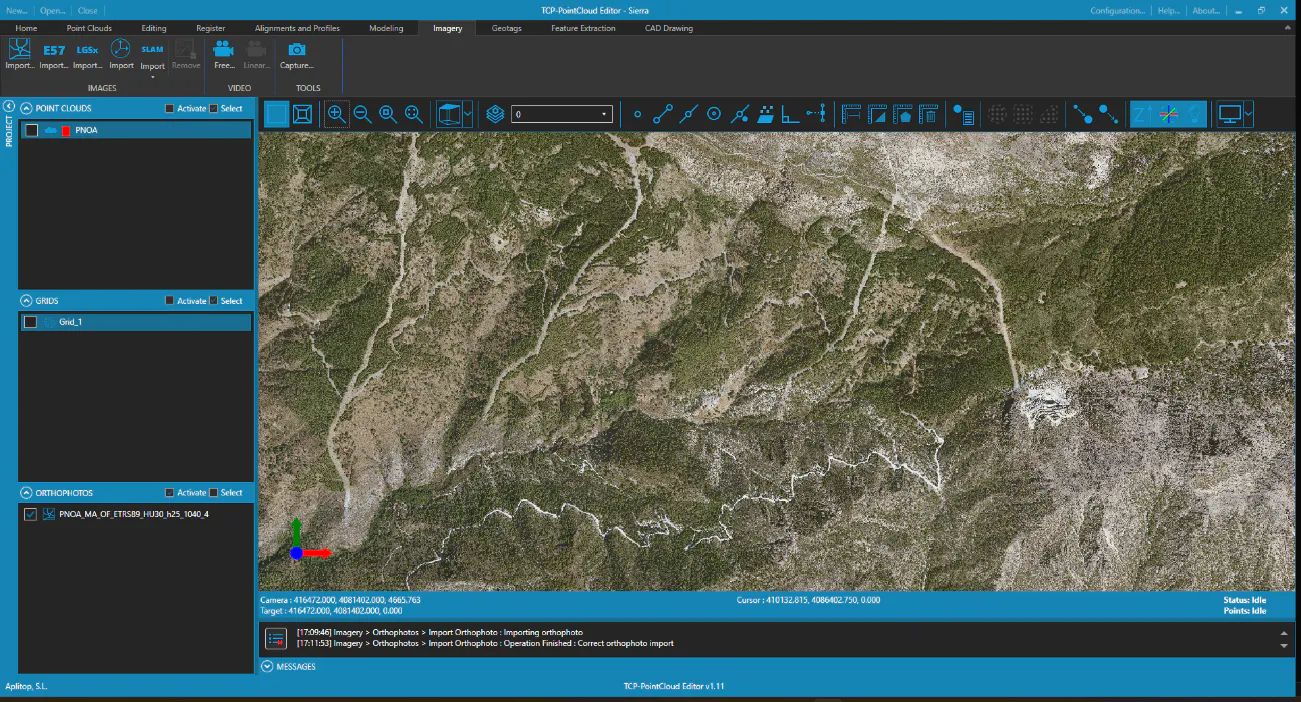
On the Imagery ribbon, IMAGES group, press the Import Orthophoto button and choose in the folder 1-LIDAR\PNOA the source file PNOA_MA_OF_ETRS89_HU30_h25_1040_4.tif given by © National Geographic Institute of Spain, applying a scale factor of 100%. Press OK to start the import. Turn off lighting and zoom extension.
-
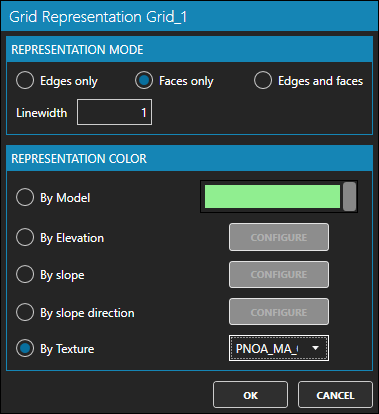
In the table of contents, select the grid and right-click and Representation. Under REPRESENTATION MODE select the Faces only option. In REPRESENTATION COLOR activate the By Texture option and choose the name of the loaded orthophoto. Press OK.
-
In the table of contents, turn off the orthophoto, turn on the grid, and set a 3D view. In the toolbar, turn off the Illumination.