tcp PointCloud Editor
Mesh generation - PCE
2.6 Mesh generation
-
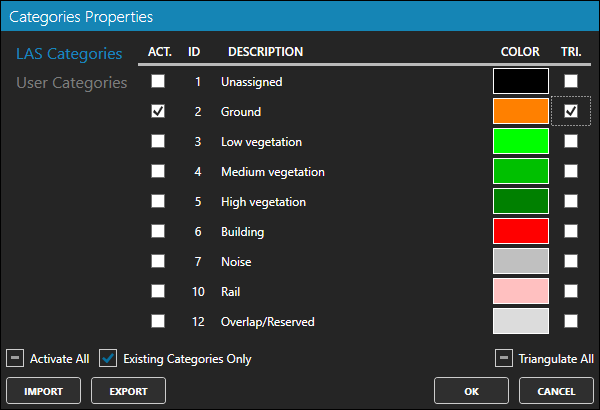
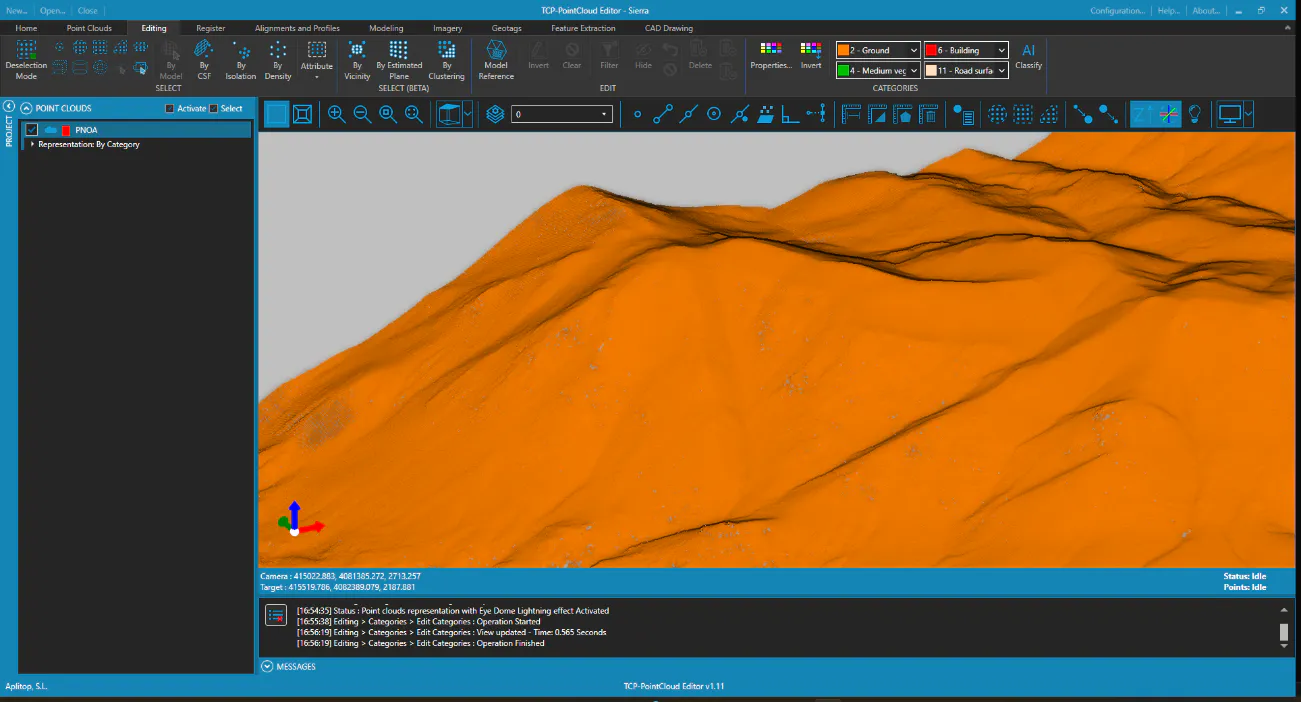
We click on the Properties icon of the CATEGORIES group again to leave only the terrain points visible. To do this, click on the Activate All and Triangulate All controls to clean up the list, and for category 2 (Ground) select the box and mark it as TRIangulable. Press OK.
-
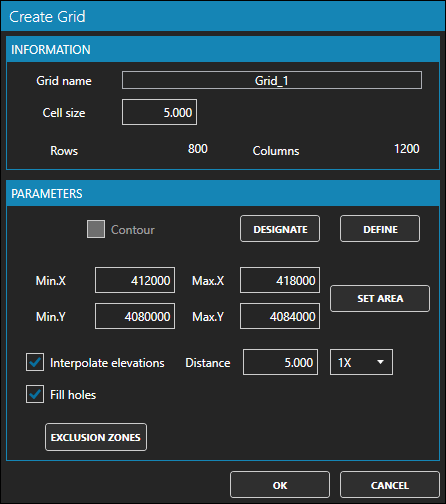
Activate the Modeling ribbon, and within the MODELS group click the Create Grid icon. Set 5 as the Cell size, 8X in Interpolate elevations and press OK.
-
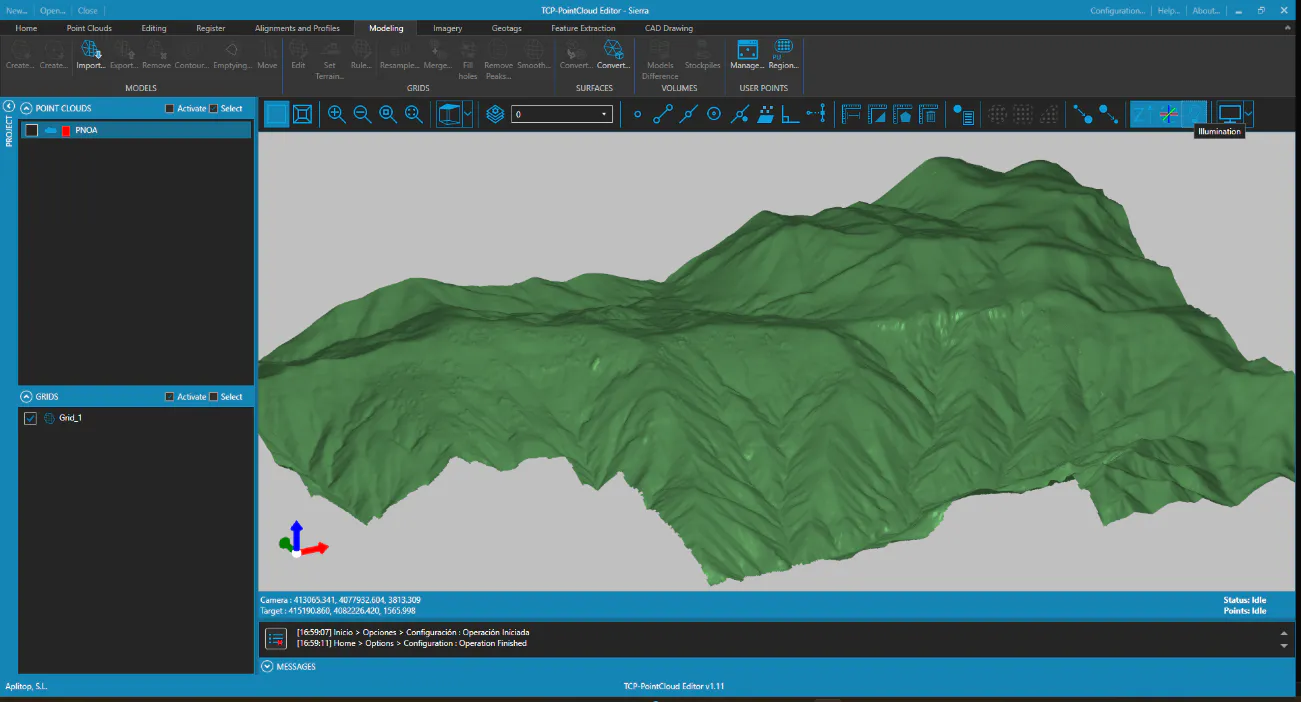
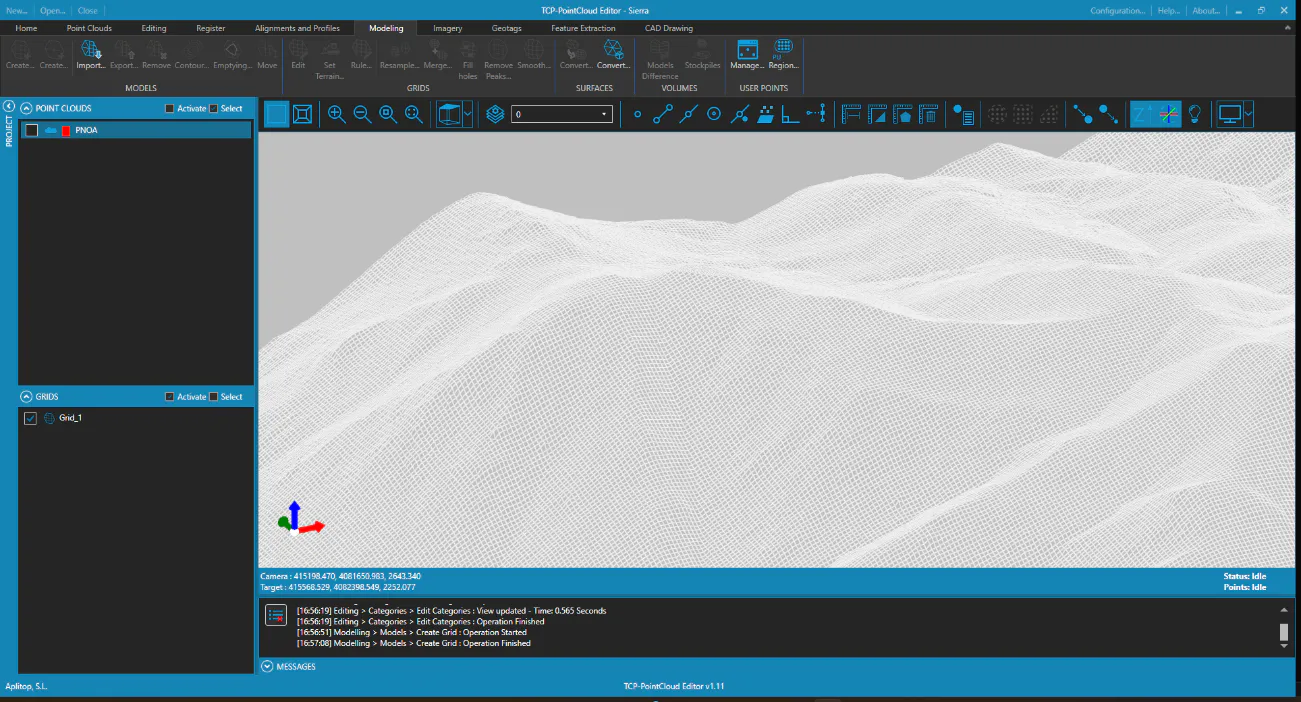
Click Zoom Extension and in the table of contents turn off the point cloud, to leave only the digital model visible.
-
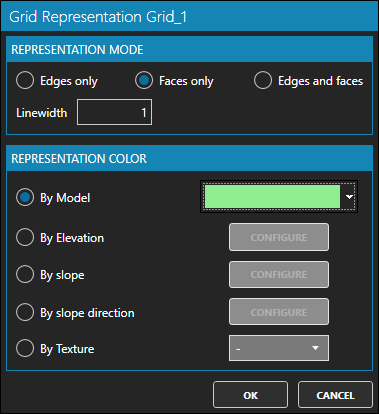
In the table of contents, select the grid and right-click and Representation. Set in the REPRESENTATION MODE the Faces only option, then in REPRESENTATION COLOR leave the By Model option and choose a light green color. Press OK.
-
In the toolbar, press the Illumination icon.