tcp PointCloud Editor
Point cloud file conversion - PCE
2.1 Point Cloud File Conversion
- Start the application, activate the Home ribbon, and within the PROJECT group click the New icon. Change to the folder chosen for the data files, for example C:\Tcp PointCloud Editor Projects and create the Lidar.pce file.
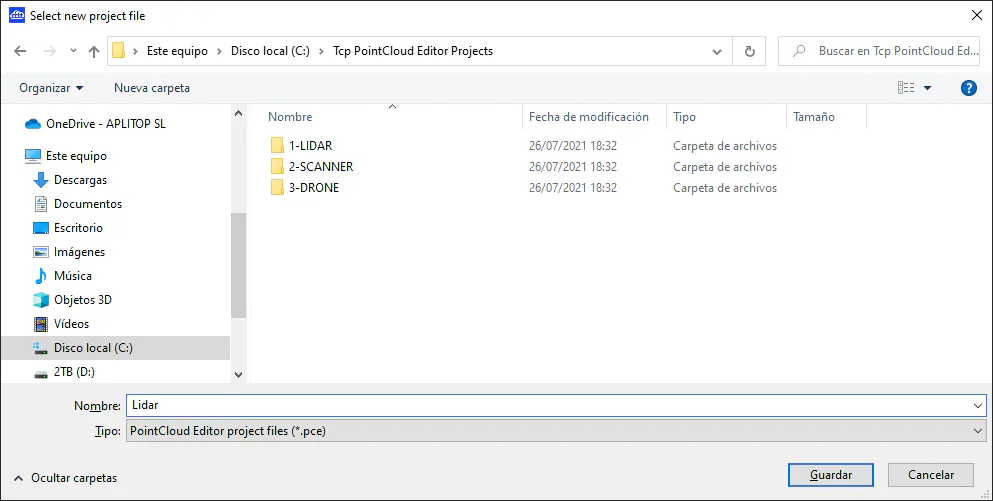
-
Activate the Point Clouds ribbon and within the POINT CLOUDS group run the Import command and then press the FILES button. Select the 1-Lidar\Mount St Helens.las file and press the OK button.
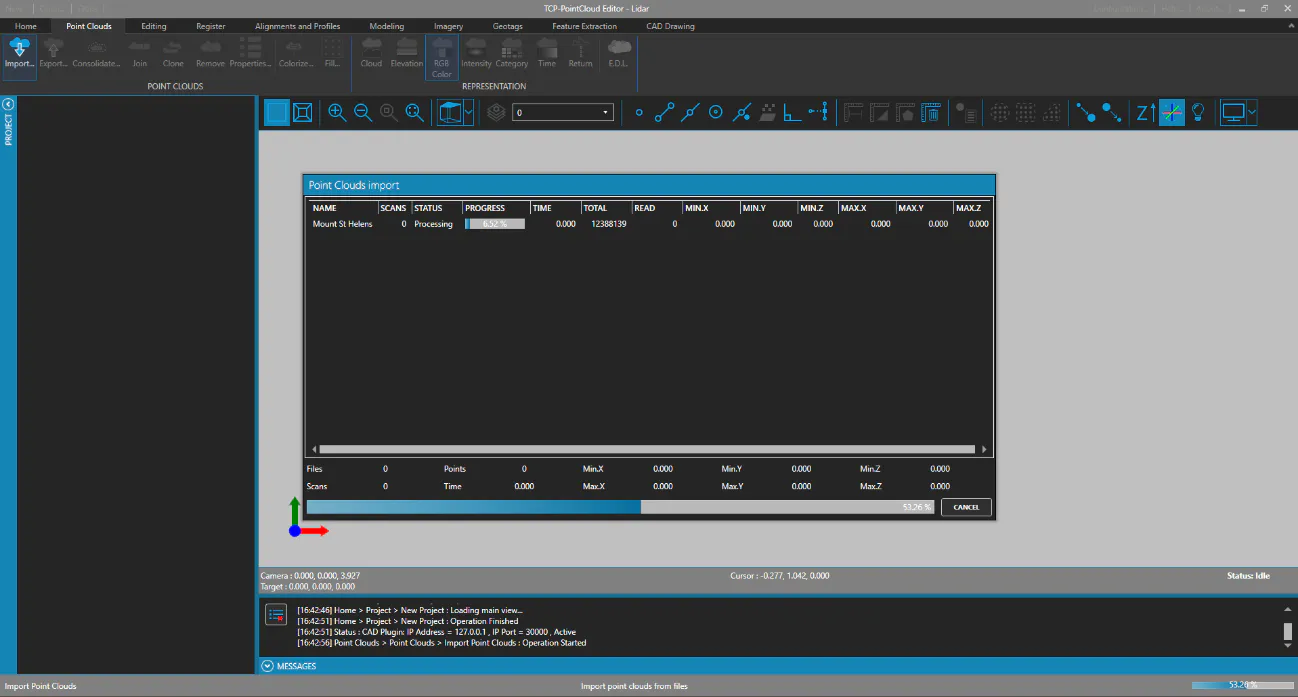
-
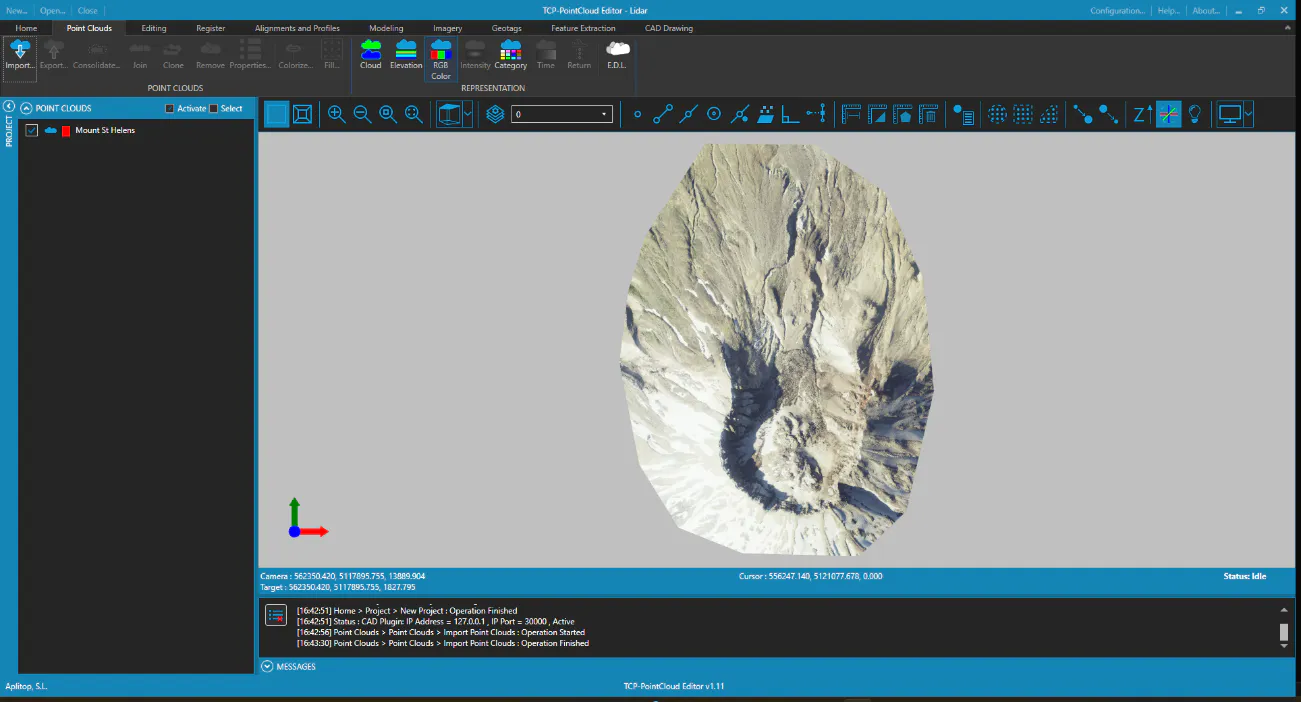
Once the process is complete, a top view of the point cloud, represented in natural color, will be displayed.