tcp PointCloud Editor
Export to 3D PDF - PCE
2.8 Export to 3D PDF
-
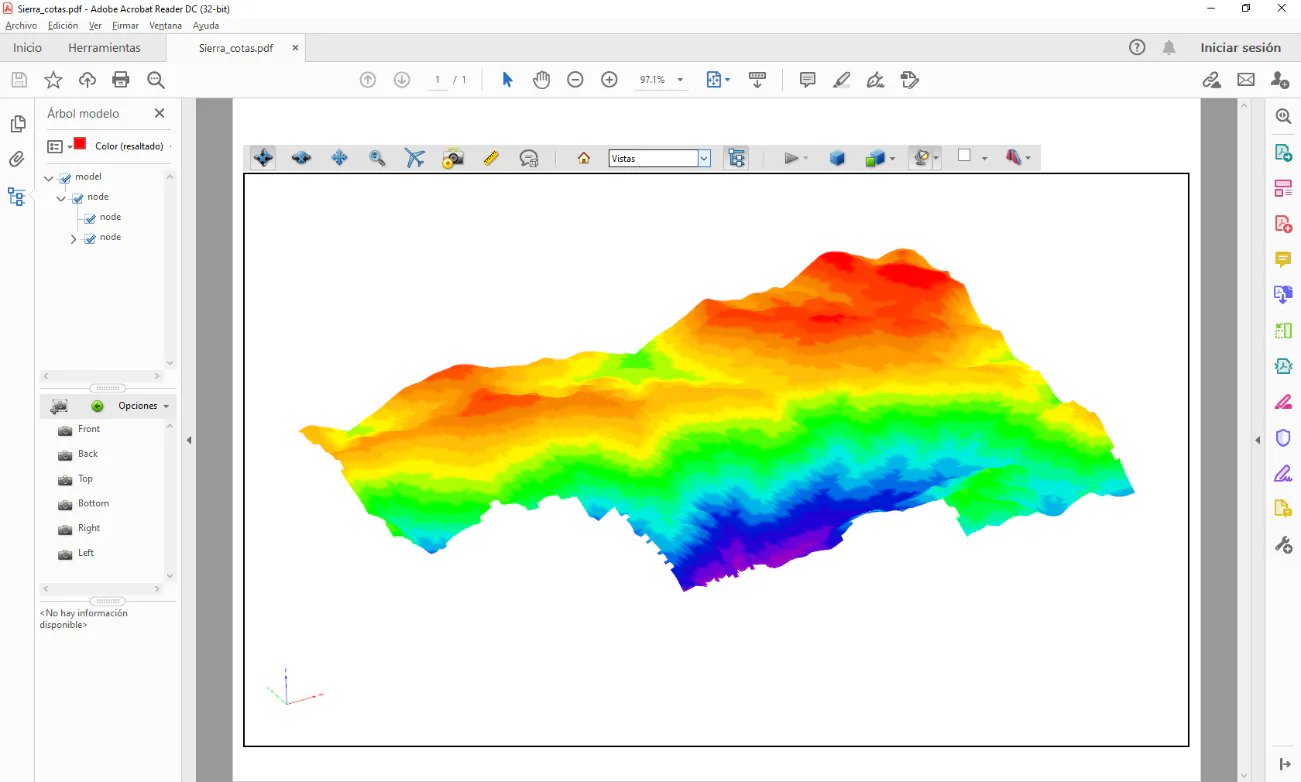
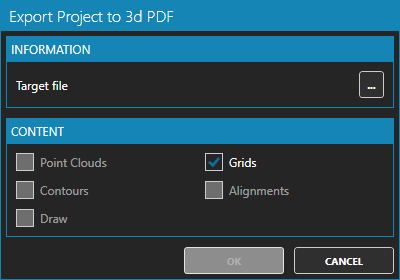
Select one of the representation modes for the mesh (for example, by elevation). Activate the Home ribbon and within the TOOLS group press the Export to PDF 3D button. Specify the target file, for example Sierra_elev.pdf and press OK.
-
Answer yes to the question to open the newly created PDF file. To do this, you must have Adobe Acrobat Reader DC installed and have the PDF extension associated with that application. When you open the file, you may need to enable 3D content in the viewer.