tcp PointCloud Editor
Import E57 imagery - PCE
11.2 Import E57 Imagery
Location
- Ribbon menu
- Imagery
- IMAGES
- Import (Import E57 Imagery)
Description
This command allows you to import images contained in E57 format files.
You can import images from one or more E57 files at the same time. Each image will be linked to a point cloud in the project (if it exists), by name matching the associated scan in the file.
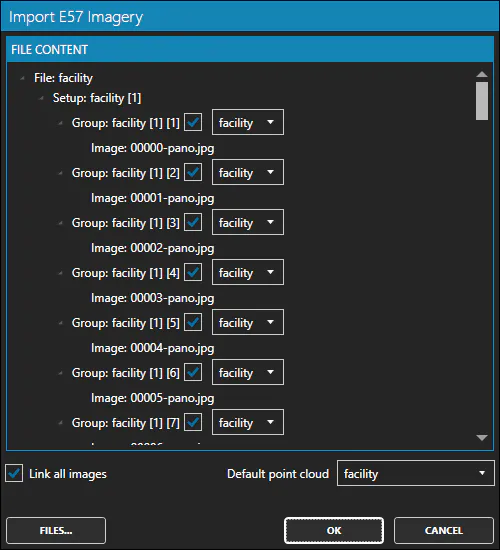
Once the file(s) have been specified, the Import E57 Imagery window will display the content found. You can manually link or unlink the images of the project's point clouds.
Details