
tcpMDT
[PRO] Change Elevations - MDT26

Change Elevations
 | Command to execute in the CAD |
|---|---|
Vertical menu | MDT26 > Control Points > Change Elevations |
Ribbon menu | Setout > Control Points > Change Elevations |
Command line |
When this command is run, a dialog box will appear requesting the control points whose elevations one wishes to change.
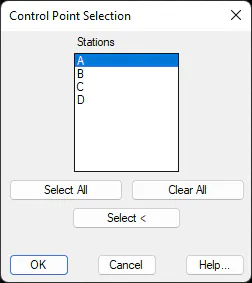
Either all the control points may be selected or they may be selected graphically. Once the dialog box has been validated, a new window will appear where one has to specify how one wishes to change the elevation. The new dialog box together with its features is shown below.
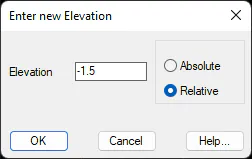
The value of the new height desired is entered in Elevation and whether the elevation adjustment is to be Absolute or Relative, that is to say, whether it is to be changed to the elevation actually entered or to be increased with respect to the existing elevation.