tcpMDT
Transform File - MDT26
 | Command to execute in the CAD |
|---|---|
Vertical menu | MDT26 > Coordinate Systems > Transform File |
Ribbon menu | Surveying > Coordinate Systems > Transform File |
Command line |
Transform File
This utility lets you apply a transformation to a points file.
The source and target files and the NTR file are requested.
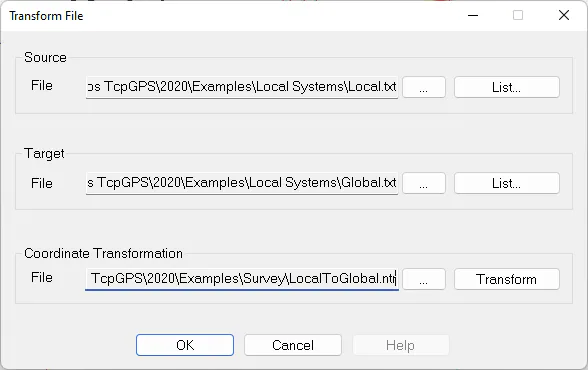
The source file can have any extension and must have the following line format:
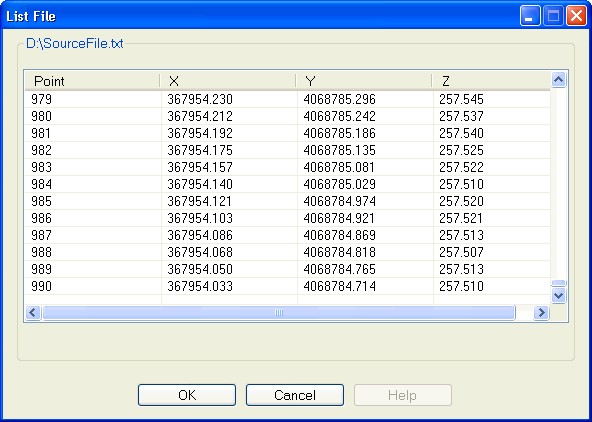
NsepXsepYsepZ
The field separator, sep, can be a space, comma or tab and the Z component is optional.
The target file is created with a space as field separator and TXT and PUN extensions are admitted.
The List... buttons allow you to display the files selected as source and target.
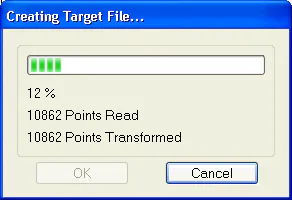
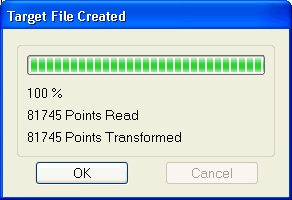
Once all the data are established, by clicking the Transform button, a window is displayed showing the number of points read and transformed at all times.