tcpMDT
Exporting to KML - MDT26
6.2 Exporting to KML
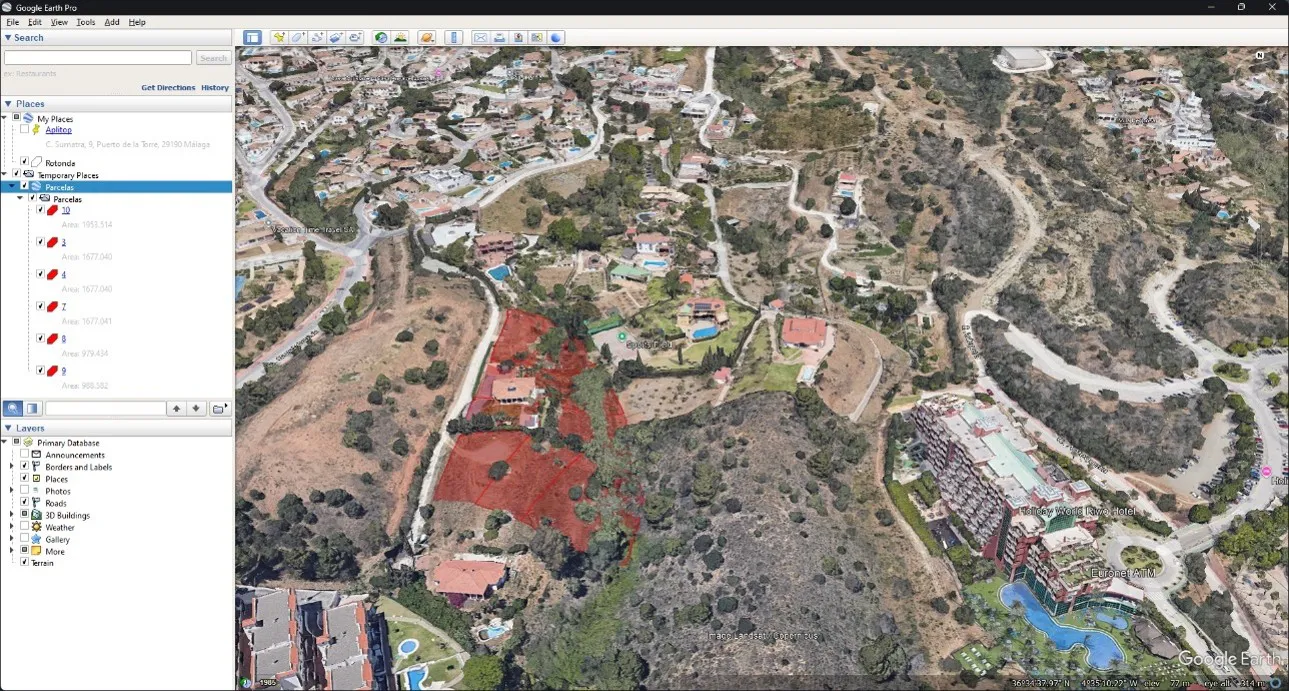
Now we export the plots to Google Earth KML format. Run GIS > Export to KML/KMZ.
In the dialog, keep the Plots checkbox active.
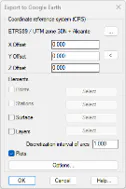
The CRS is ETRS89/UTM zone 30N, which is already selected because it is saved in the drawing.
Press Accept and validate Plots.KML as the file name. If a dialog about coordinate operations is shown, press Accept as well.
Answer affirmatively when asked whether to open the generated file.