tcpMDT
Measurements report - MDT26
11.2 Measurements Report
Then, we will obtain some surface and volume lists that will be useful for the calculation of earthworks.
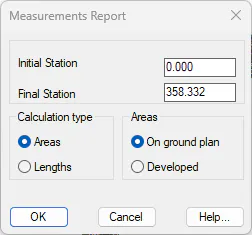
Run the command Measurement> Areas> Cross-Section Measurement Report (or Measurement> Roads> Areas> Cross-Sections Measurement Report) and select the SOLERA.SEG file. The calculation that we want to make relates to areas measured in plan. Hence, we select Areas and On ground plan options for the calculation type. We validate the dialog box.
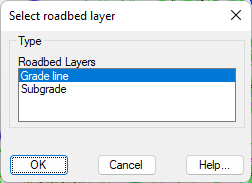
Then, if our road has a defined roadbed, a window will appear where we must select the roadbed layer on which we want to carry out the measurement. In this case, only the grade line and subgrade will be displayed, because we have not defined any intermediate roadbed layer. We will select Grade line.
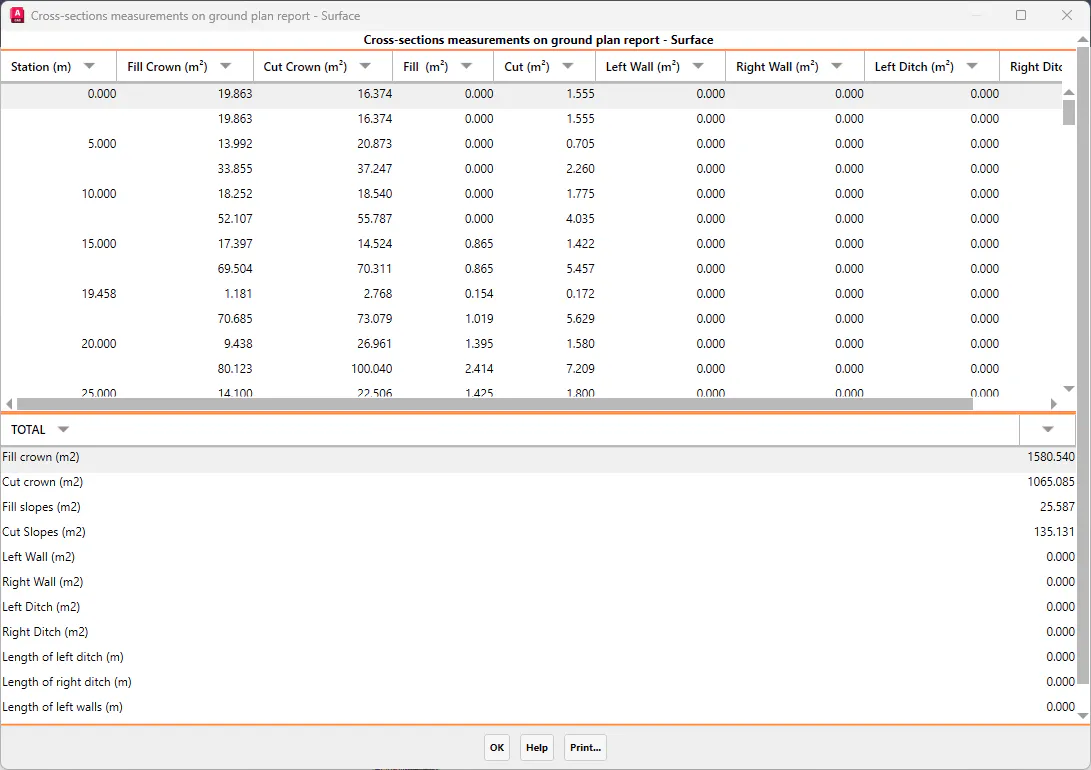
After that, a section by section report of the crown and slope areas of the road will be displayed.