tcpMDT
Draw link - MDT26
14.9 Draw Link
To finish, we get the modified road of our intersection, for them, from the same Project menu of our intersection segment, we execute the option "Road Intersections > Draw Link".
We first select the alignment of the lower interseciont, the one we have created in the first place. We validate the window as shown in the following screenshot:
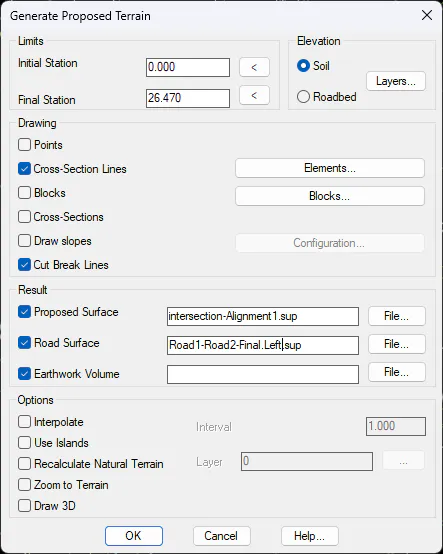
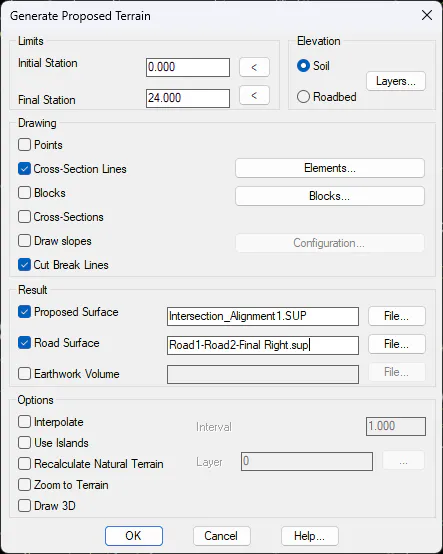
And finally, we run the same command by selecting the other road.
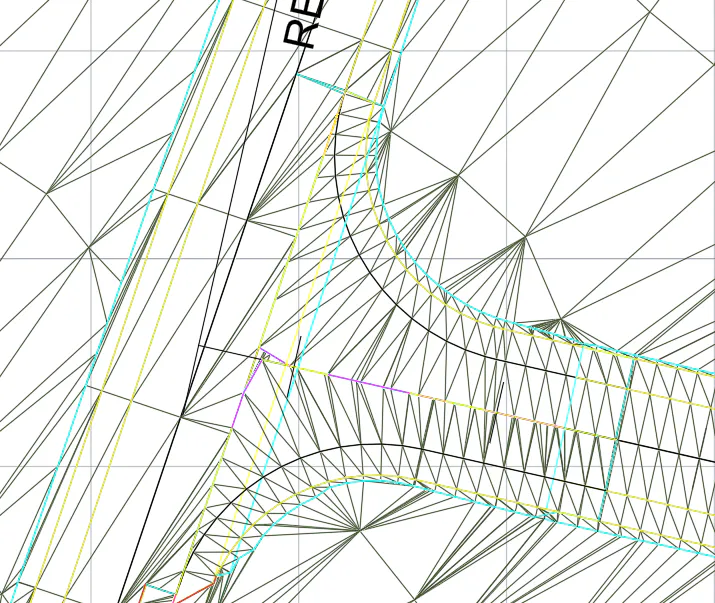
And the result would be similar to that of the following screenshot, we check how we already have defined the two fans of the intersection.