tcpMDT
Road intersection. introduction MDT26
To perform this exercise, it is required to have MDT Professional Version.
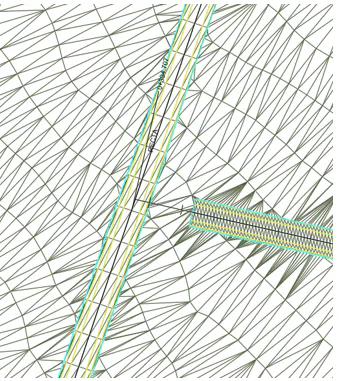
In this exercise we are going to describe the tools necessary to automatically build an intersection between roads. All the files needed to perform this module can be found in the folder C:\MDT26_Projects\Tutorial14.
For the intersection process, MDT will consider two types of roads, a Main Road, a road that is developed entirely according to its definition and the Access, which must be adapted for the intersection with it.
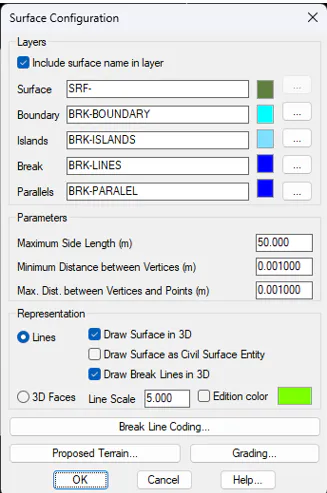
In addition, it is convenient to activate the Draw Surface in 3D option within the Utilities > Configuration > Surfaces option, so that when making 3D Views with the CAD we can clearly see the development of the same.
For the creation of the intersection, it is necessary to execute a series of options, which must be executed in sequence and in an orderly manner. We have these commands in Roads/Segments > Road Intersection.
The intersection process is to be executed twice, once for each of the intersections.