tcp PointCloud Editor
Creation of alignment - PCE
3.4 Creation of alignment
-
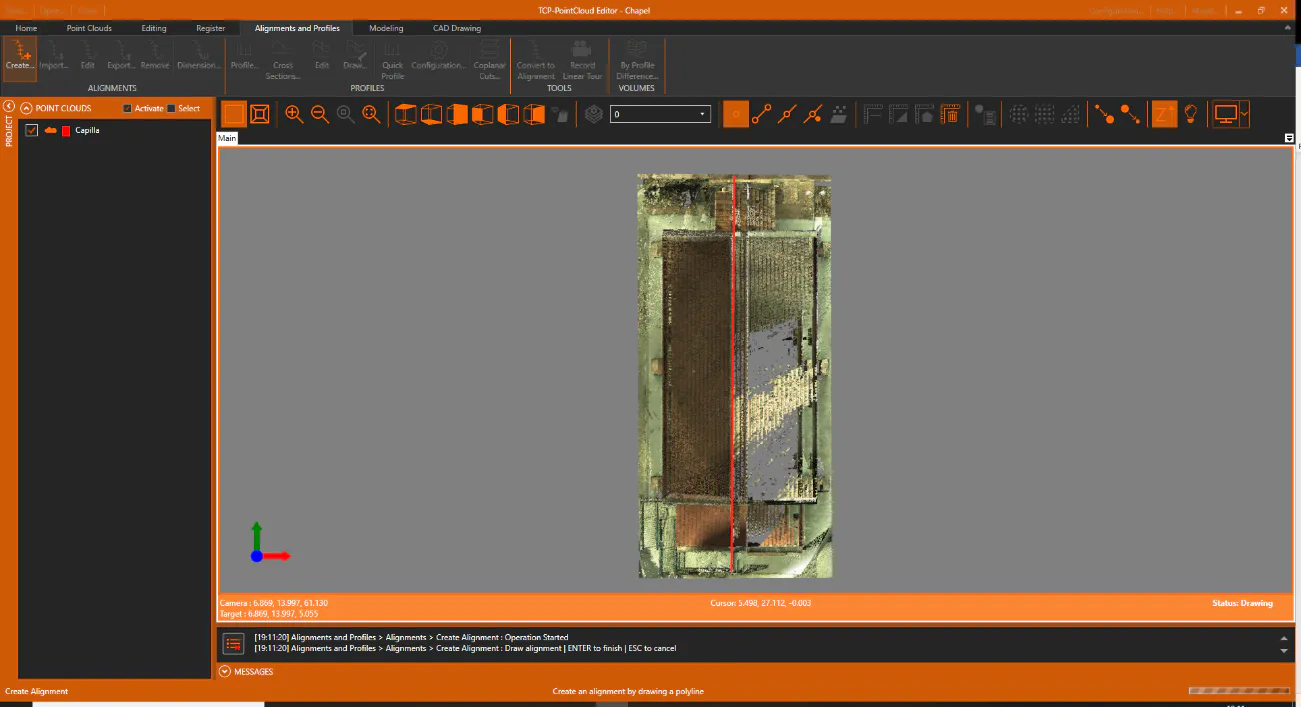
On the Alignments and Profiles ribbon, within the ALIGNMENTS group, click the Create icon, and draw an alignment from south to north, approximately as in the following figure, ending also by pressing Enter or right-clicking and OK.
-
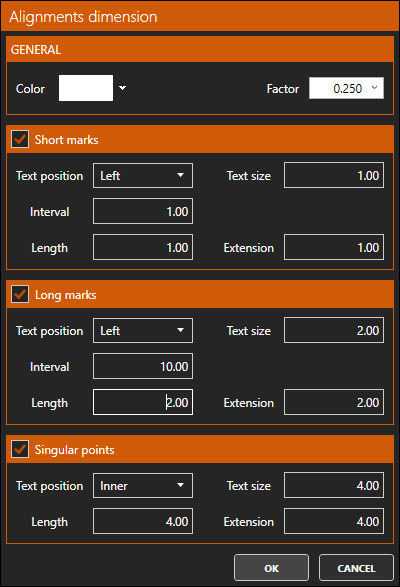
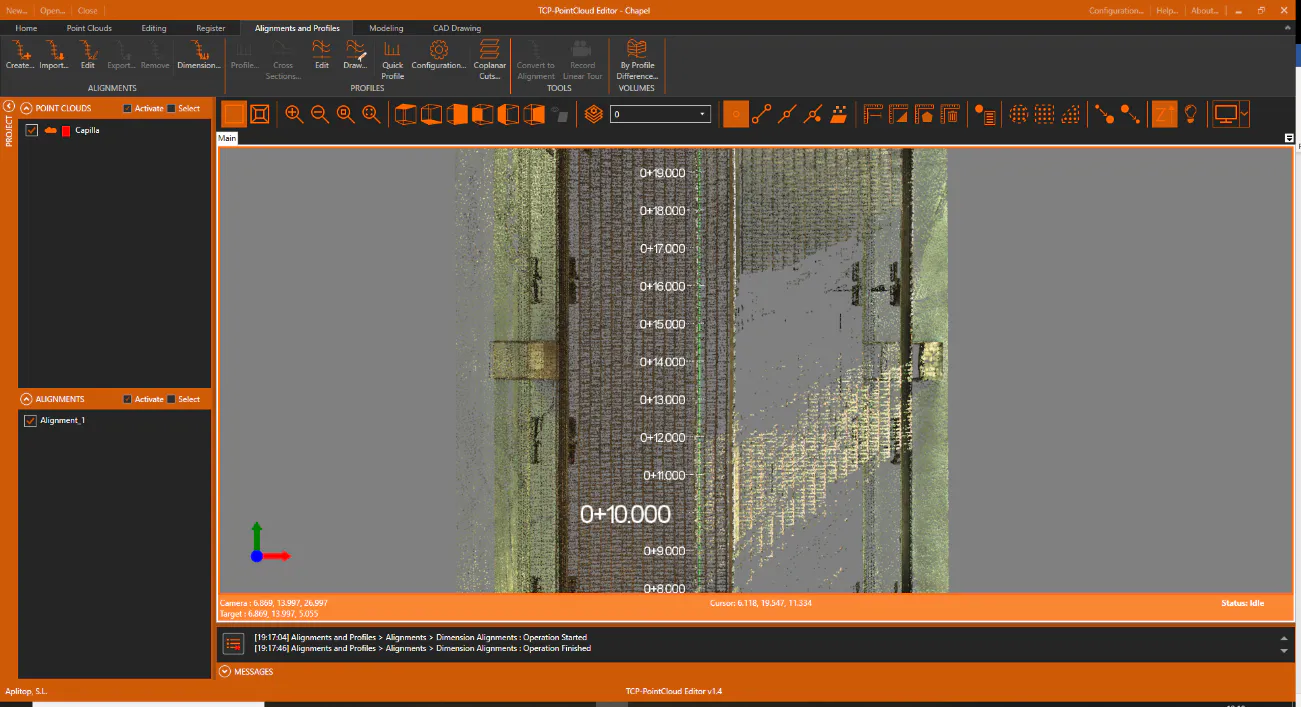
In the table of contents, you can see that a new element Alignment_1 has been created, and the alignment has been represented with its corresponding dimensions. In the ALIGNMENTS group, click the Dimension icon and assign a scale Factor of 0.250, an Interval of 1 meter for Short marks and 10 meters for Long marks.