tcp PointCloud Editor
Quick profile - PCE
3.3 Quick Profile
-
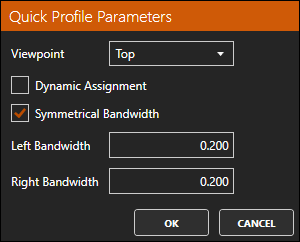
Set Top View and activate the Alignments and Profiles ribbon. Within the PROFILES group, click Configuration to set the parameters. Select the Symmetrical Bandwidth check box and set a bandwidth of 0.2. Press OK.
-
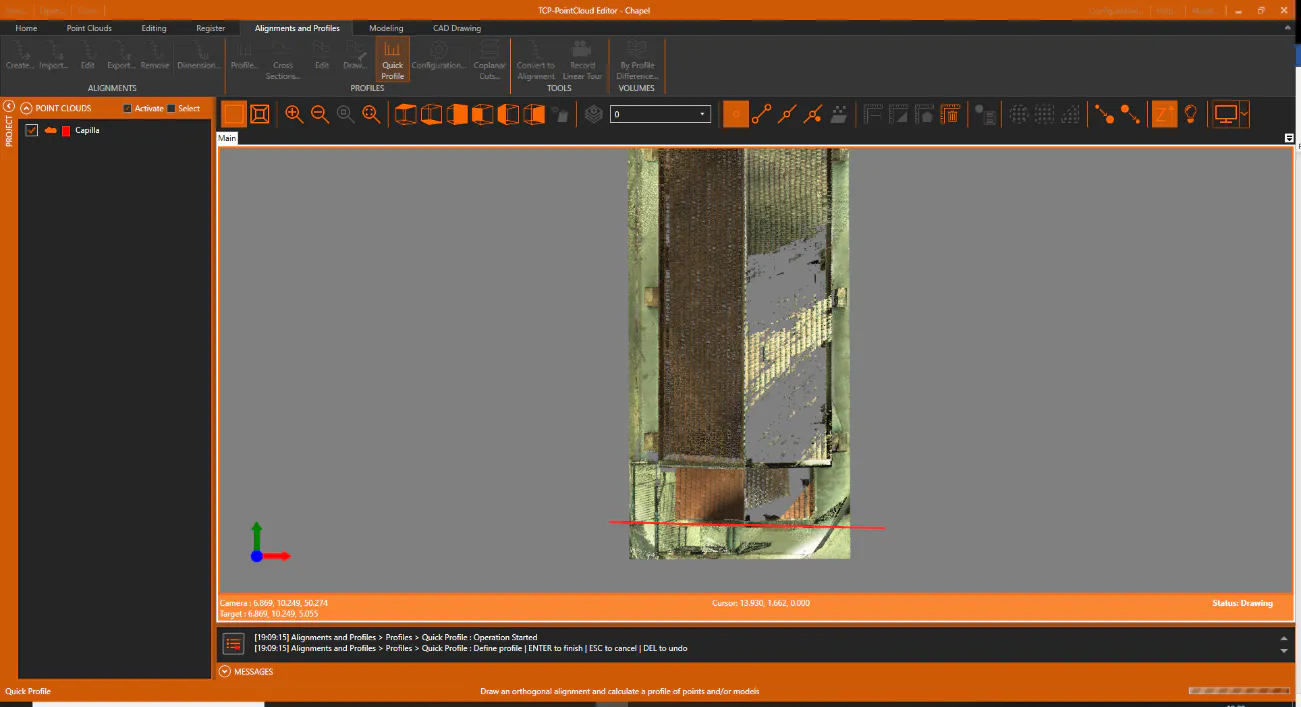
Click the Quick Profile icon within the same option group, set the start and end points. To finish, press Enter or right-click and then OK.
-
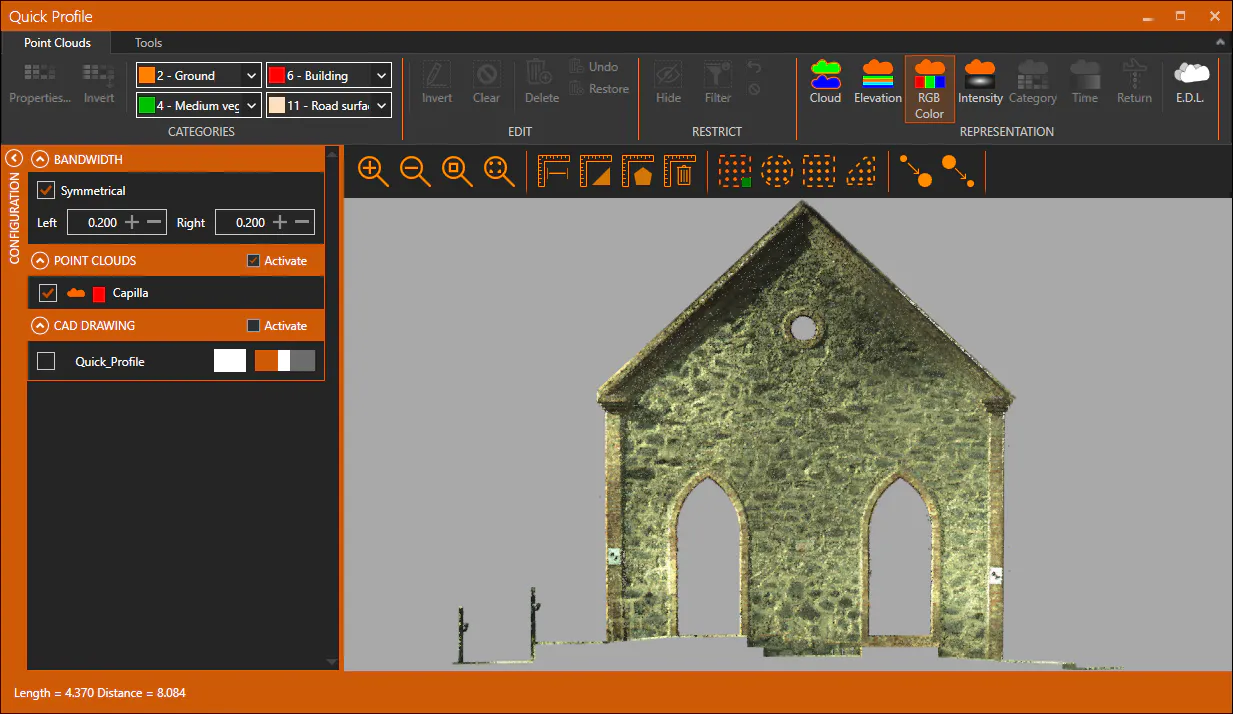
A representation of the profile is then displayed in the profile editor. Close the window after the profile is scanned.