tcp PointCloud Editor
Quick editing of classification - PCE
3.13 Quick Editing of Classification
-
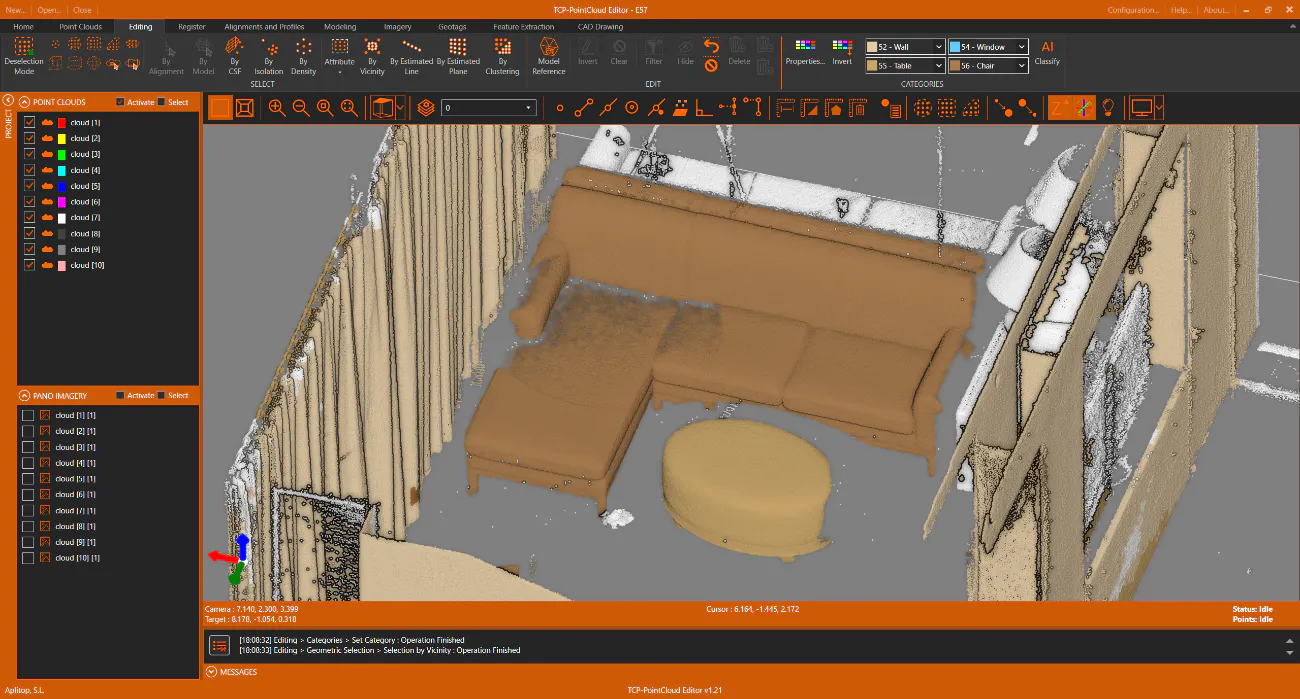
Next, we\'re going to edit the classification with some tools. First, on the Edit ribbon, within the CATEGORIES group, assign the desired categories to edit, for example 52-Wall, 54-Window, 55-Table, and 56-Chair.

-
Restore hidden categories except floor and ceiling and look for an area with chairs and sofas, like the one shown in the image below
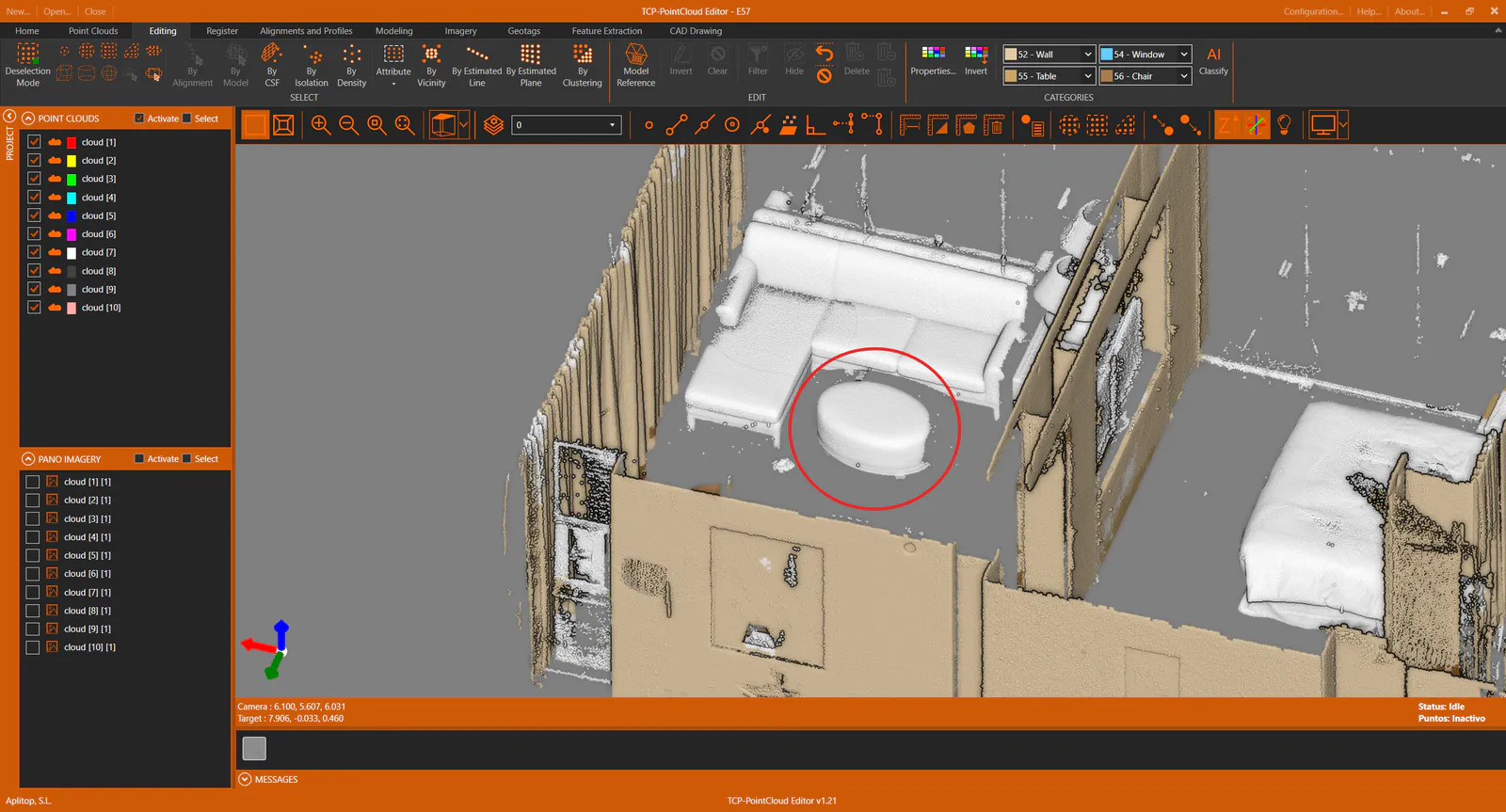
-
Run Selection by Vicinity with the parameters shown in the image and click in a point of the presented object.
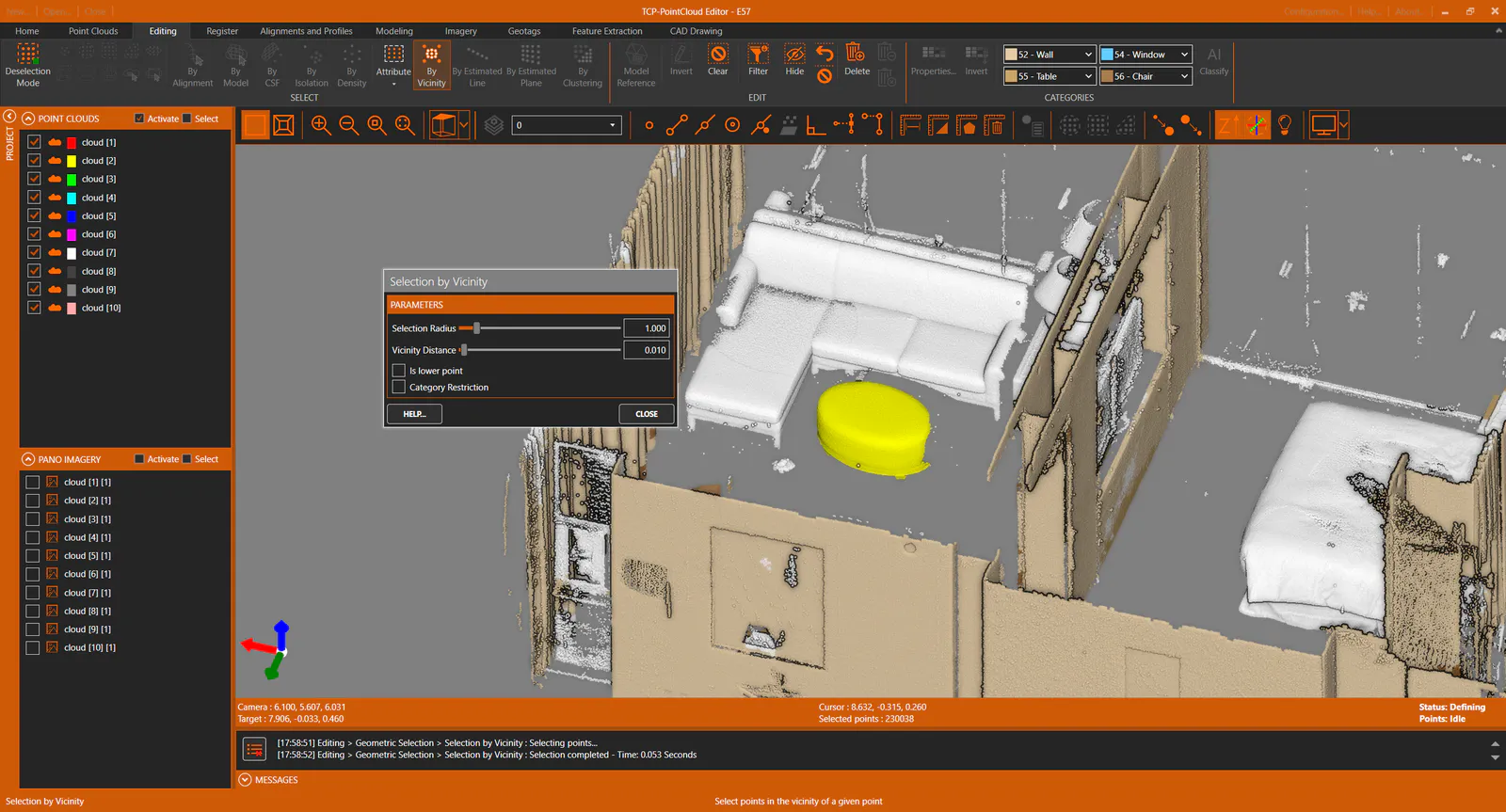
-
On the toolbar, press 55-Table to assign this category to the selected points. You can play with this or other selection tools to quickly apply categories to the sections needed.