tcp PointCloud Editor
Noise removal - PCE
3.11 Noise Removal
-
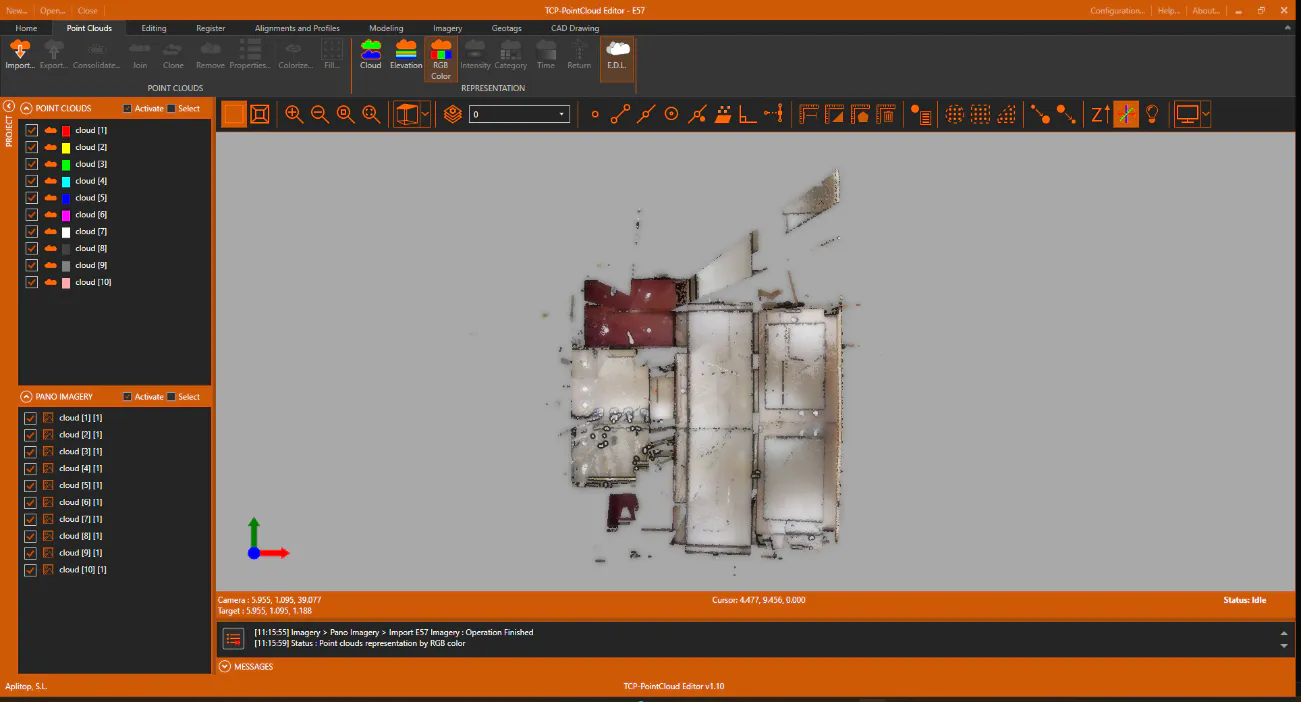
Prior to classification, we\'re going to remove noise from the edges of the point cloud. Set Top View and perform a Zoom Extension.
-
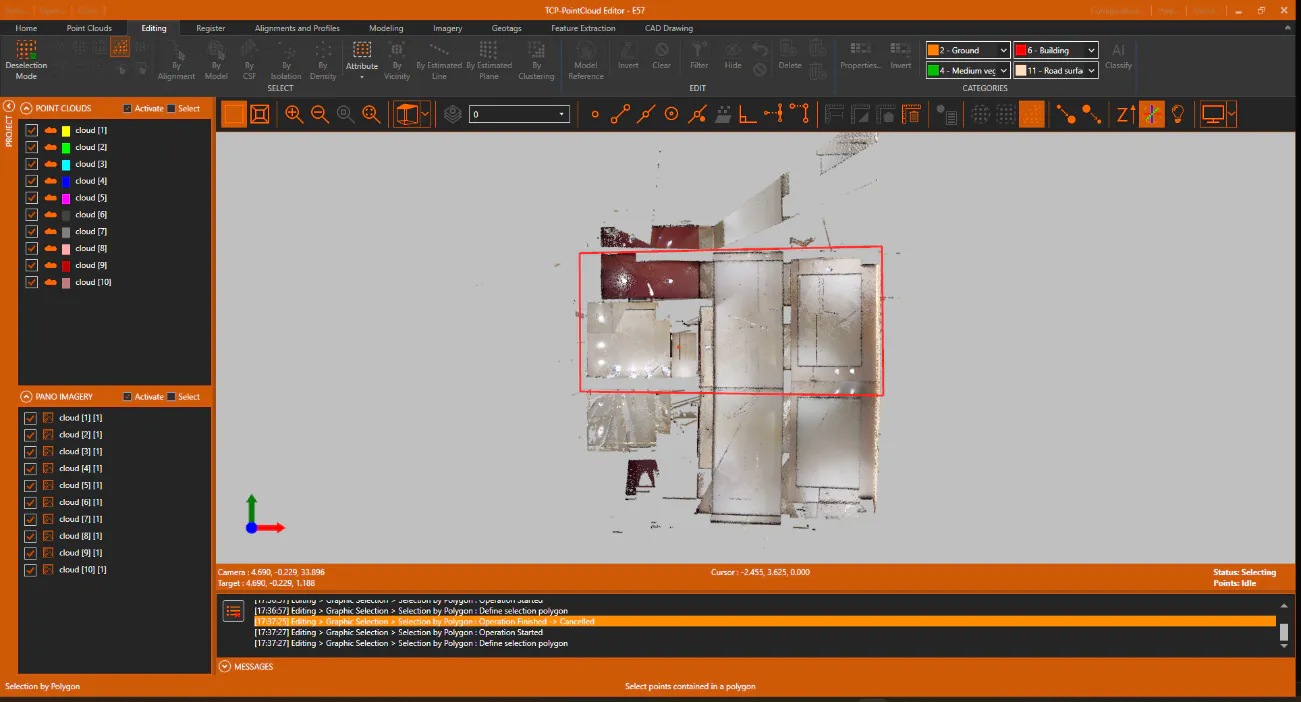
On the Edit ribbon, SELECT group, run Selection by Polygon, and delimit an area roughly as shown in the figure.
-
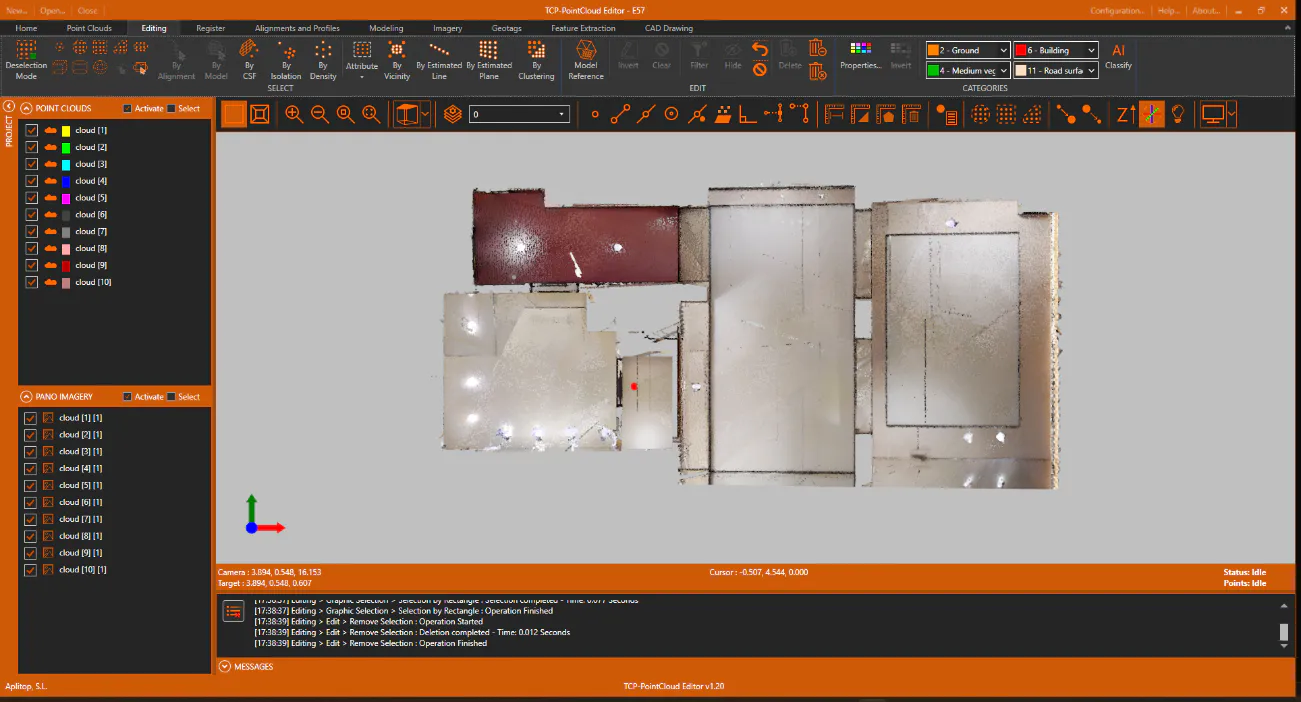
In the EDIT group, click the Filter button to hide the points outside the selected enclosure. Use the editing tools to erase other visible noise points in the floor plan.
-
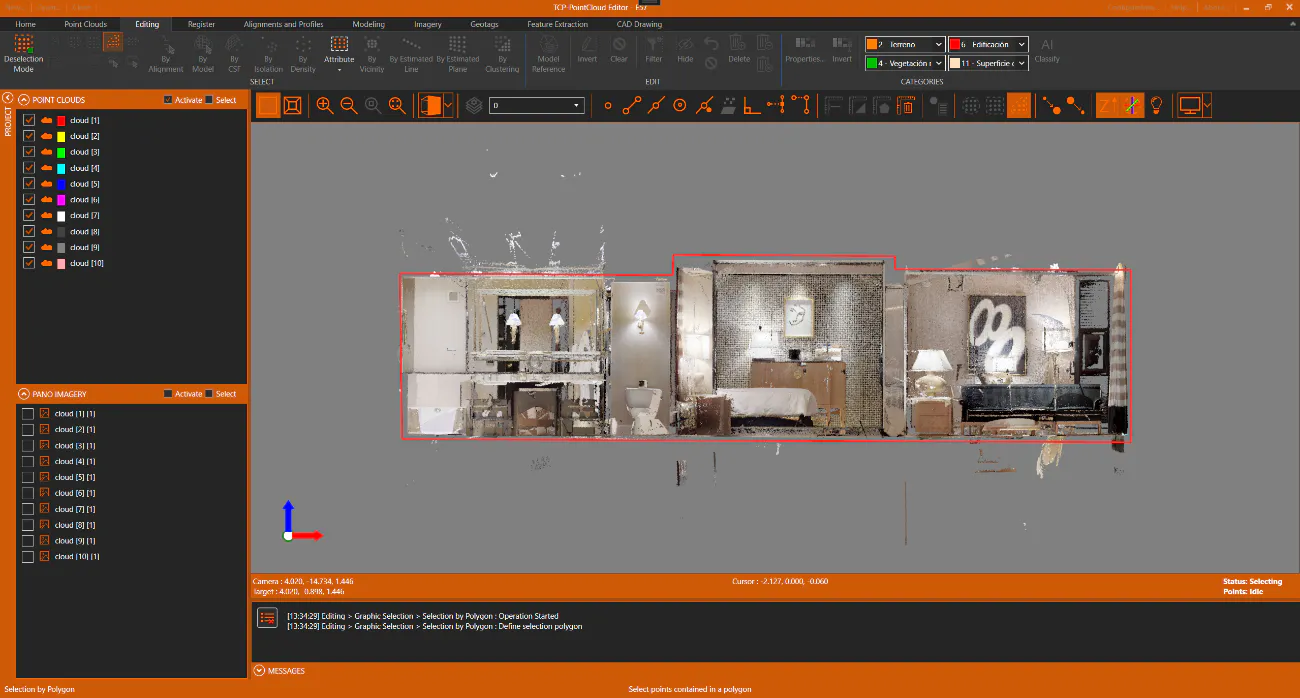
Set Front View and repeat the operation to hide noise points above or below the building, this time using the Selection by Polygon, to select with a finer detail.