tcp PointCloud Editor
Video walkthrough - PCE
3.9 Video walkthrough
- Hide all drawing layers but 0. Activate the IMAGERY ribbon and in the VIDEO group click on Record Free Path button.
-
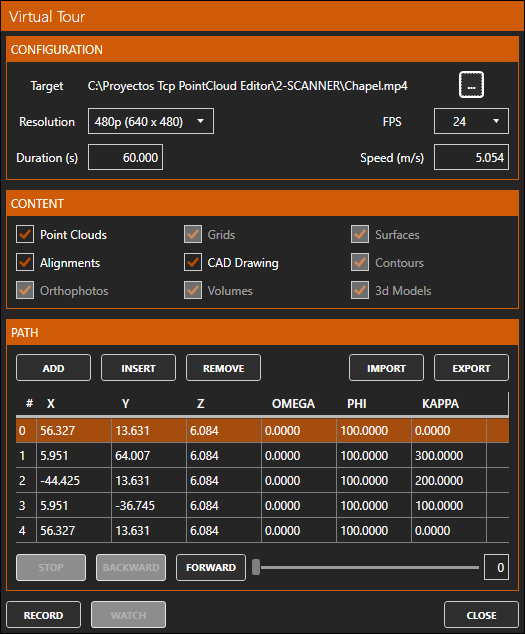
Set multiple camera views and press ADD. Optionally, press the IMPORT button and choose the Capilla.rec file from the same folder where the original point cloud is located.
-
Once all of them have been defined, press ... to name a video file to be created, for example Chapel.mp4 and press the RECORD button.
-
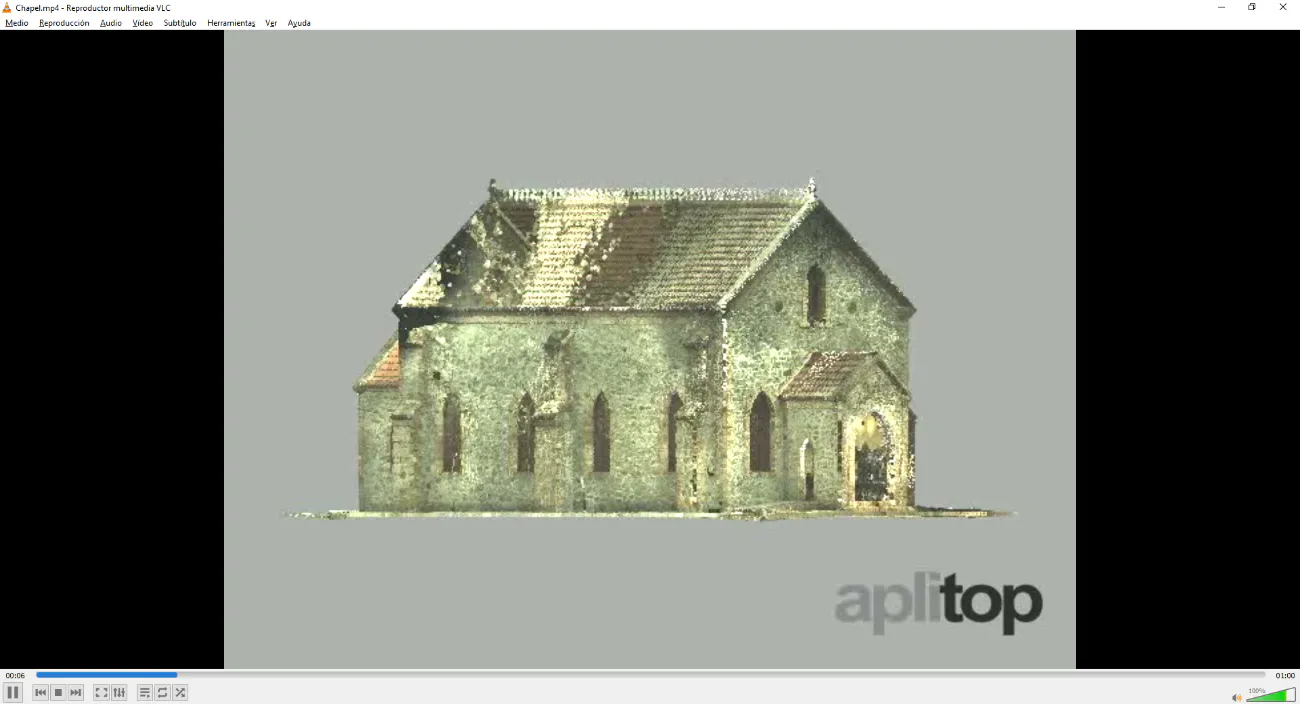
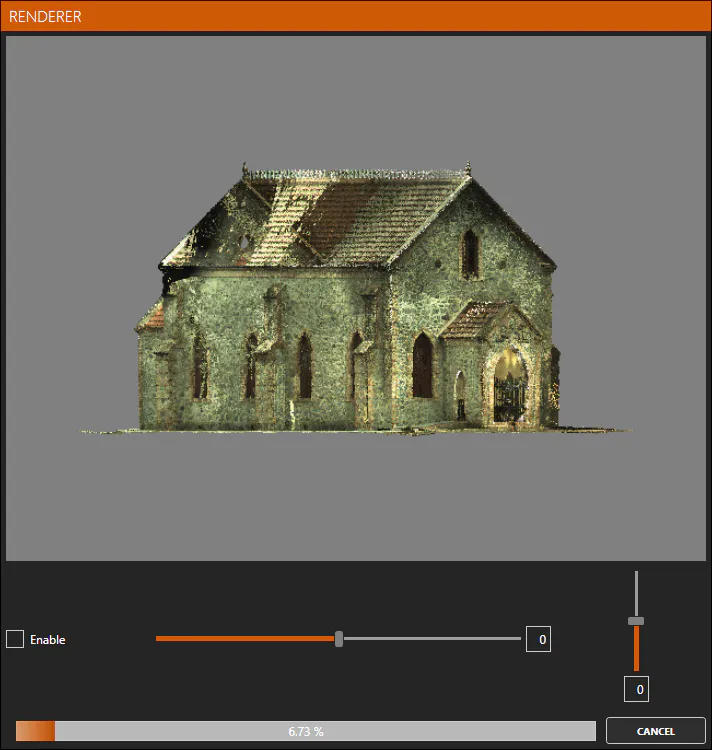
Once the process is complete, press the WATCH button to open the generated video with the default player.