tcpMDT
Import OBJ - MDT26
 | Command to execute in the CAD |
|---|---|
Vertical menu | MDT26 > GIS > Import OBJ |
Ribbon menu | |
Command line |
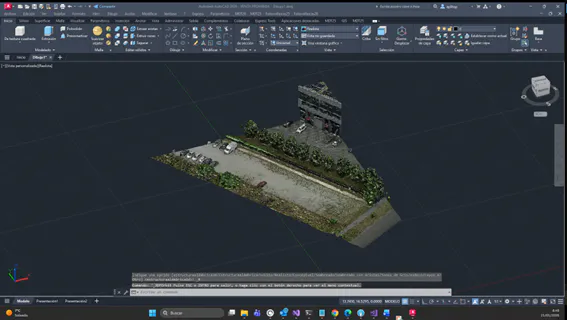
Import OBJ
This command allows you to import an OBJ file and view it in the CAD. To see the 3D object with its textures, it is necessary to activate the Realistic option in the display settings and disable the Hardware Acceleration option in the GRAPHICSCONFIG (CONFIGGRAFICA) command if you have any issues properly viewing the model's textures.