tcpMDT
View/Edit Attributes - MDT26
 | Command to execute in the CAD |
|---|---|
Vertical menu | MDT26 > GIS > Query/Edit attributes |
Ribbon menu | GIS > Utilities > Consult/Edit Attributes |
Command line |
View/Edit Attributes
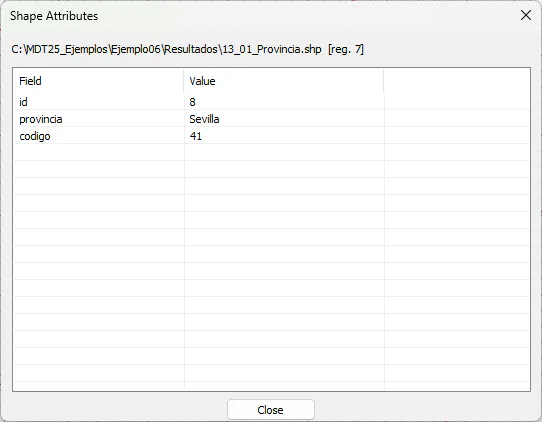
This command asks us to select an entity drawn with the Import GIS command and shows us a list of all its attributes.
In this dialog, we can edit any field, and by pressing enter, the changes will be saved in the drawing.