
tcpMDT
Delimit Image - MDT26
Delimit Image
 | Command to execute in the CAD |
|---|---|
Vertical menu | MDT26 > Images > Delimit Image |
Ribbon menu | Image > Tools > Delimit Image |
Command line |
This command allows the selection of an image and a contour (closed polyline) and the creation of a new image with the area which encompasses said contour. The command will request the destination directory of the resulting image. The original image will be undone from the drawing and replaced by the new image.
On AutoCAD there is a similar command called Delimit > Image, but the difference with this other one is that in AutoCAD it conceals the image area which is situated on the exterior of the contour, the modification is only saved in the drawing and this command cuts away the image and creates a new one with the result.
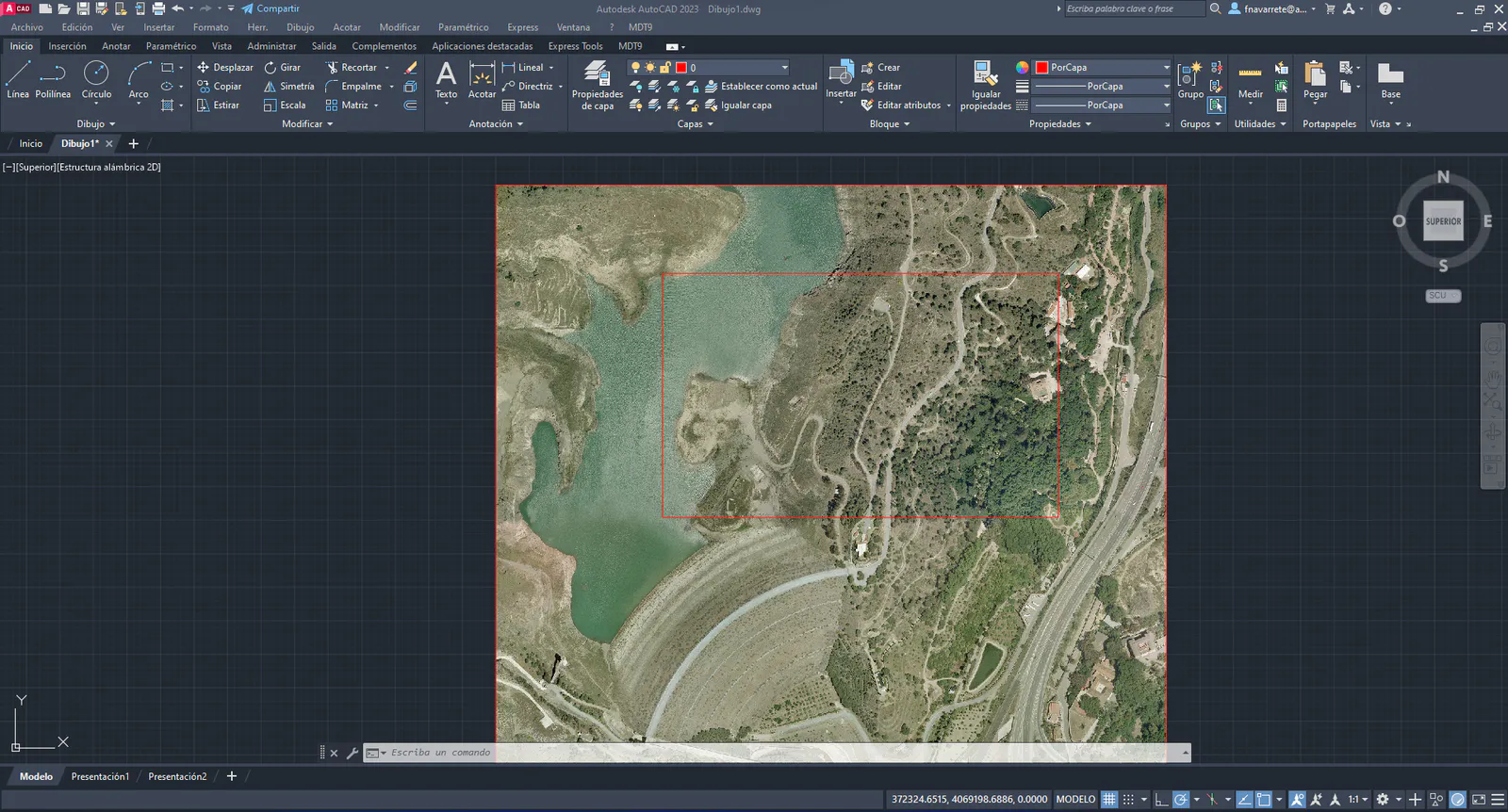
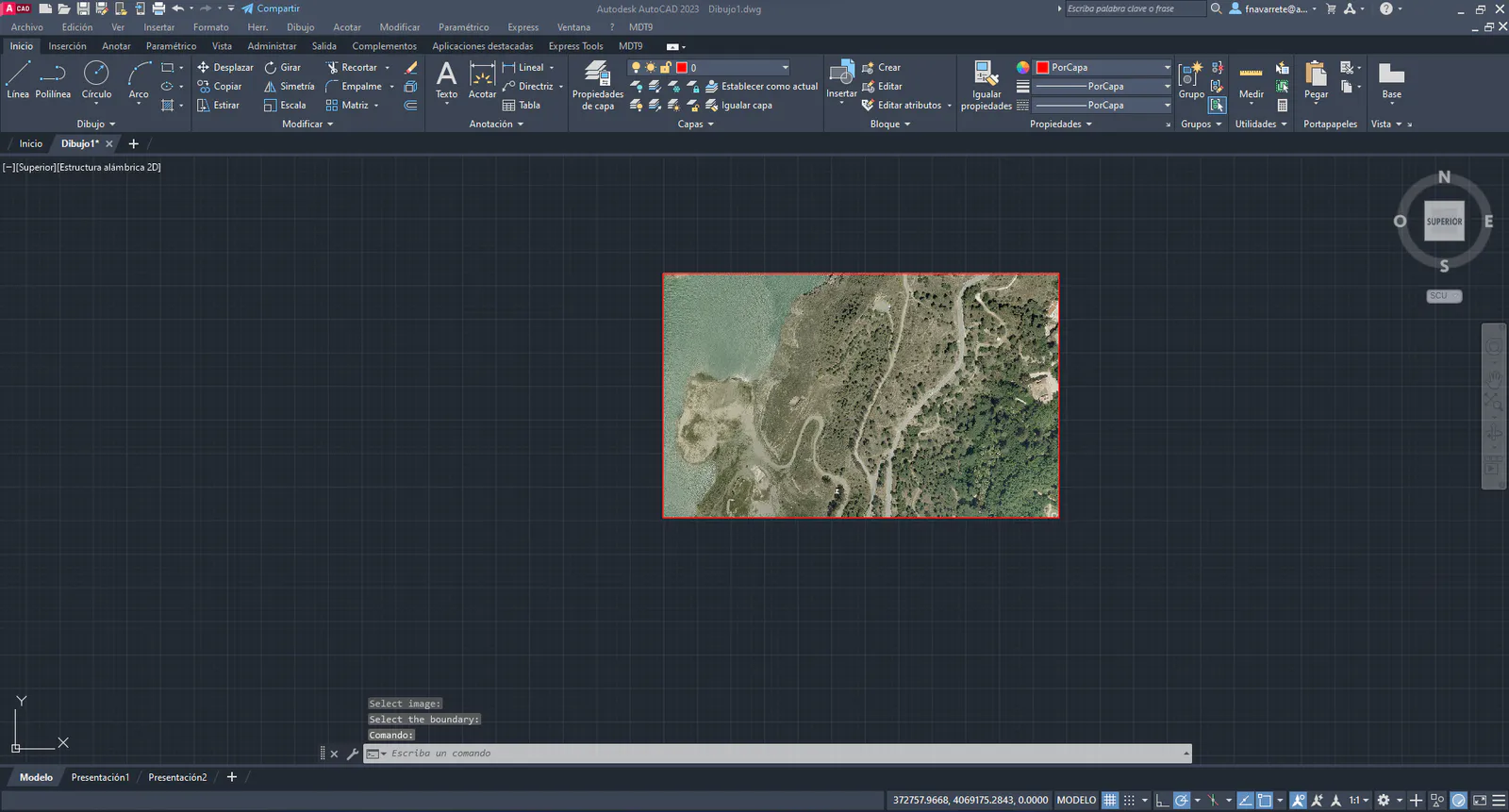
It also allows delimiting a contour shared by several images, creating a single image that will be the sum of the pieces of the different images that are within the contour.