
tcpMDT
Reproject Image - MDT26
Reproject Image
 | Command to execute in the CAD |
|---|---|
Vertical menu | MDT26 > Images > Reproject Image |
Ribbon menu | Image > Geo-Reference > Reproject image |
Command line |
This command allows you to reproject an image inserted in the CAD, that is, to change its projection system. To do this, an image will have to be selected and the source and destination projection system will be requested:
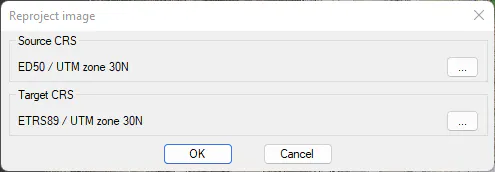
The resulting image will be a *.tif image, with the same name as the original plus a suffix with the target EPSG code, and will replace the original in the CAD.