tcpMDT
Draw Points - MDT26
Draw Points
 | Command to execute in the CAD |
|---|---|
Vertical menu | MDT26 > Surveying > Drawing > Draw Points |
Ribbon menu | |
Command line |
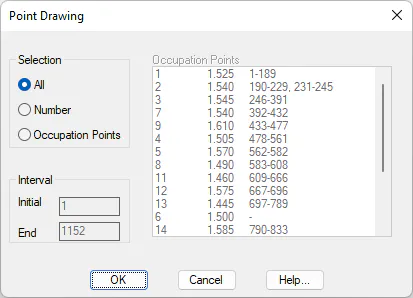
This command is executed through the Surveying > Drawing > Draw Points command or by clicking the Draw Points button in Station Calculations. One should firstly specify if one wishes to draw All the surveying points, a specific Number of them defined by an Initial and Final points interval or select Occupation Point to choose the set-ups one wishes to draw.
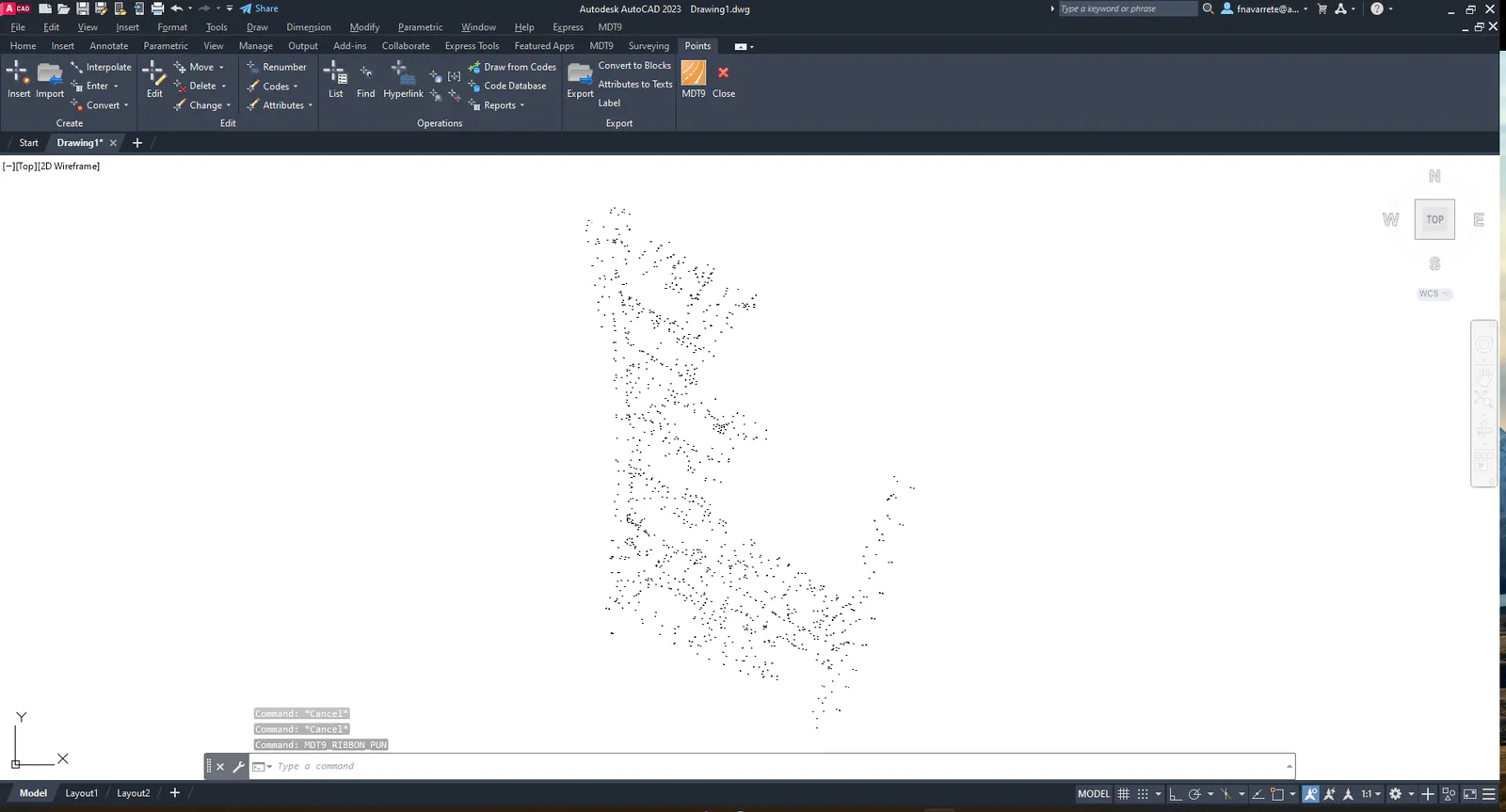
The program works in the same way as with the import points command, thereby displaying the coordinates of all the points calculated with their associated point number, height and code information. Points entered directly by coordinates will also be drawn with this command. As in the station commands, text size is determined by the scale factor set for the job. This can be modified with the Reference command.