
tcpMDT
Point Coordinates - MDT26
Point Coordinates
 | Command to execute in the CAD |
|---|---|
Vertical menu | MDT26 > Surveying > Point Coordinates |
Ribbon menu | |
Command line |
This button allows one to view the point coordinates calculated of either all points or just the ones observed from a specific station. A station must be selected or the All option chosen. The Coordinates button is then pressed.
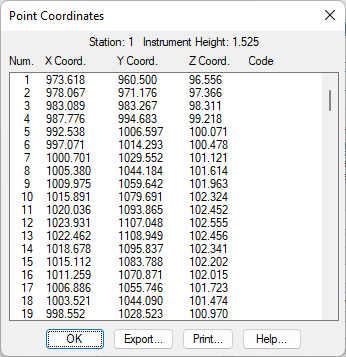
Once the origin station is selected, the program displays a list containing the number, the X, Y and Z coordinates, and the code for each point
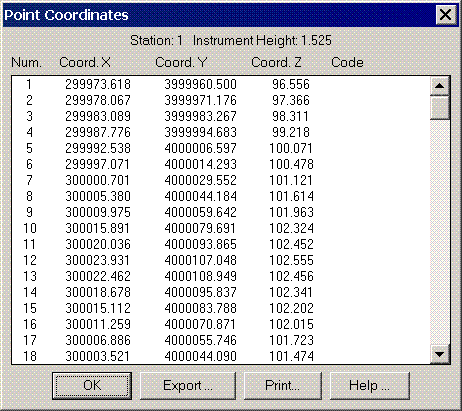
The coordinates list has the following format:
POINTS COORDINATES
Station: 1 Instrument Height: 1.525
Number X Coord. Y Coord. Z Coord. Code
1 973.618 960.500 96.556
2 978.067 971.176 97.366
3 983.089 983.267 98.311
4 987.776 994.683 99.218
5 992.538 1006.597 100.071
6 997.071 1014.293 100.478
7 1000.701 1029.552 101.121
8 1005.380 1044.184 101.614
9 1009.975 1059.642 101.963
10 1015.891 1079.691 102.324
11 1020.036 1093.865 102.452
12 1023.931 1107.048 102.555
13 1022.462 1108.949 102.456
14 1018.678 1095.837 102.341
15 1015.112 1083.788 102.202