tcpMDT
Creating a quick profile - MDT25
2.3 Creating a Quick Profile
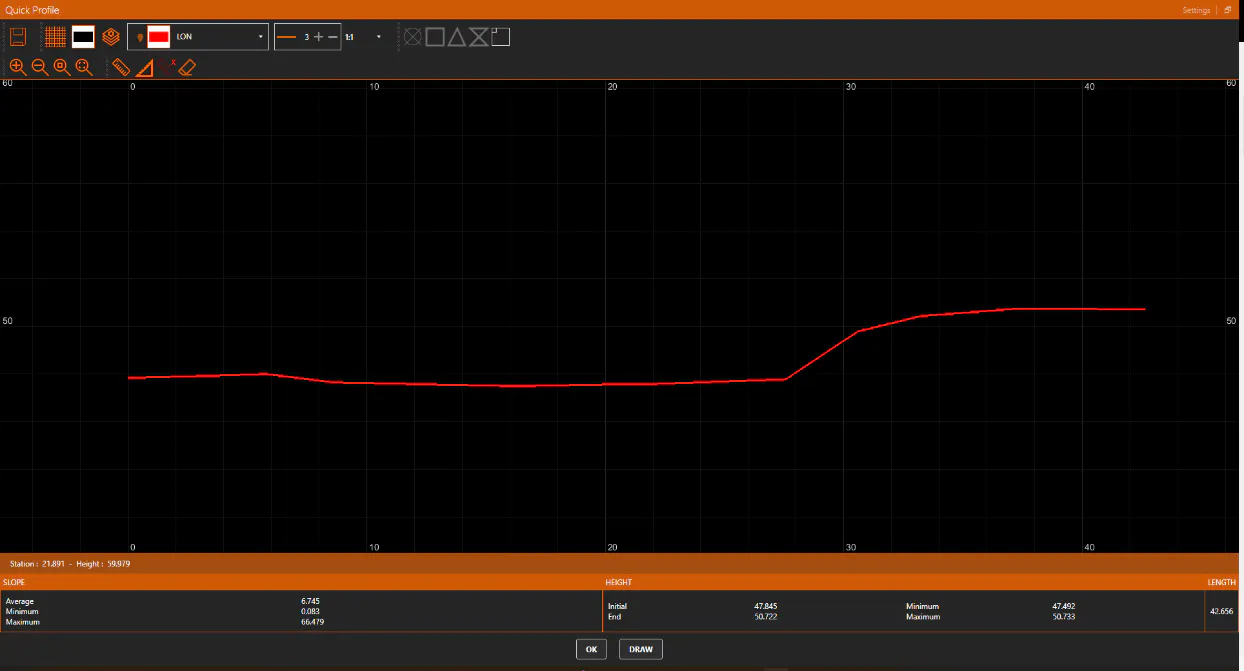
Then, we will obtain longitudinal and/or cross section cuts that will immediately indicate the DTM layout status. Thus, we zoom in by extension, and use the Quick Profile command in the MDT main menu or the Surfaces> Utilities> Quick Profile option. The first point is marked at the center of the image on the West side and the second point is also on the center of the East side image (from left to right by the center), and the profile with the geometric features and information of the aforementioned elements can be viewed. Change the Vertical Factor if desired.