
tcpMDT
Realistic representation - MDT25
2.10 Realistic Representation
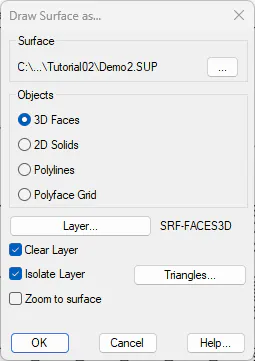
Finally, we are going to make a 3D representation of the surface, for this, we execute the option of Surfaces > Represent As... and select the options according to the following screenshot.
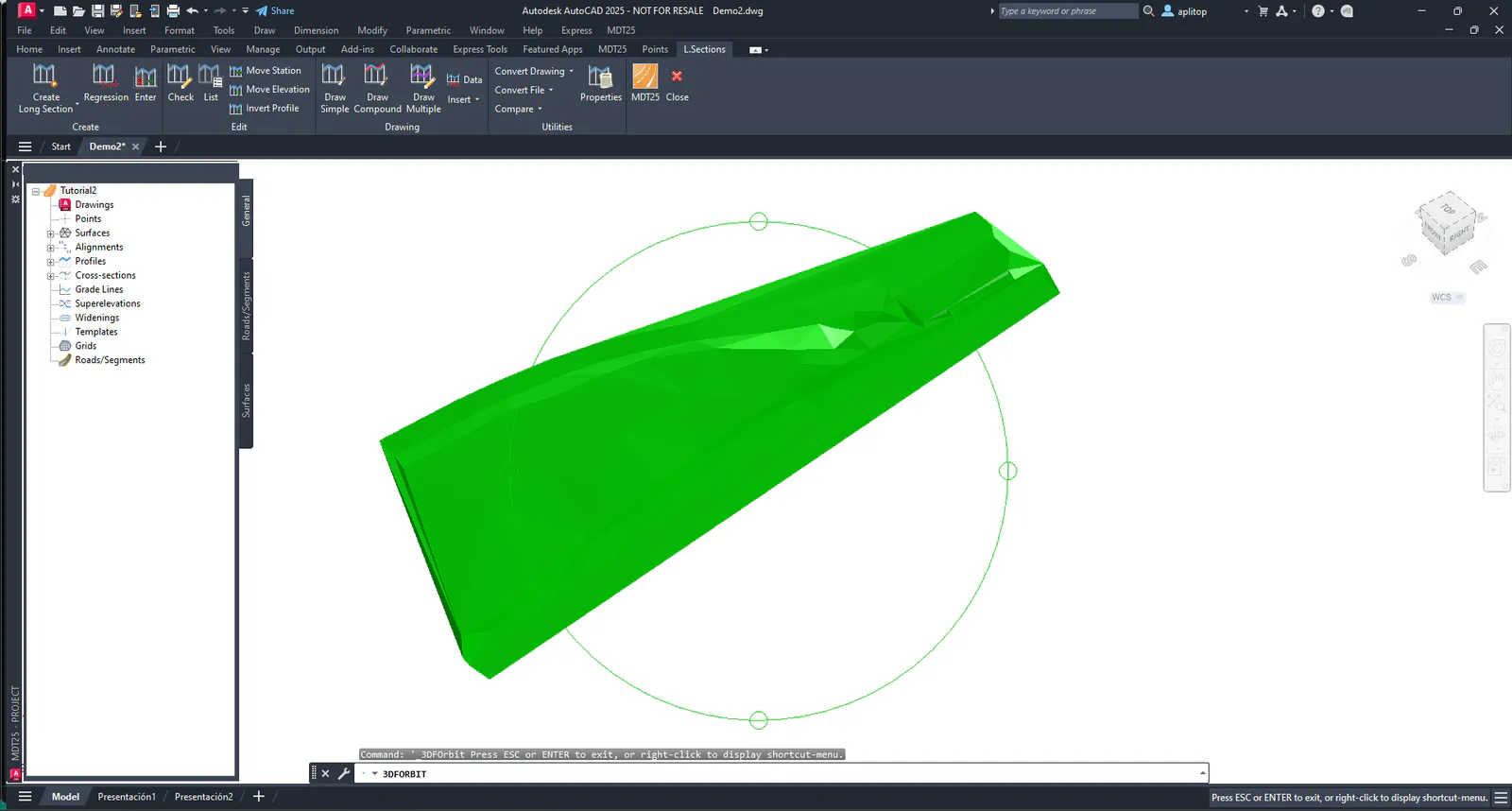
If in the CAD we make a Realistic representation with a 3D View of the drawing, the result would be similar to the following image.
File Overview
Once the job is finished, we list the existing project files in the C:\MDT25_Projects\Tutorial02 directory. The main files are the following
File Description
Tutorial2.prj MDT project file
Demo2.cap Layers file
Demo2.dwg Drawing with break lines and points
Demo2.sup MDT surface file
Demo2.eje Horizontal alignment file
Demo2.tra Cross-sections file
Demo2.lon Long section file