tcpMDT
Editing the triangulation - MDT25
2.2 Editing the Triangulation
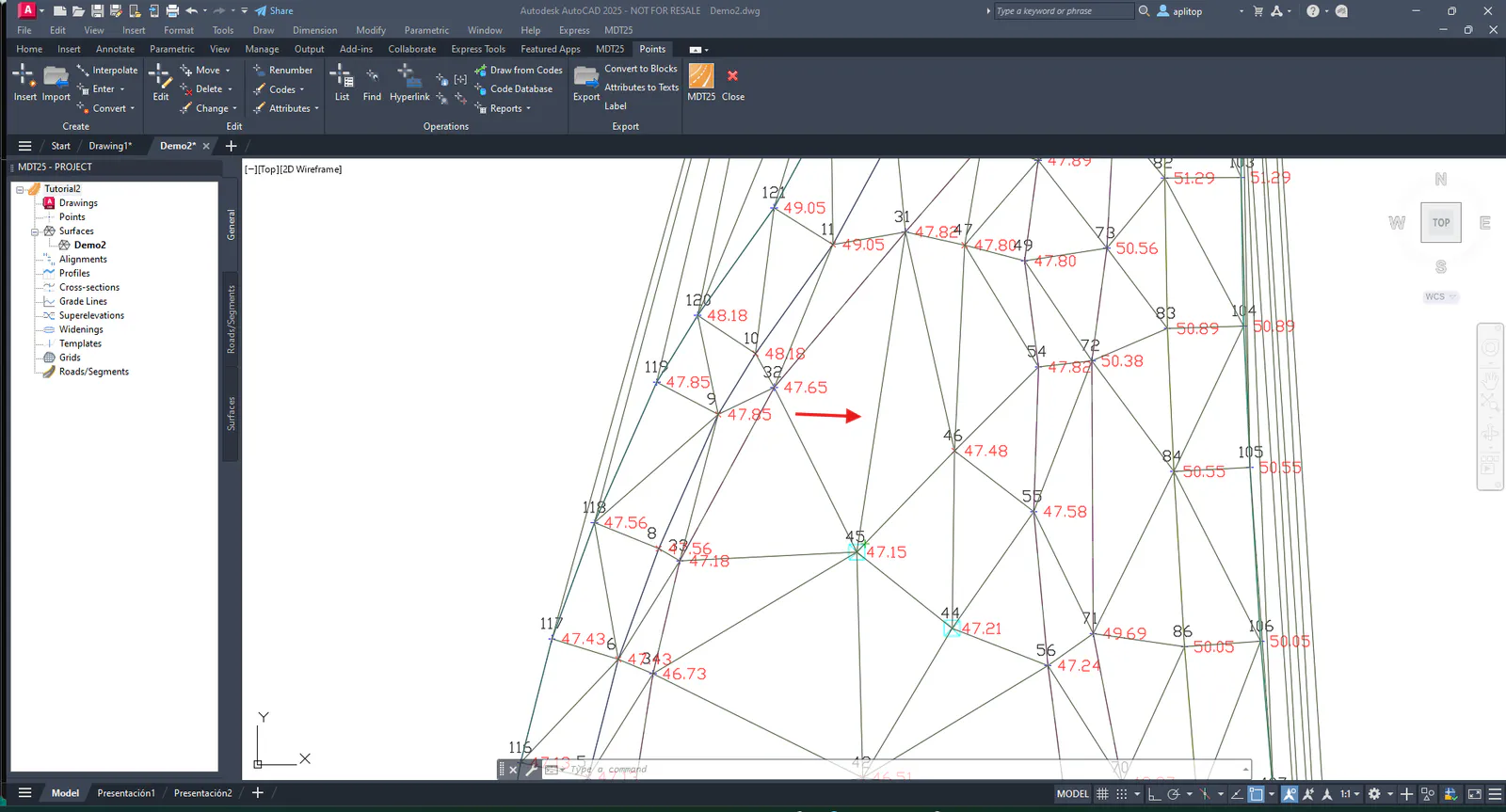
As an editing example, we will modify the joining of triangles in a given area. Thus, execute command Points > Find Point (or Points > Operations > Find), and type 32 and margin 20.
By observing the joining of points 46 and 32 in the drawing, we see that the terrain would be better adapted as 45 and 31. Hence, we enter Surfaces > Insert Line (or Surfaces > Edit > Insert Line) , and graphically we join points 45 and 31.