tcpMDT
[PRO] Analyze of Points Between Roads - MDT26

Analyze of Points Between Roads
 | Command to execute in the CAD |
|---|---|
Vertical menu | MDT26 > Setting Out > Analysis of Points Between Roads |
Ribbon menu | |
Command line |
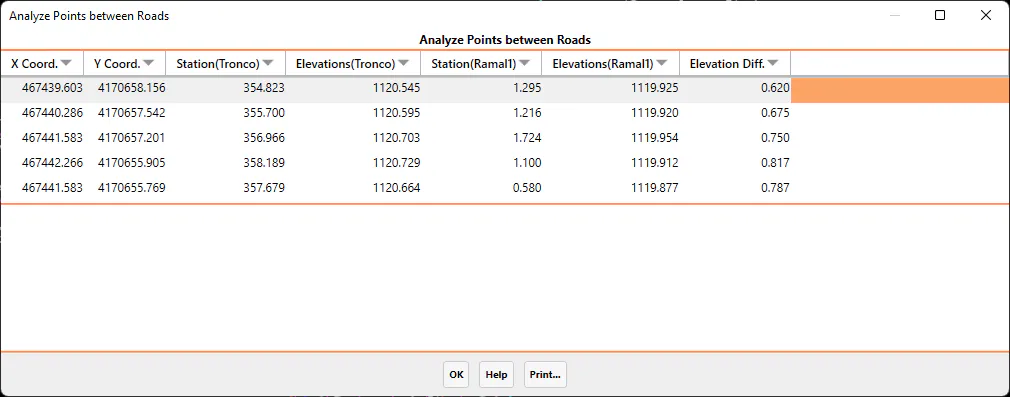
This command will make it easier for us to calculate the elevation difference between two roads at certain points that the user will designate graphically.
The command will initially ask for the two roads or segment files and it will then designate the different points to be analyzed on the drawing.
Once all the points to be analyzed have been designated, all the information resulting from the calculation on both roads will appear.