tcpScancyr
tcpScancyr advanced create alignment - TNSB3
10.9 [TcpScancyr Advanced] Create Alignment
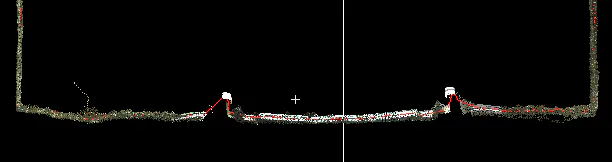
Creates a new alignment from points selected on the cross sections. This option can be accessed from "Tools -> Create alignment from Cross Sections " or from the Cross Section Options dialog with the button "Create alignment".
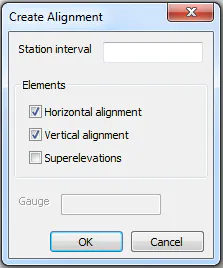
Station interval: You can define an interval and the cross sections will be showed with this step.
Horizontal alignment: Create the horizontal alignment from the selected points.
Vertical alignment: Create the vertical alignment from the selected points.
Superelevations: If this option is checked the program will create a parallel alignment searching the points with a X displacement of the gauge selected and the most high one in a selection range. This option is very useful to create railway alignments.