tcpMDT
Add profile into the drawing - MDT25
9.25 Add Profile into the Drawing
This tool will allow us to incorporate a new longitudinal profile to one that is already drawn. This option is particularly useful because the longitudinal will be drawn and the numerical data information will be updated automatically, based on the newly added profile.
To do this, first of all, we draw a profile in the usual way and then, when executing this command, it will ask us to designate the drawn profile and then the file to add.
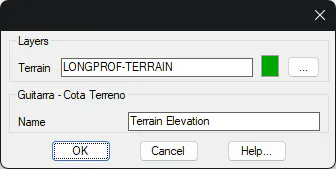
Then the following window will appear in which we have the possibility to customize the Layer and the Color where the new longitudinal will be presented, as well as the name of the element.
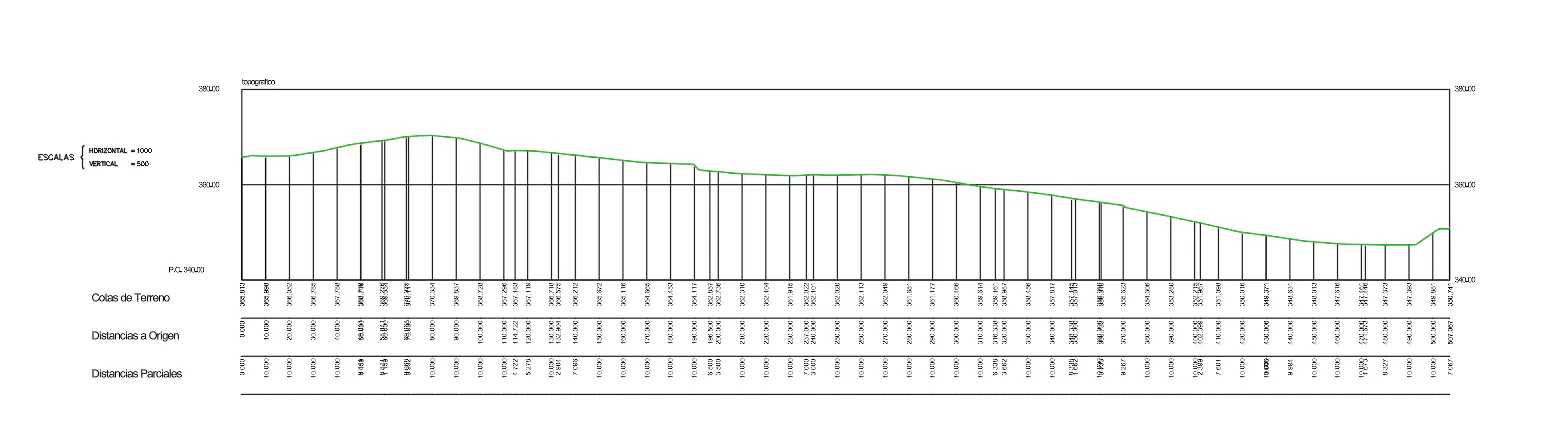
Drawing of the profile on which the new selected profile will be added.
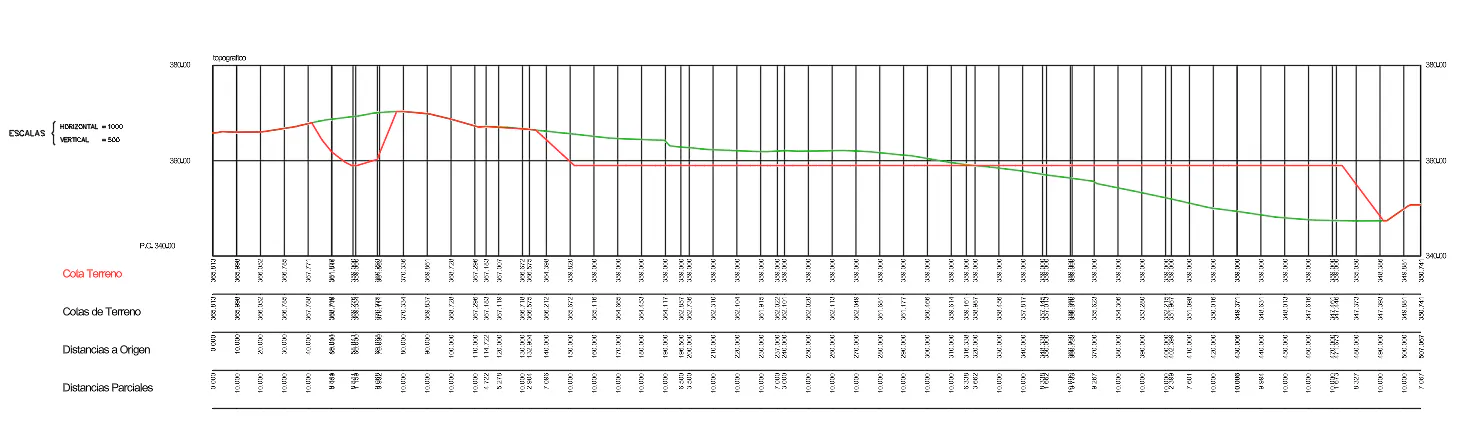
Drawing resulting after adding the new longitudinal, the new information added is shown in red.