tcpMDT
If we press this button it will take us to the revision of the long section cons - MDT25
9.21 If we press this button it will take us to the revision of the long section. Consult the Check Long Section command.
Update after changes to the axis or surface
If we activate this option, in the event that the user makes any change in the alignment or surface from which the long section has been generated, it will be updated automatically, both the drawing with the file of the profile.
Final Result
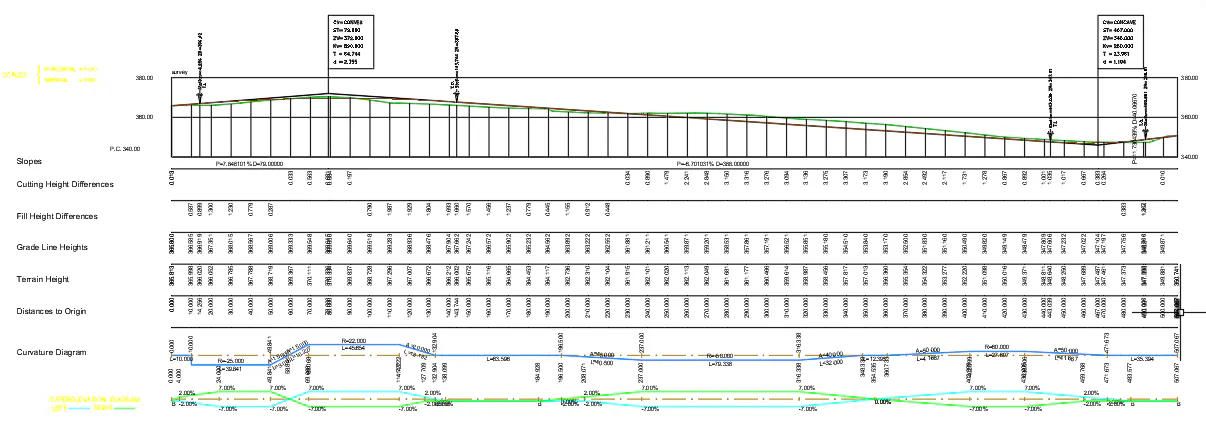
Once the dialog box has been validated, MDT asks for a point on the screen from which the segment will be represented. These points can be selected with either the mouse or by entering data in the command line. The final result of a segment drawing can be seen below.
Furthermore, if we select Automatic as a drawing option the program will draw the profile in the first free area to the right of the current drawing.