tcpMDT
Insert texts - MDT25
9.31 Insert Texts
This option allows one to insert multiple CAD texts rapidly and easily between two previously selected points. It is particularly useful for the insertion of points associated to the Limits numerical data element (see its description in the Numerical Data command).
When this command is activated, the following window is displayed, which is described below:
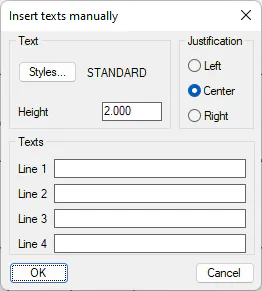
Text Style: The CAD text style one wishes to assign to the texts to be inserted is selected.
Height: Text's height.
Justification: Justification of the texts to be inserted.
Texts: The texts one wishes to insert are written on each of these lines. A maximum of 4 lines can be inserted.
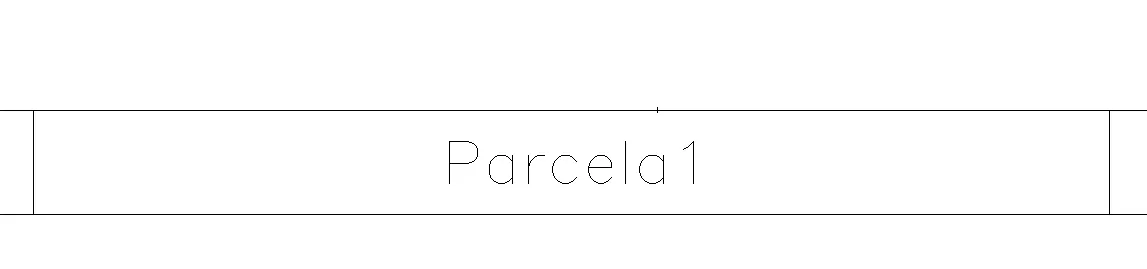
The result is as follows: