tcpMDT
Create long section from several alignments - MDT25
9.5 Create Long Section from Several Alignments
This command is used to generate multiple long sections simultaneously.
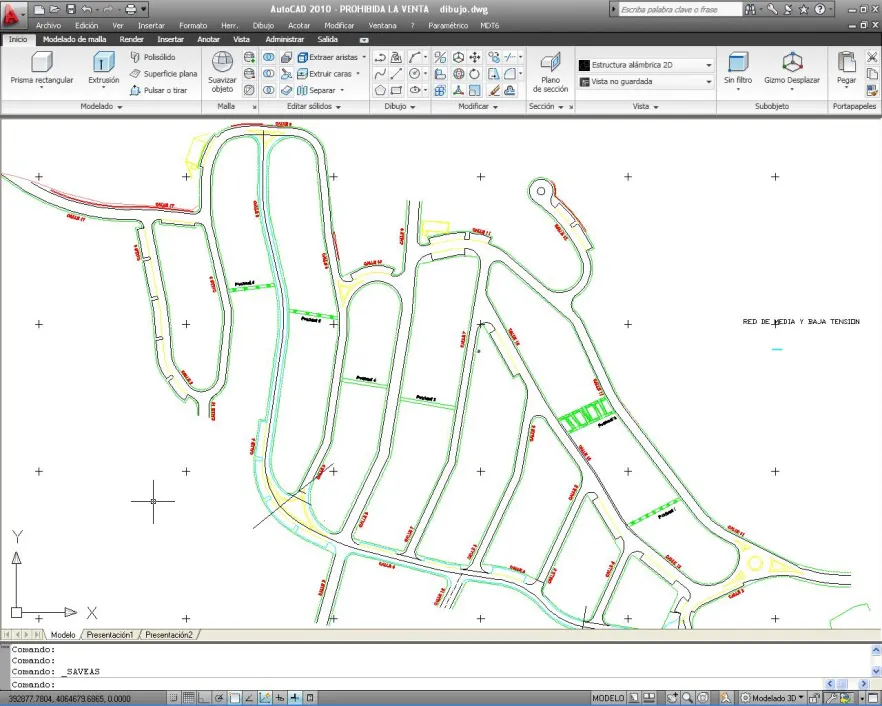
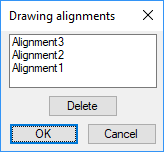
By executing the command, the program will load all the profiles existing in the drawing, for which it is necessary to previously import or draw all the horizontal alignments from which we wish to generate the profiles. Then it will display the following window with the name of each drawing's horizontal alignment, allowing for the possibility to eliminate horizontal alignments with which we do not wish to generate the longitudinal profile.
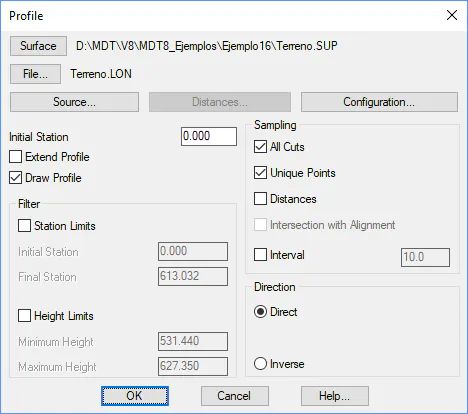
Once this window is validated the program will display the following window whose details are described in the Get Profiles command.