tcpMDT
[PRO] exporting to segments MDT V9 or earlier - MDT25
13.29 [PRO] Exporting to Segments MDT V.9 or Earlier

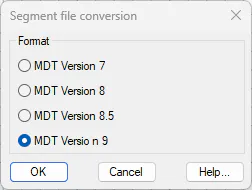
This command will allow us to convert a segment from MDT version 25 to version 9, 8.5, 8.0, 7 or earlier.
The new file created for version 9 or earlier will not have those features that are presented as new in version 25.
The program will first ask for the file to be converted and then the file in which the changes are to be saved.
Exporting as a 3D Model 
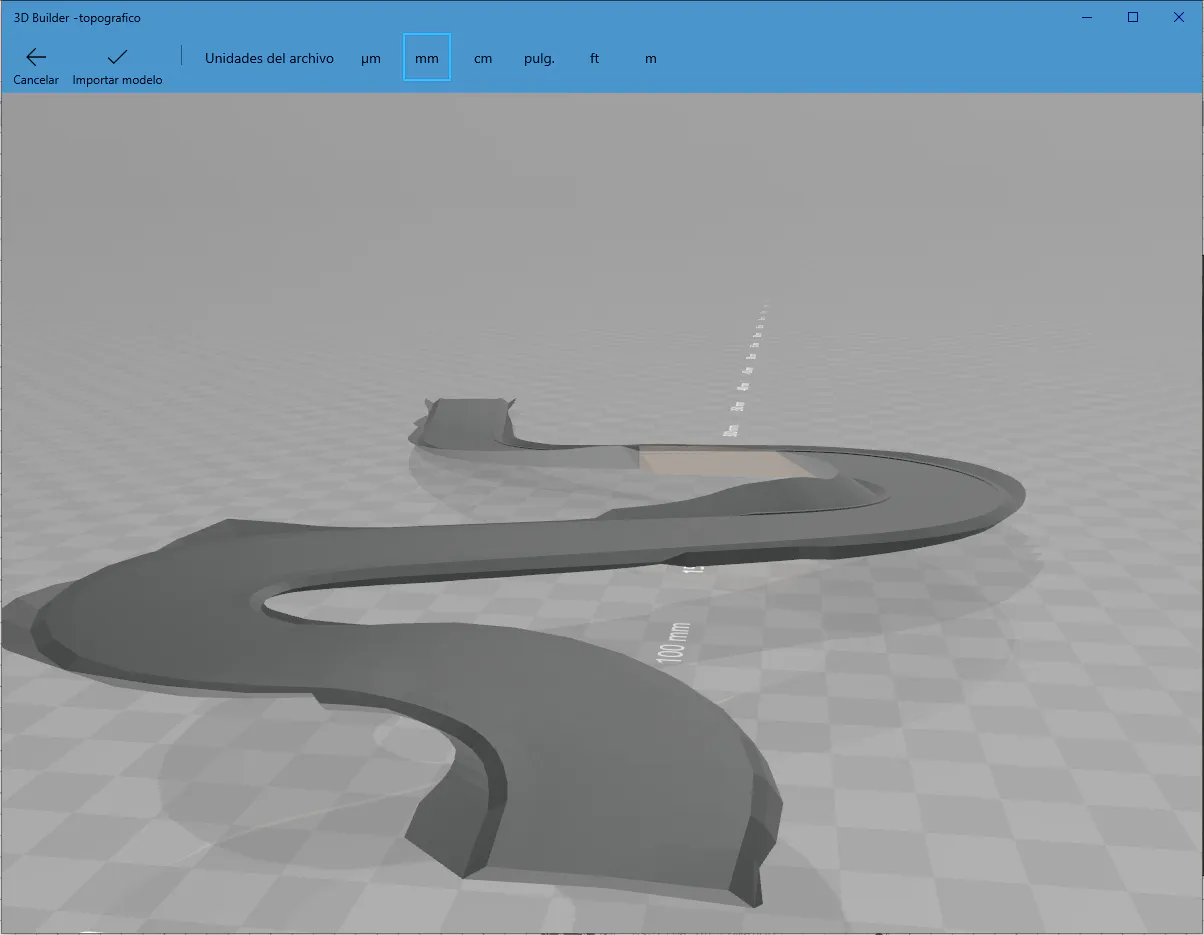
This command allows us to convert a segment into a 3D model in .OBJ or .KML format. To do so, the program will ask for an input segment and the name of an output file.
The OBJ format shows the road surface and the subgrade merged:
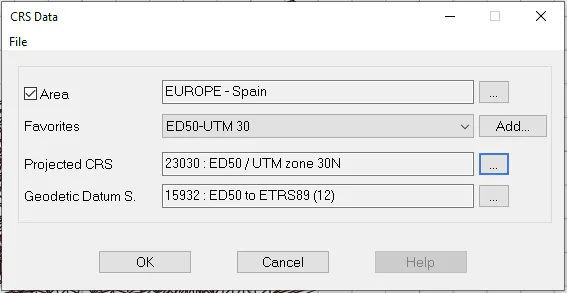
The KML format will ask for the segment\'s projection system in order to locate it correctly in Google Earth:
And we can view the subgrade and the road surface either separately or together:
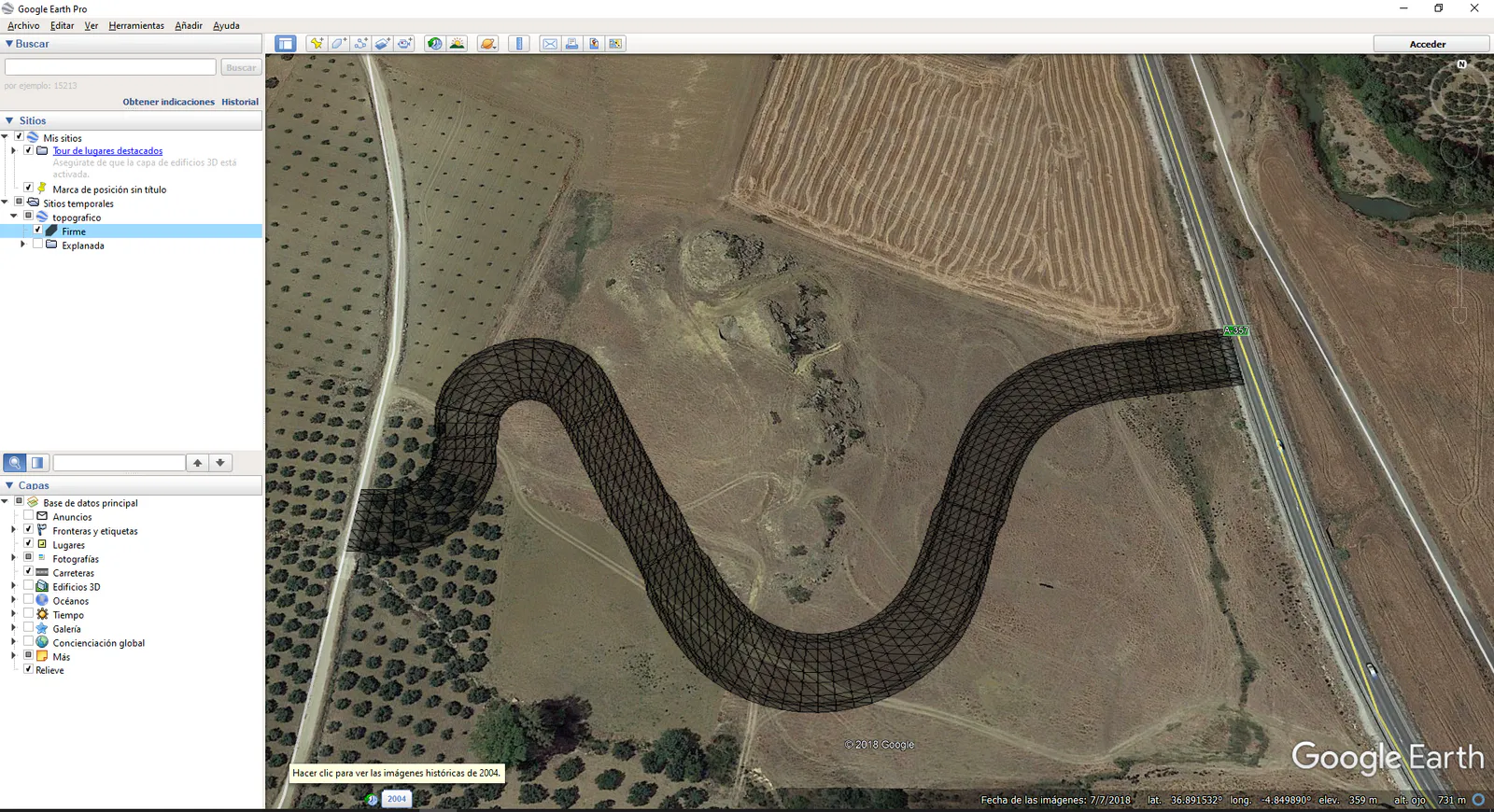
Road Surface
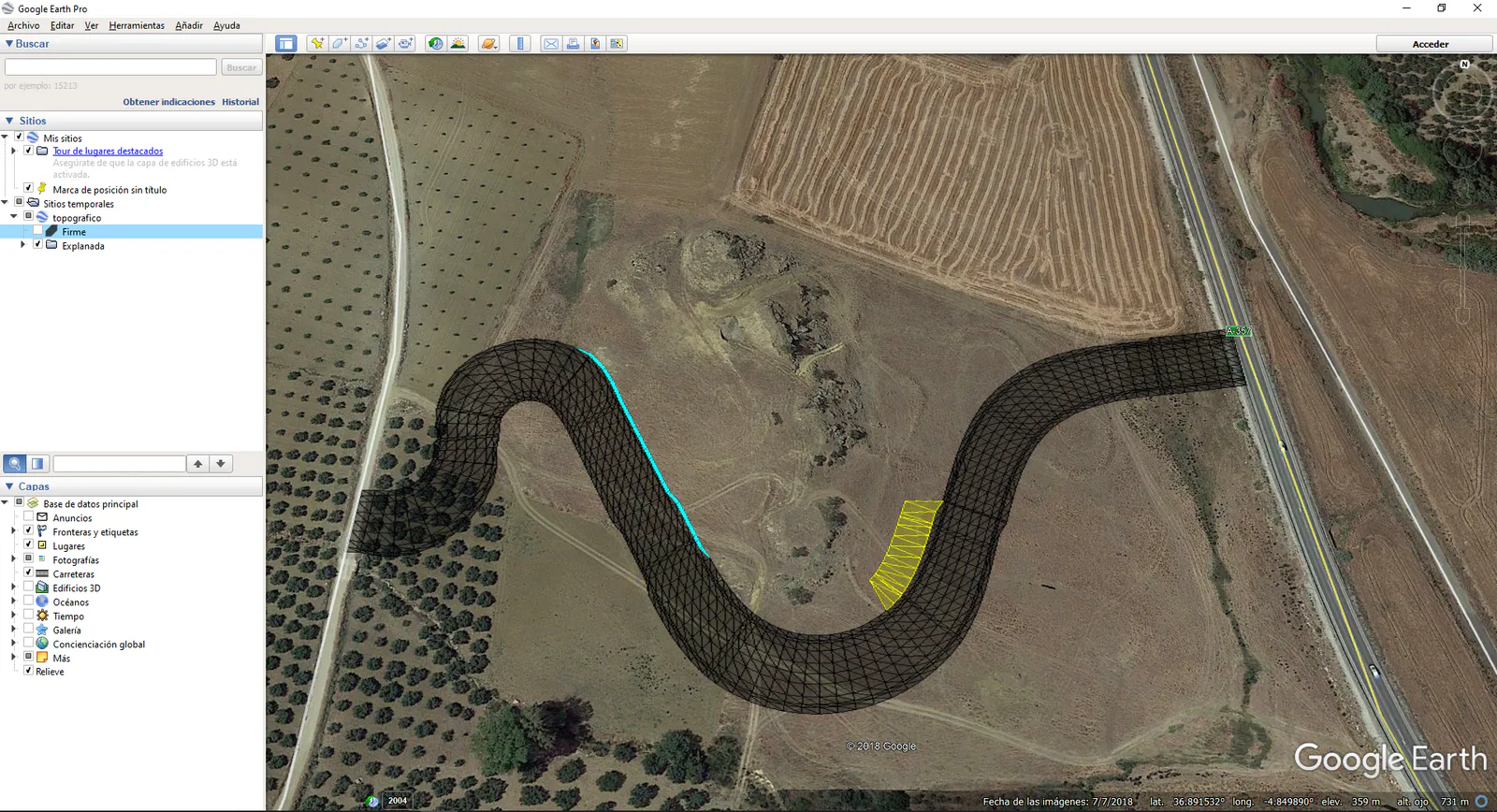
Subgrade
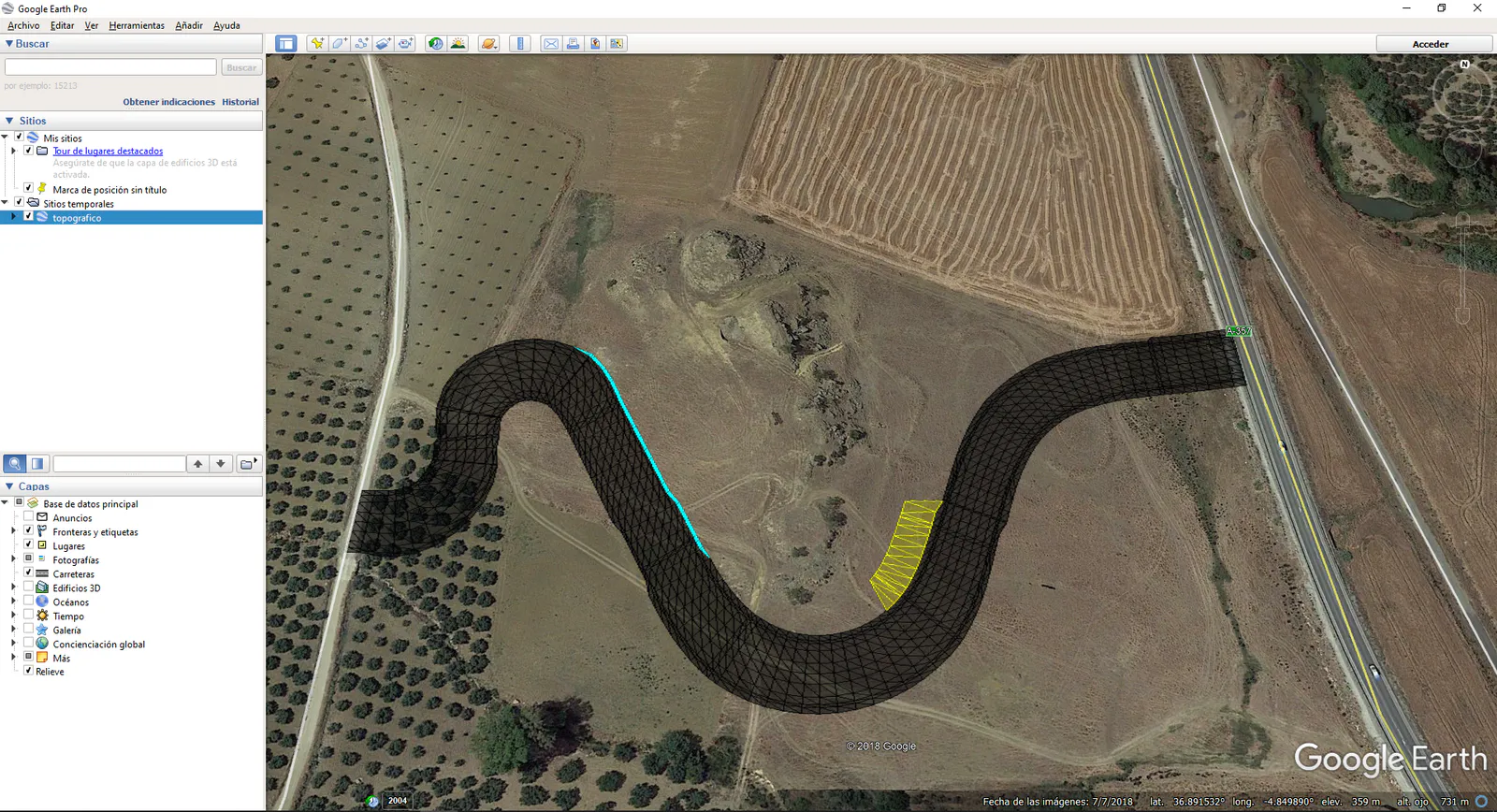
Road Surface and Subgrade
Gauge Control
This command enables us to calculate the difference in height between two segments or roads at intersection points.
First of all, the drawing needs to feature the horizontal alignments corresponding to the roads we wish to analyze, then, on executing the command it will ask us to draw the intersection between the two roads on the screen.
Once selected a block with all the information in relation to the same will appear next to the intersection. The image below illustrates this operation.
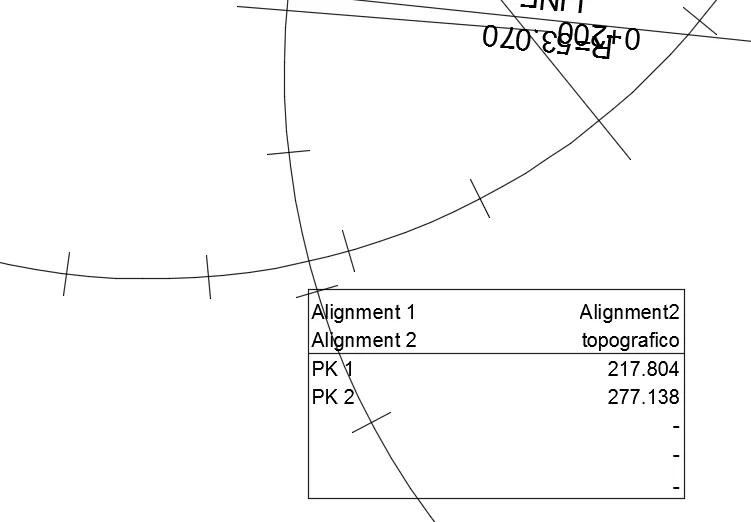
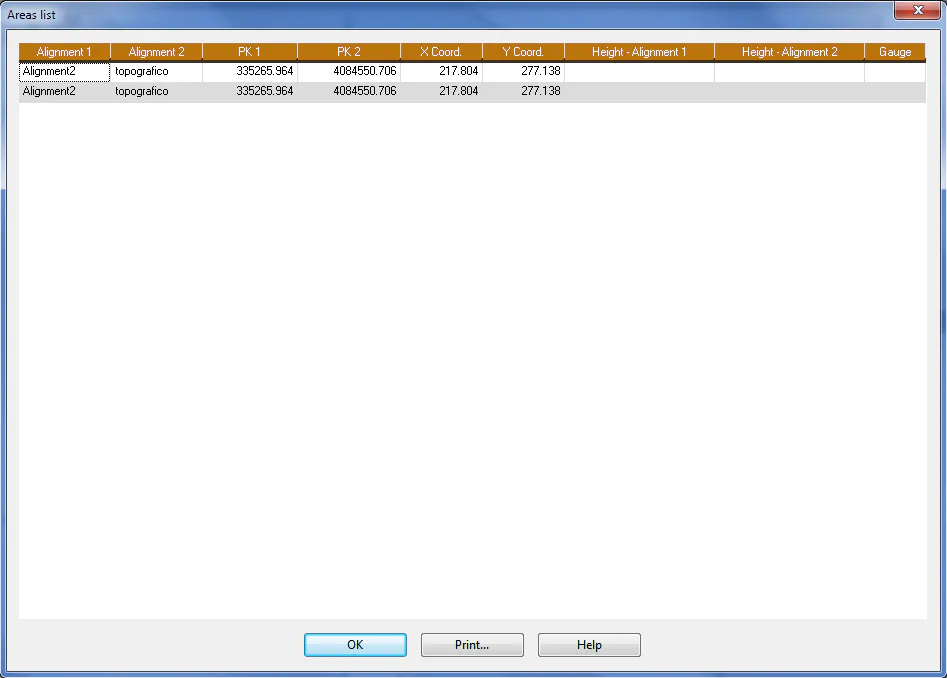
Once all the intersections between the different horizontal alignments in the drawing have been selected, the command will give us the option of showing all the information on a list with the option of printing the same.