
tcpMDT
[PRO] quick view from alignment - MDT25
13.7 [PRO] Quick View from Alignment

With this command, with the drawing of the road or surface in top view, we can interactively visualize the cross-section according to the station where the cursor is located.
The user can work in two different ways, either from a segment or from a horizontal alignment and a surface; in both cases it is necessary to have the corresponding information previously drawn in top view. Once the corresponding file is selected a floating window appears displaying the cut in elevation plan view according to the point selected on the horizontal alignment.
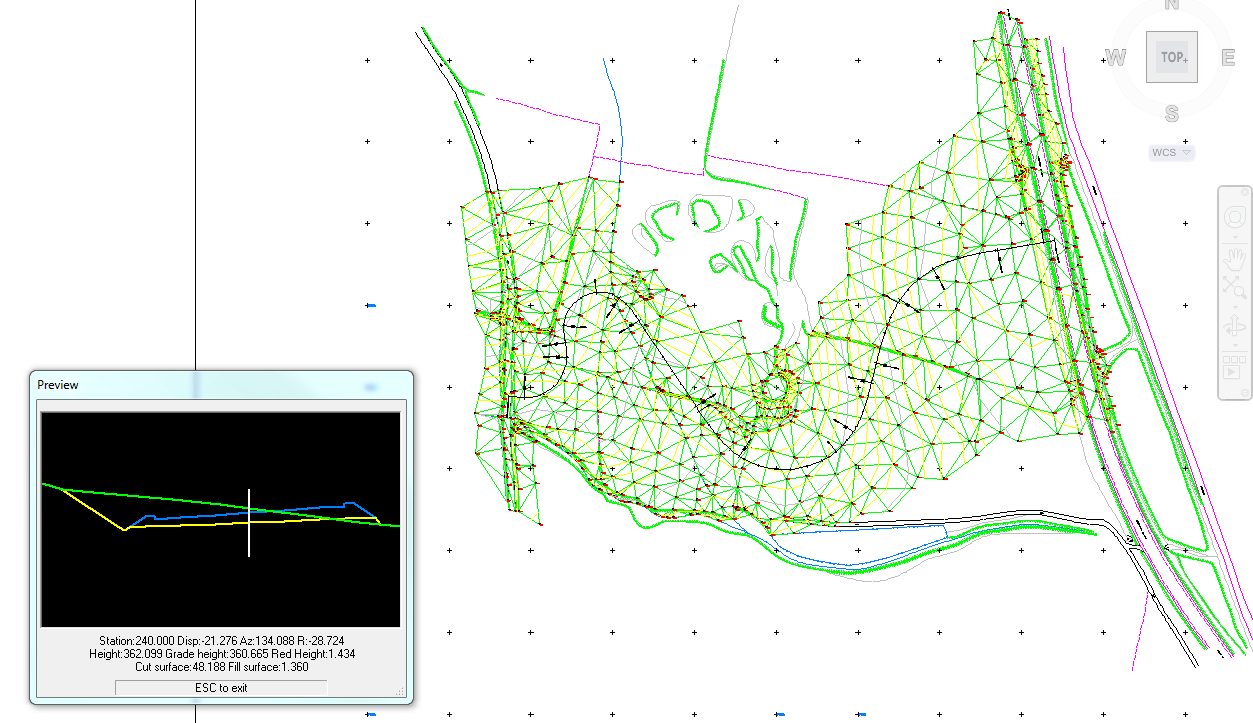
As well as this floating window with the profile in front view, it provides important information such as the horizontal alignment elevations, areas, volumes, etc., according to the work mode selected in the command.