tcpMDT
[PRO] render in 3D - MDT25
13.27 [PRO] Render in 3D

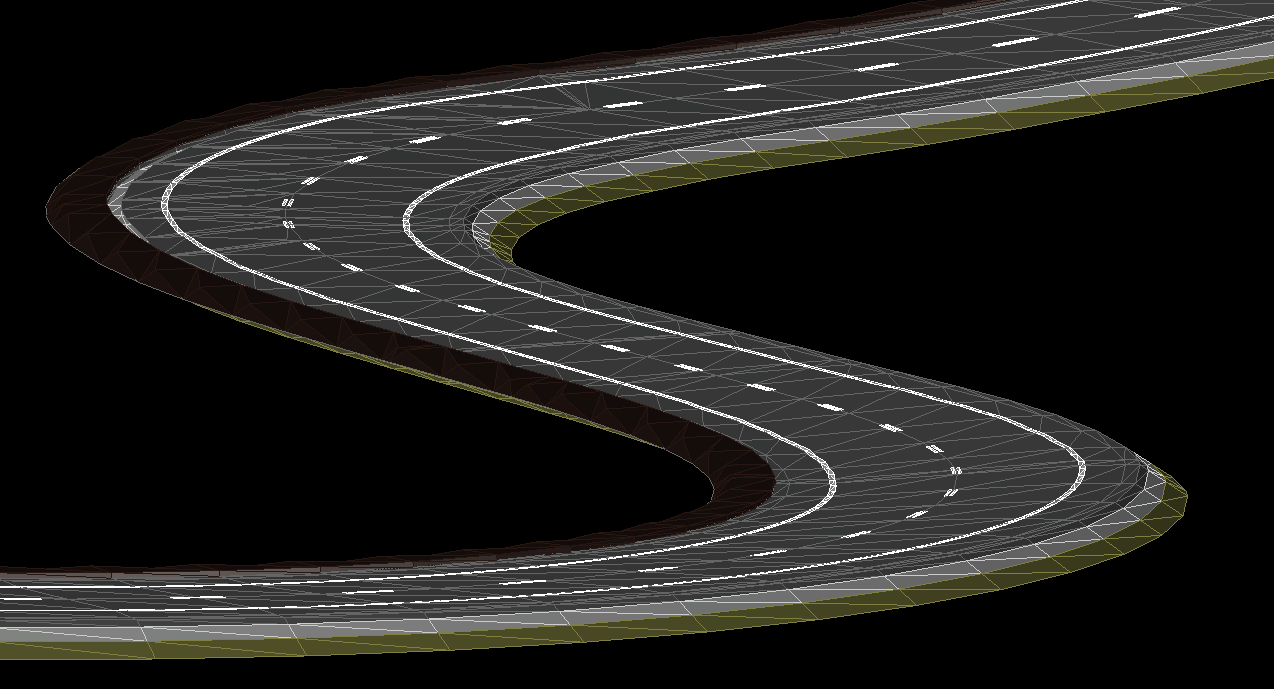
With this tool we will have the possibility to represent our vial in the 3D drawing, the presentation will be made with 3D Faces with closed objects and classified by layers.
When you run the command, the following window will appear:
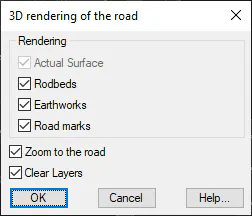
Actual Surface: If there is a surface in our drawing, it will be converted to 3d faces automatically.
Roadbeds : In the event that the selected segment has the Roadbeds defined, a 3D representation of them will be made.
Earthworks: We activate this option if we want the earthworks resulting from the modified segment on the current surface to be represented.
Road marks: If this option is enabled, the road marks of the vial will be represented, if they are defined.
Zoom to the road: The position of the vial will be zoomed in once the rendering is complete.
Clean Layers: All existing entities in the drawing layers involved in the rendering will be deleted.