tcpMDT
Assigning porperties to the project and the drawing - MDT26
19.2 Assigning properties to the project and the drawing
We open the drawing Earthworks.dwg. The associated project will load automatically; if not, open it with Project > Open.
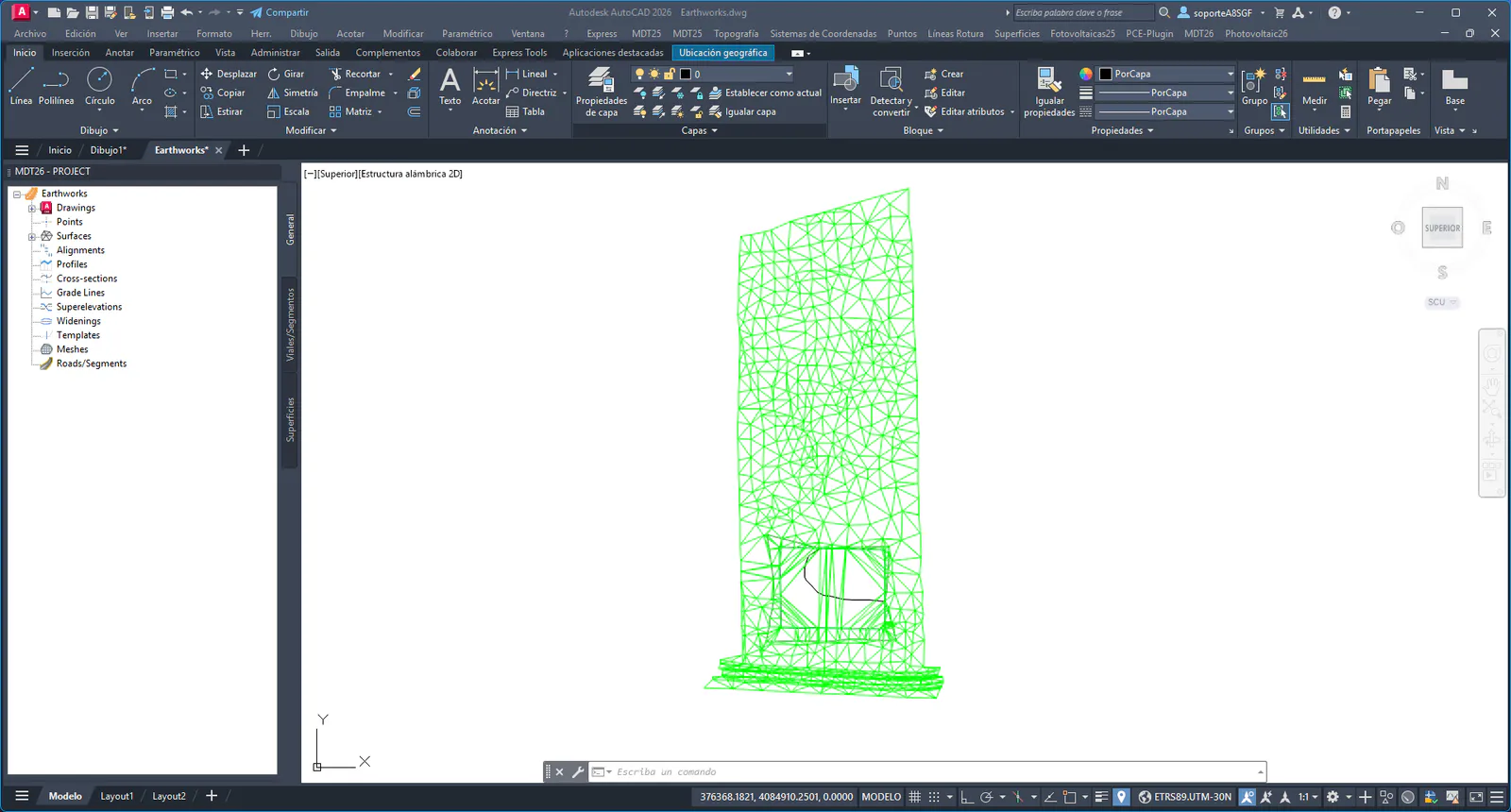
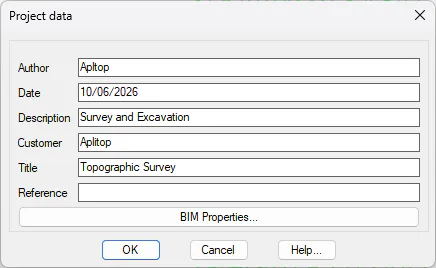
In the project window, right-click on the project name and select Project Data. Fill in the fields with the project data and press the BIM Properties… button to access the IFC properties of the project.
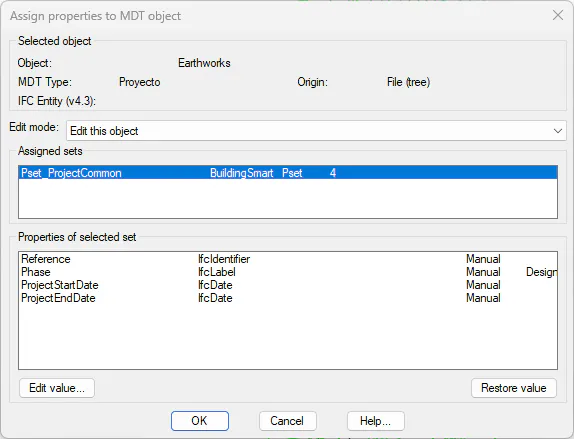
In the dialog that appears, the set Pset_ProjectCommon (buildingSMART) is active by default. Select it and assign the appropriate values for the project.
Similarly, select the drawing in the project window, execute Drawing Data and press Properties.
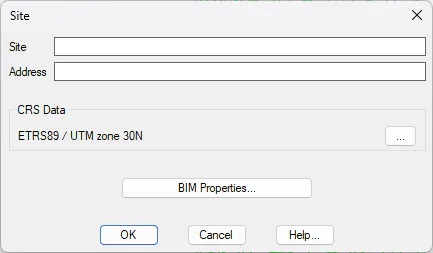
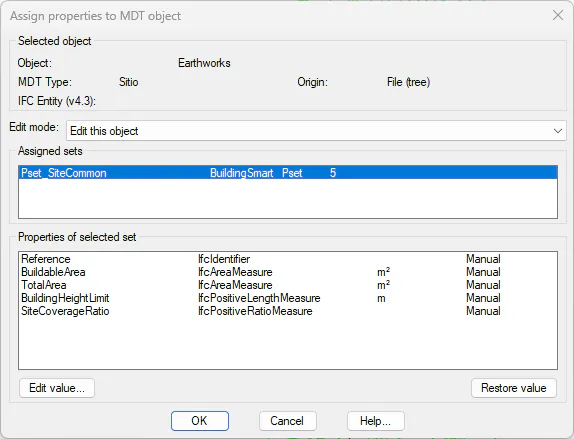
Verify that the Coordinate Reference System has been detected automatically, edit the MDT Type SiteDrawing and assign the set Pset_SiteCommon with the corresponding values for the site.