tcpMDT
Importing the roadway and surface - MDT26
19.8 Importing the Roadway and Surface
To complete the exercise, we are going to import an IFC file, in this case a file of version 4x3_add2. This revision of the format has the particularity that it can already include alignments, gradients, and cross sections.
Initially, we open a new drawing in the CAD and execute the command BIM > Import IFC, select the file bim4x3_add2.ifc, the import window will appear with the different project attributes read from the file, as well as its content.
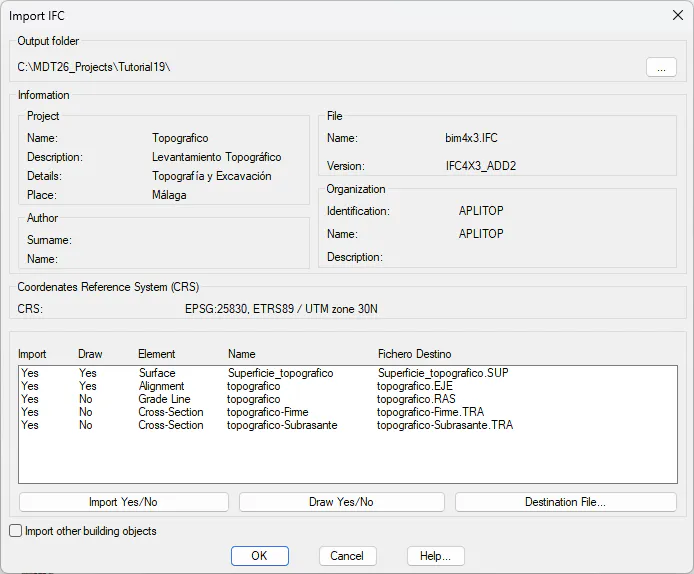
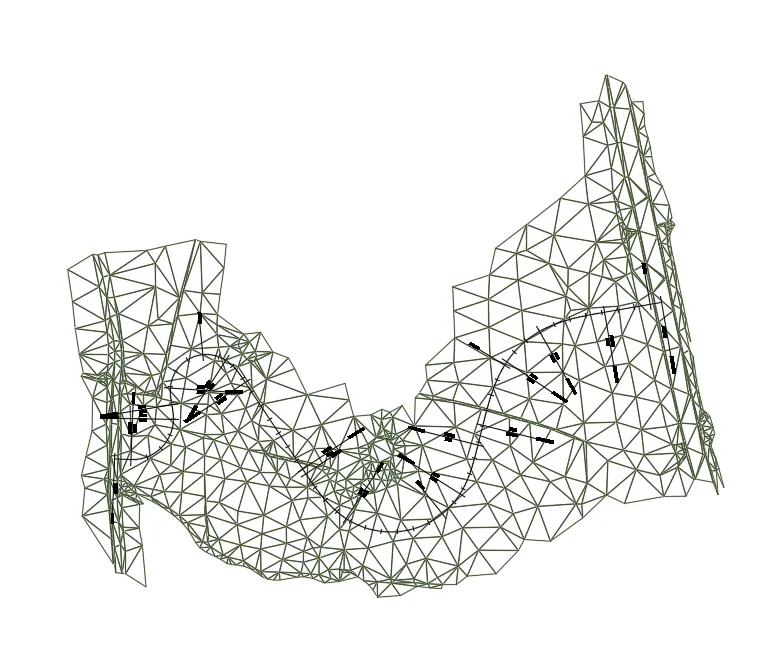
We set the same import and drawing configuration. By pressing the OK button, the files will be saved automatically and the imported surface and axis will be drawn in the current drawing.