tcpMDT
Property set - MDT26
In this exercise, we introduce the OpenBIM workflow with tcpMDT v26, practicing the two major new features compared to the previous version: the new system of BIM classifications, which allows assigning multiple classification systems simultaneously to the same MDT object, and the new model of properties, which separates Psets (configurable properties) from Qtos (calculated quantities), and allows overriding the value of a property for a specific object.
The files are located in C:\MDT26_Projects\Tutorial 19.
19.1 Property Set
First, we are going to add properties necessary for project management. To do this, we execute the option BIM > Definition of Property Sets and press the button Import Standard PSet to incorporate properties from buildingSMART, specifically, we select:
Pset_ProjectCommon
PSet_SiteCommon
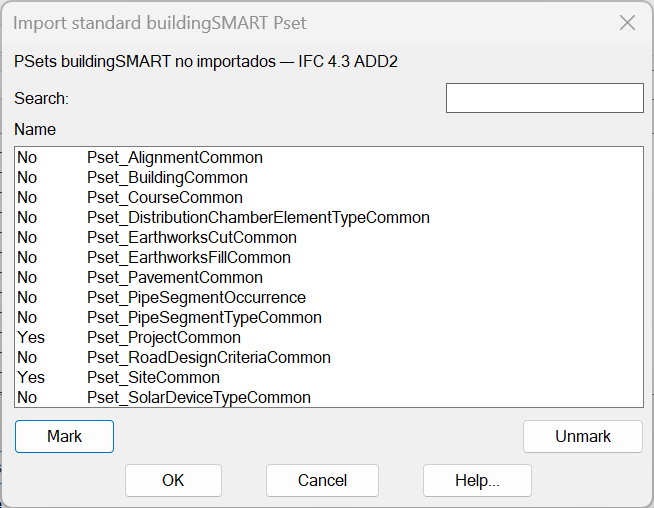
We press the OK button and observe how new Property Sets appear.
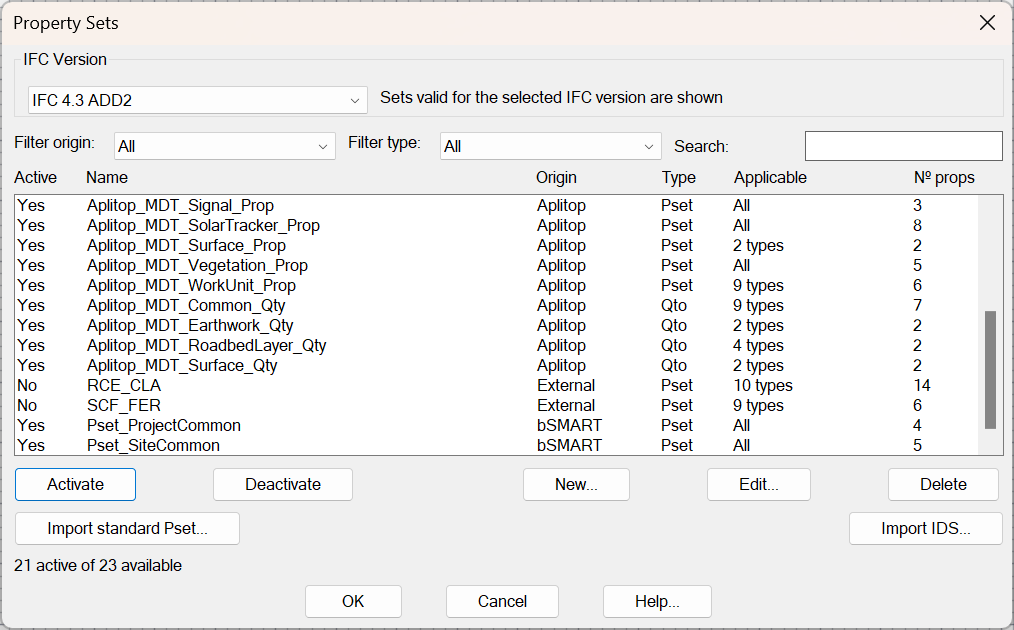
Now we select each of the included Property Sets and activate them.
We press the OK button again.
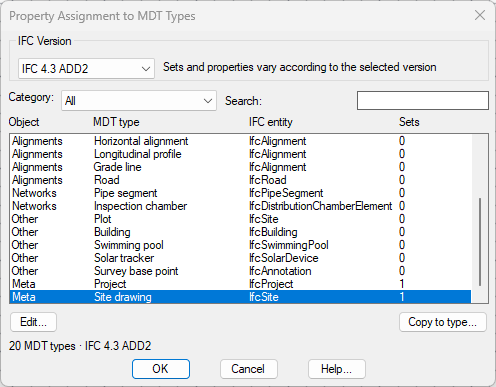
Next, we are going to assign the property set Pset_ProjectCommon to the object Project. To do this, we execute the option BIM > Assign Properties and select the MDT Type Project.
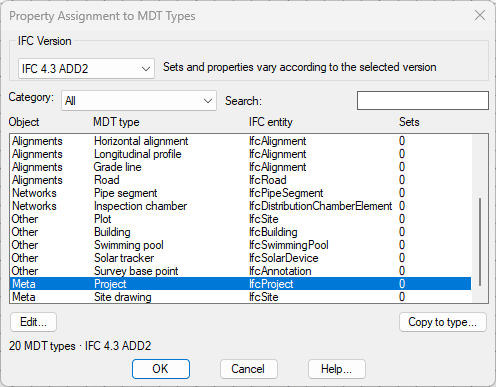
We select the MDT Project Type and press the Edit:
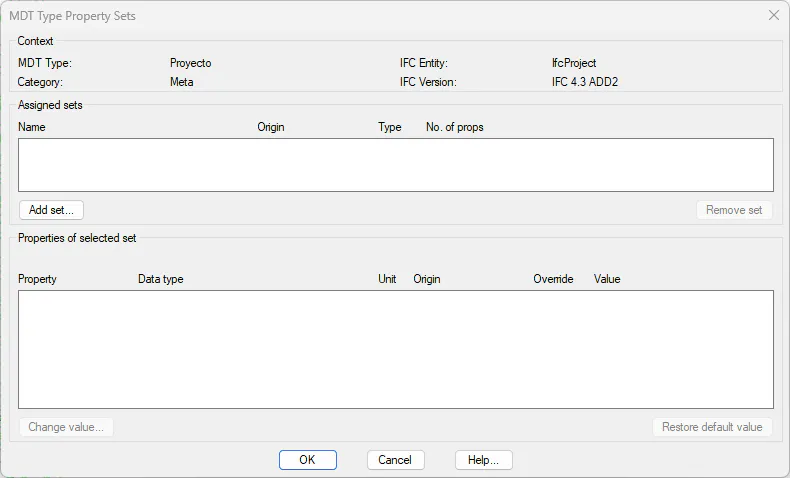
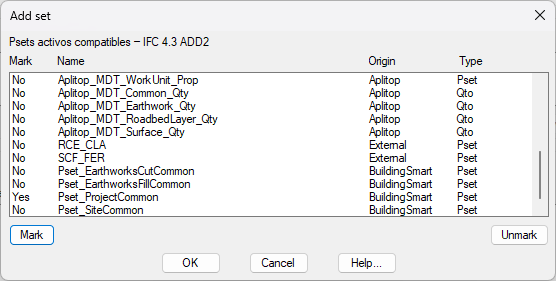
With the Add Set button, we check Pset_ProjectCommon and press the OK button.
We observe that a new set is assigned.
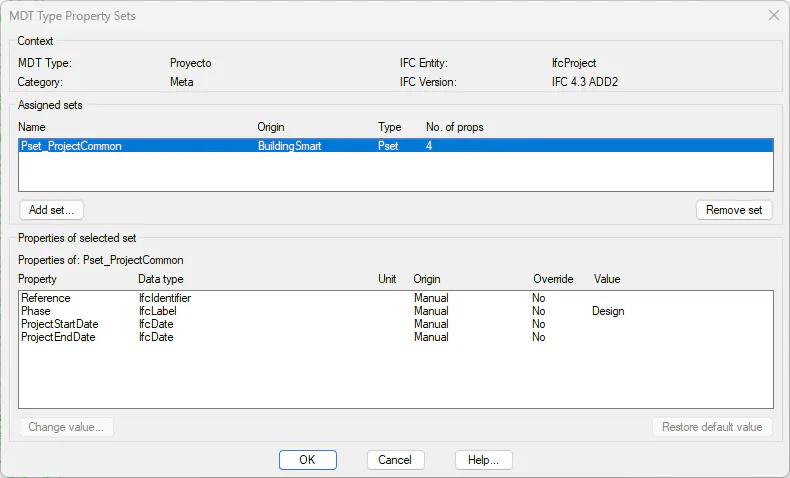
We also press the OK button.
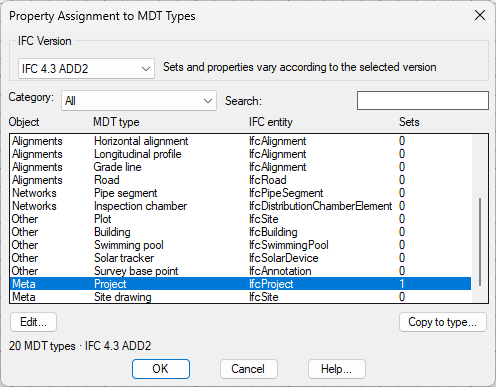
In the same way, we proceed with the MDT Type SiteDrawing, assigning it the set Pset_SiteCommon.