tcpMDT
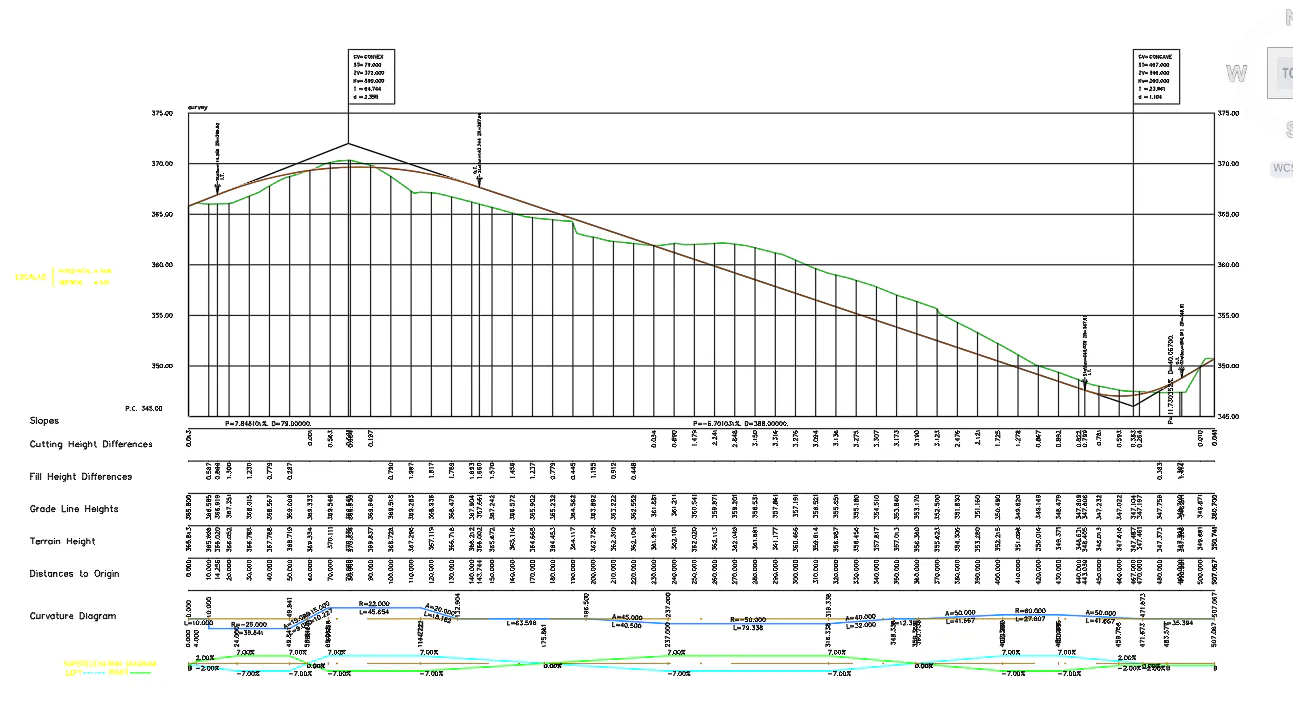
Drawing long section - MDT26
8.8 Drawing Long Section
Now we can represent both the long and cross sections completely. To do this in the MDT menu, select the option Road/Segments> Draw Long Section (or Roads > Drawing> Long Section) and select the solera.seg file. Set 1000 and 200 as scale values for Horizontal and Vertical respectively, and specify value 10 as Constant interval. In Paper size, choose Continuous. Press OK and specify an insertion point for the drawing.